Webhooks
Send signed alerts to your own systems, such as a paging tool or an interface engine, and check, test and replay each delivery.
What this page is for
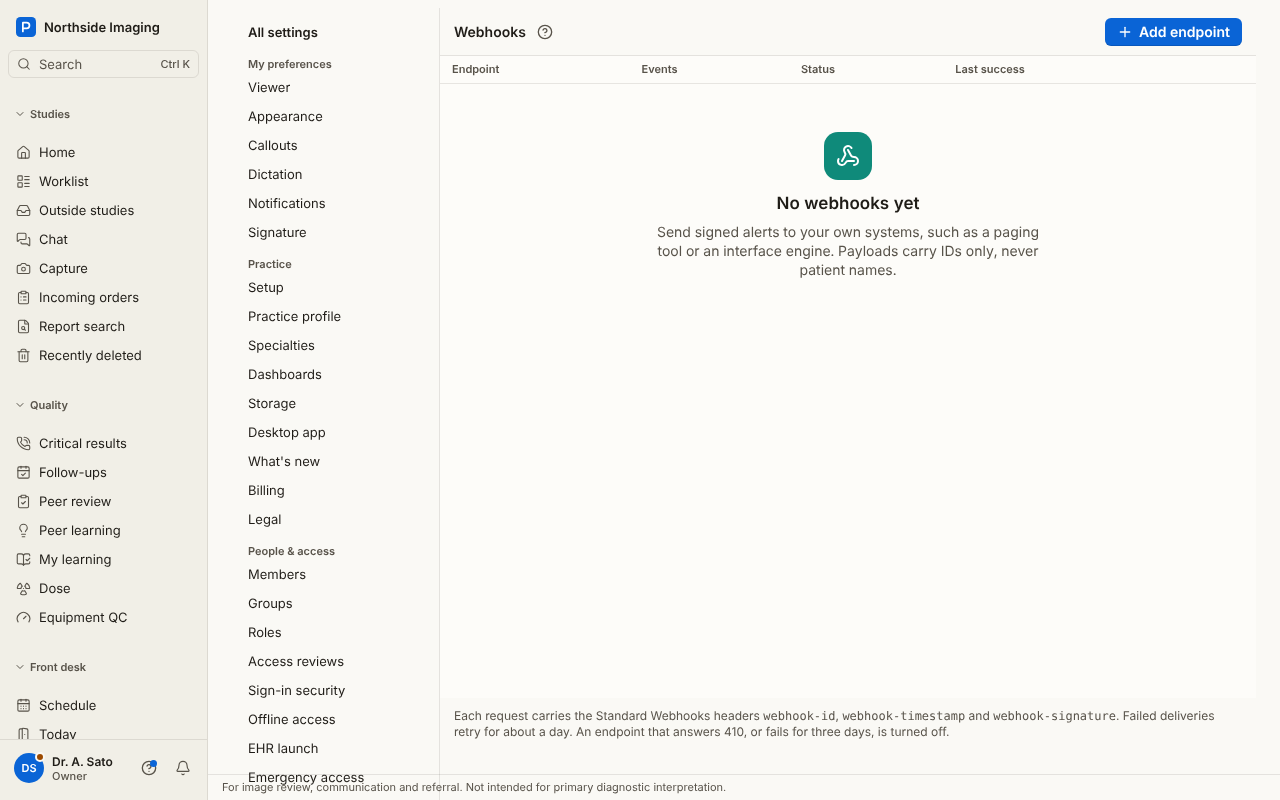
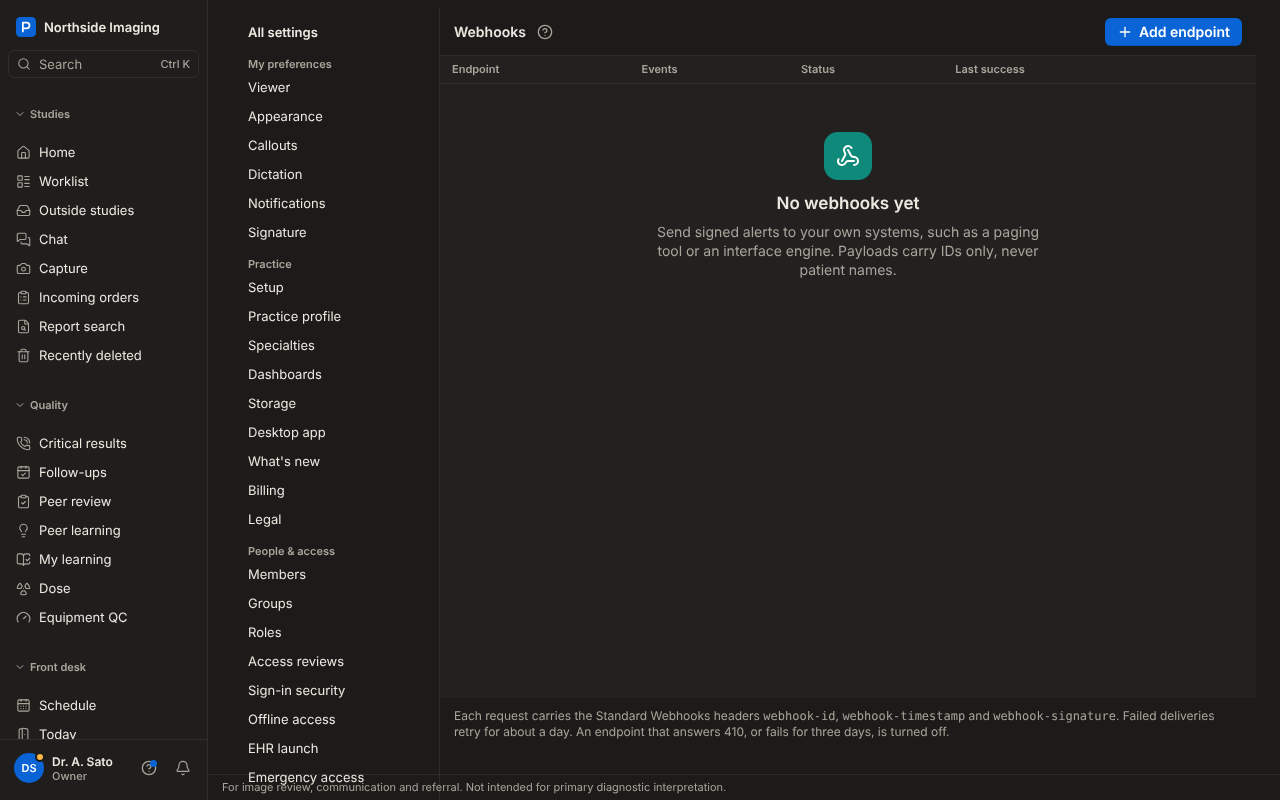
Settings › Webhooks sends signed alerts to your own systems, such as a paging tool or an interface engine. Each endpoint is an HTTPS address that receives the event types you choose. Payloads carry IDs only, never patient names.
Each request carries the Standard Webhooks headers webhook-id,
webhook-timestamp and webhook-signature, so the receiver can check it
came from PacsPilot.
Who can use it
Owners and admins, or any member whose role has the permission to change practice settings.
The page shows only while alerts are on for the practice. If you do not see it, switch on Alerts and notifications on Alerts first. Only the practice owner can subscribe an endpoint to billing events.
How to add an endpoint
- Press Add endpoint.
- Enter the URL. It must be public HTTPS on port 443. Redirects are not followed.
- Optionally enter a Description.
- Under Events, tick the event types to send. They are grouped, for example Sites, Uploads and Interfaces.
- Tick the confirmation that the receiver is covered by your BAA, or receives no patient data.
- Press Add endpoint.
- Press Copy to copy the signing secret, and store it in the receiving system. It is not shown again. Press Done.
A practice can have 5 endpoints. Add endpoint is greyed out once you reach the limit.
How to test an endpoint
- Press Send test on the endpoint.
- A message says how fast the test was delivered. If it was not accepted, a banner says why, and it retries on the normal schedule.
How to check and replay deliveries
- Press Deliveries on the endpoint.
- Each delivery shows the event, the time, the attempt, the result and how long it took.
- Press Replay on a delivered or failed delivery to send it again.
- Press Show older to load older deliveries.
How to rotate the signing secret
- Press Rotate secret.
- Press Copy to copy the new signing secret and update the receiving system.
The endpoint's status shows until when the old secret stays valid, so you have time to switch.
How to pause, edit or delete an endpoint
- Pause stops deliveries. Turn on starts them again.
- Edit changes the URL, description and events.
- Delete stops deliveries at once and deletes the endpoint's delivery log.
Fields and columns
| Name | What it means |
|---|---|
| Endpoint | The endpoint's URL and description. |
| Events | The event types it receives, or a count when there are more than two. |
| Status | Active, Paused or Turned off: failing. During a secret rotation it also shows until when the old secret is valid. |
| Last success | When a delivery last succeeded, or Never. |
| Deliveries | Opens the endpoint's delivery log. |
| Send test | Sends a test delivery. Only for active endpoints. |
| Edit | Change the endpoint. |
| Pause, Turn on | Stop or start deliveries. |
| Rotate secret | Creates a new signing secret. |
| Delete | Removes the endpoint and its delivery log. |
| Add endpoint | Opens the dialog to add an endpoint. |
| URL | The HTTPS address that receives deliveries. |
| Description | A note to say what the endpoint is. |
| Delivery status | Delivered, Retrying, Failed or Waiting. A replayed delivery says (replay). |
| Replay | Sends a delivered or failed delivery again. |
If something goes wrong
- Could not load webhooks: press the retry button. If it keeps failing, reload the page.
- The URL must be public HTTPS followed by a reason: use a public HTTPS address on port 443 with a host name.
- Confirm the receiver is covered by your BAA or receives no patient data: tick the confirmation before you add the endpoint.
- Only the practice owner can subscribe to billing events: ask the owner to add billing events.
- The test was not accepted: the banner says why, for example answered 500, no answer in time, address not found, certificate problem or could not connect. Fix the receiver and send another test.
- Turn the endpoint on first: tests and replays only go to active endpoints. Press Turn on.
- Turned off: failing: an endpoint that answers 410, or fails for three days, is turned off. Fix the receiver, then press Turn on.
- Events can be replayed for 30 days: older deliveries cannot be replayed.
- A delivery shows Retrying: failed deliveries retry for about a day. The log shows the next try.
Related
Updated October 19, 2026. Signed in? The same article is in the app's help panel: press
?.