Developer
Find the API reference and API deprecations, try the API in a sandbox practice with synthetic studies, and see calls to deprecated operations.
What this page is for
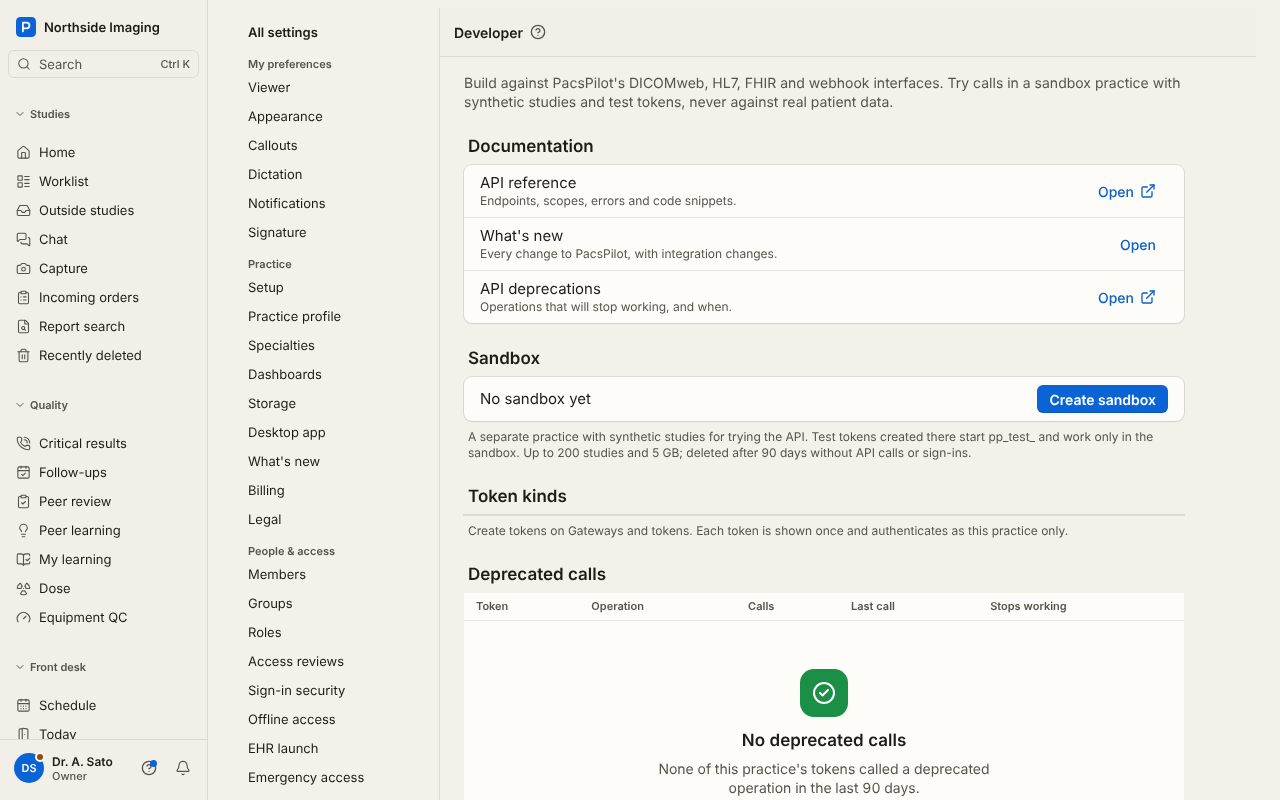
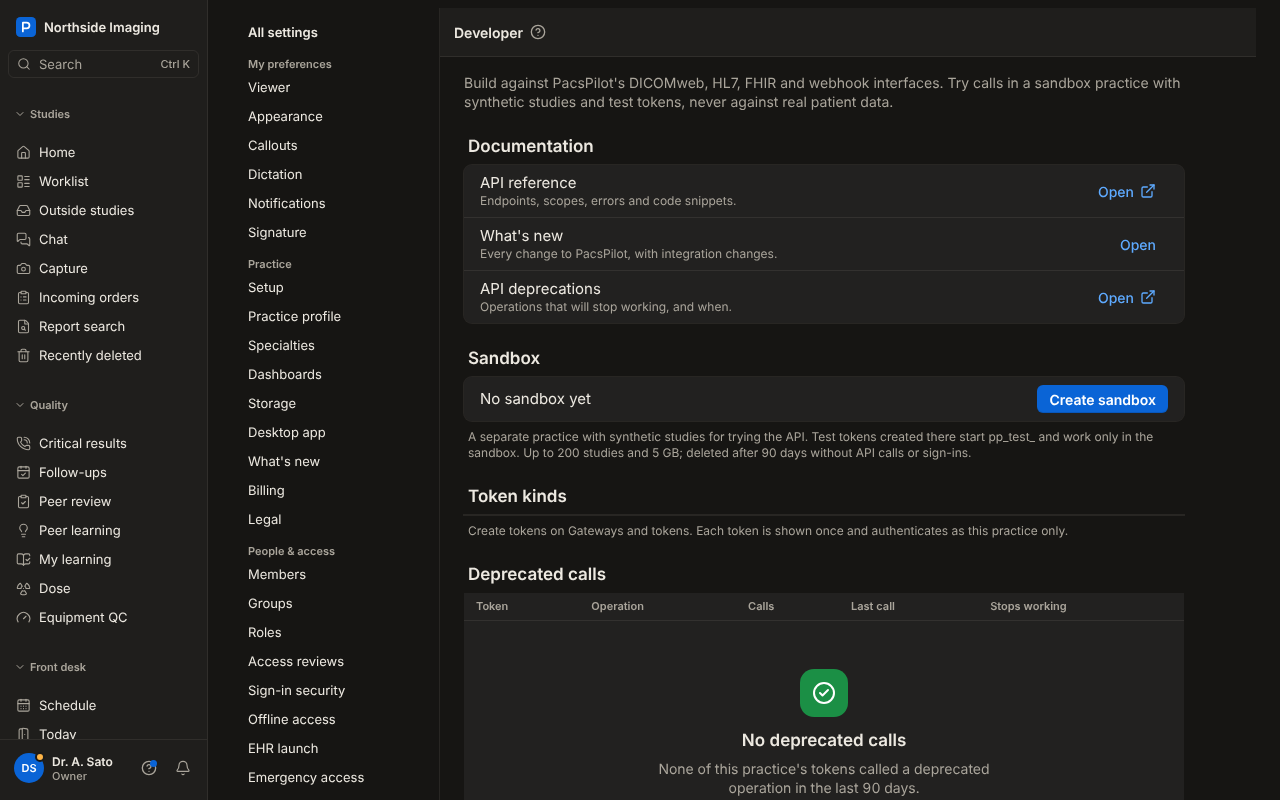
Settings › Developer helps you build against PacsPilot's DICOMweb, HL7, FHIR and webhook interfaces. It links to the API reference, What's new and the API deprecations page, lets you try calls in a sandbox practice with synthetic studies and test tokens, never against real patient data, and lists calls your tokens made to operations that will stop working.
Who can use it
Owners and admins, or any member whose role has the permission to change practice settings. Only the practice owner can create, reset or delete the sandbox.
The page is off until someone switches on Developer page under Help and support on Practice profile. If you do not see the page, that switch is off or your role does not have the permission.
How to create a sandbox
- Under Sandbox, press Create sandbox.
- Wait while the badge says Adding sample studies. It says Sample studies added when the sandbox is ready.
- Press Open sandbox to switch to the sandbox practice.
The sandbox is a separate practice. Test tokens created there start pp_test_ and work
only in the sandbox. It holds up to 200 studies and 5 GB, and is deleted after 90 days without API
calls or sign-ins.
How to send a test webhook event
- Open the sandbox.
- Under Test webhook events, choose the Event type.
- Press Send test event.
PacsPilot sends the documented example of the event, signed like a real delivery, to the sandbox's active endpoints that subscribe to it on Webhooks.
How to reset or delete the sandbox
- Under Start over, press Reset or Delete.
- Confirm with Reset sandbox or Delete sandbox.
Reset removes the sandbox's studies, orders, test tokens and webhook endpoints, and a fresh sandbox with the sample studies takes its place. Members keep access. Delete stops its synthetic studies and test tokens working now, and they are removed within a day.
Inside a sandbox, the page says This practice is a sandbox. Press Back to and the practice name to return. Reset or delete it from there.
How to check deprecated calls
- Look at the Deprecated calls table.
- For each row, press the operation to read its deprecation entry, and move to the operation named after Use.
- Change the system that uses the token before the date in Stops working.
Owners are emailed 90, 30 and 7 days before the date.
Fields and columns
| Name | What it means |
|---|---|
| API reference | Opens the API reference on pacspilot.com: endpoints, scopes, errors and code snippets. |
| What's new | Opens What's new at its integration changes. Owners and admins. |
| API deprecations | Opens the API deprecations page on pacspilot.com: operations that will stop working, and when. |
| Create sandbox | Creates the sandbox practice. Owners only. |
| Sample studies badge | Adding sample studies, Sample studies added, No sample studies or Sample studies failed. |
| Open sandbox | Switches to the sandbox practice. |
| Studies | How many studies and how much storage the sandbox uses, out of its limits. |
| Last activity | When the sandbox was last used, and when it is deleted if unused. |
| Reset, Delete | Start the sandbox over, or remove it. Owners only. |
| Event type | The webhook event to send as a test. Inside a sandbox only. |
| Send test event | Sends the test event to the sandbox's webhook endpoints. |
| Token kinds | Each kind of token, its prefix, the scopes it can have and its default scopes. |
| Token | The token that made the calls, or Deleted token. |
| Operation | The deprecated operation, and the one to use instead. |
| Calls | How many calls in the last 90 days. |
| Last call | The day of the last call. |
| Stops working | The date the operation stops working, or Removed. |
If something goes wrong
- Could not load the developer page: press the retry button. If it keeps failing, reload the page.
- No sandbox yet with Only the practice owner can create the sandbox.: ask the owner to create it.
- This practice already has a sandbox: reload the page to see it.
- The sandbox is already being reset or deleted: wait for it to finish.
- Sample studies failed: the sample studies could not be added. Press Reset to start over.
- Could not open the practice: you could not switch to the sandbox. Reload the page and try again.
- Test events can be sent from a sandbox practice only: open the sandbox first.
- A banner says some endpoints did not accept the test event: check each delivery on Webhooks in the sandbox.
- No deprecated calls: none of your tokens called a deprecated operation in the last 90 days.
Related
Updated October 19, 2026. Signed in? The same article is in the app's help panel: press
?.