Viewer
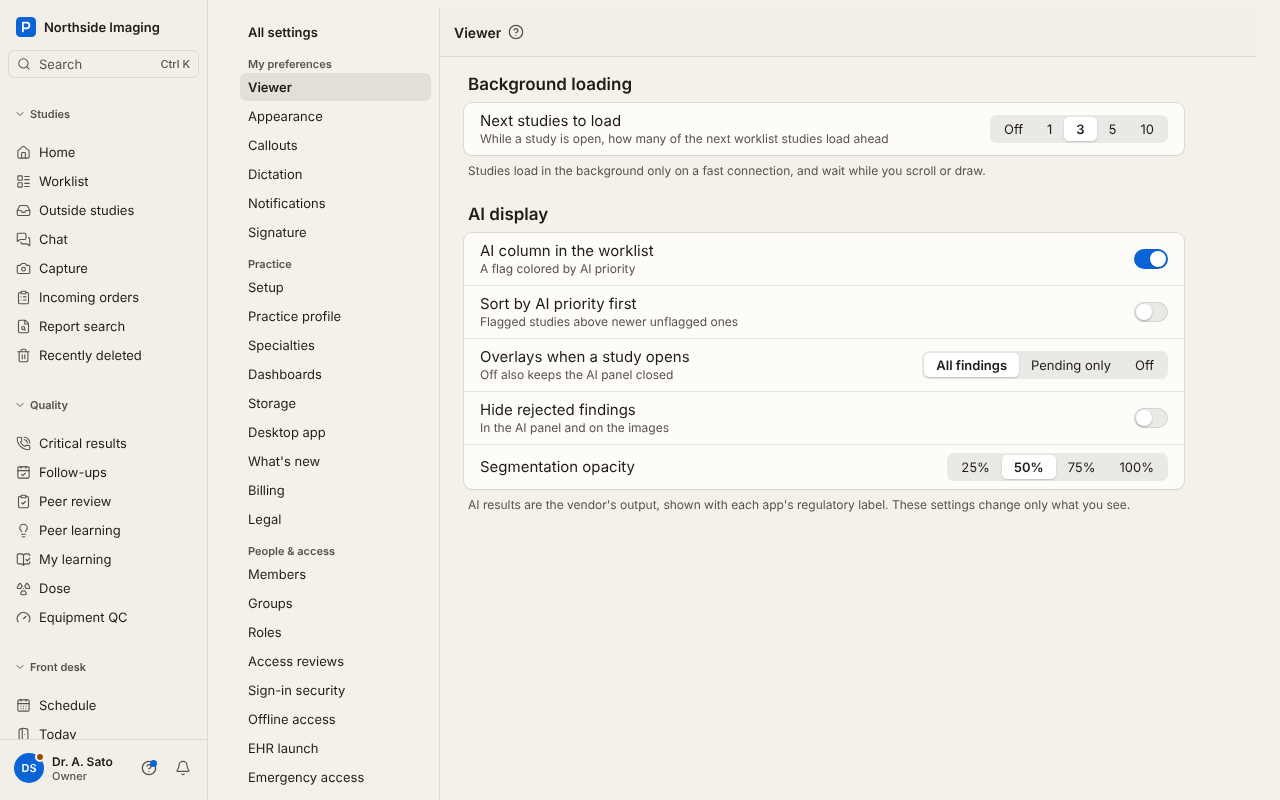
Choose how AI results show for you in the worklist and on images in the viewer, and how many next studies load ahead. Changes affect only you.
What this page is for
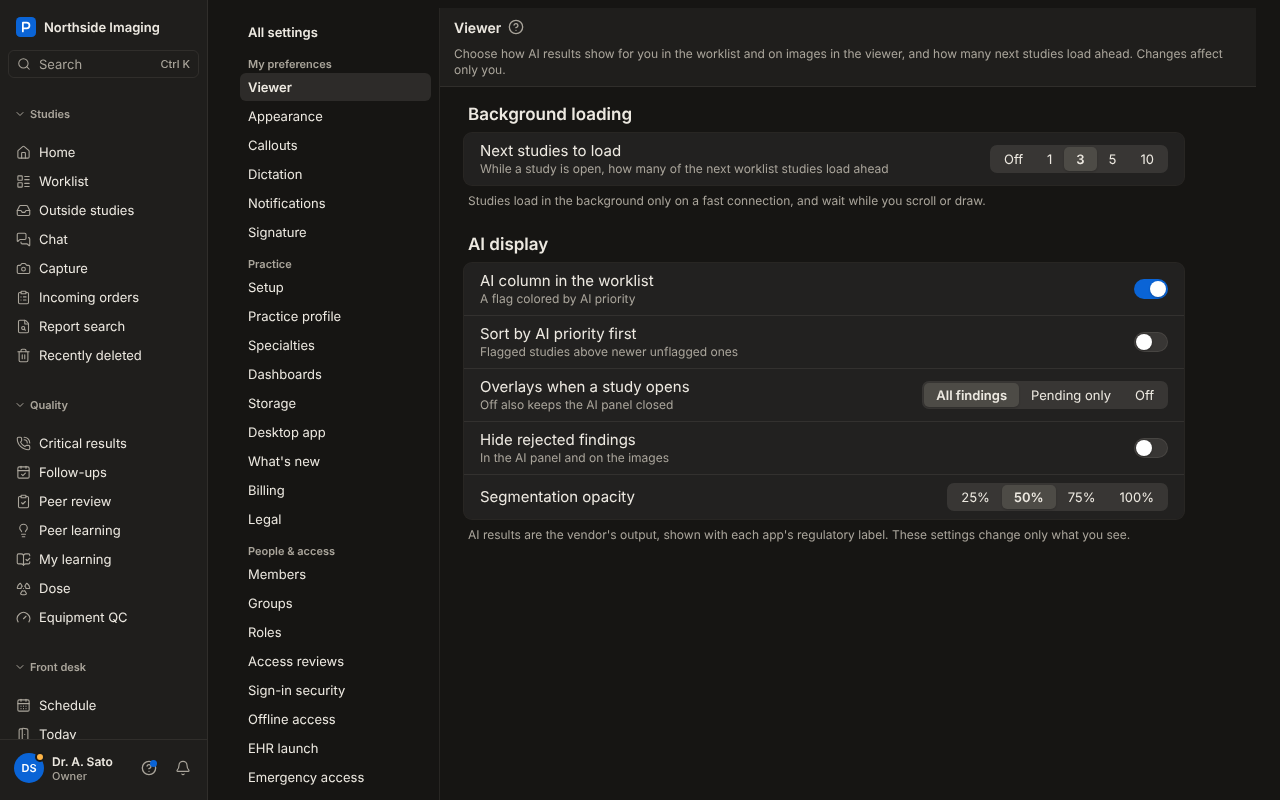
Settings › Viewer holds your own AI display preferences: whether the worklist has an AI column, whether AI priority sorts first, which AI overlays show when a study opens, and how strongly segmentations are drawn. When your practice loads the next studies in the background, it also sets how many load ahead for you.
These settings change only what you see. Other members are not affected. AI results are the vendor's output, shown with each app's regulatory label. To show or hide one AI app's results, use the AI panel in the viewer.
Who can use it
Every member who can view studies can use this page. It shows while your practice uses AI apps (turned on in Settings › AI apps) or loads the next studies in the background (turned on by an owner or admin in Settings › Viewer under Imaging & devices). Each group on the page shows only when its feature is on. With both off, the page is not listed in Settings.
How to change your AI display
- Open Settings › Viewer.
- Change a switch or choose an option. Each change saves at once and shows "Saved".
How to choose how many next studies load
- Open Settings › Viewer.
- Under Background loading, choose Next studies to load: Off, 1, 3, 5 or 10. It saves at once and shows "Saved".
While you read a study in the viewer window, that many of the next worklist studies load in the background, so they open at once. Nothing loads on a slow or data-saving connection, and loading waits while you scroll or draw. Choose Off to stop it for you only.
Fields and columns
| Name | What it means |
|---|---|
| AI column in the worklist | Adds a column with a flag colored by AI priority. |
| Sort by AI priority first | Puts flagged studies above newer unflagged ones. |
| Overlays when a study opens | All findings, Pending only or Off. Off also keeps the AI panel closed. |
| Hide rejected findings | Hides findings that were rejected, in the AI panel and on the images. |
| Segmentation opacity | How opaque AI segmentations are drawn: 25%, 50%, 75% or 100%. |
| Next studies to load | How many next worklist studies load ahead while you read: Off to 10. |
If something goes wrong
- Could not load your preferences: reload the page. If it keeps happening, try again later.
- Could not save your preferences: the change is undone on the page. Try the change again.
- The page is not in Settings: your practice has AI apps and background loading off. Ask an owner or admin.
Related
- AI apps
- Use AI summaries, the assistant, voice and automations
- Find and open studies on the worklist
- Settings
Updated October 19, 2026. Signed in? The same article is in the app's help panel: press
?.