POCUS dashboard
Your POCUS program's exams, worksheets, QA, accuracy, credentialing and billing capture over a period, with a CSV of every table.
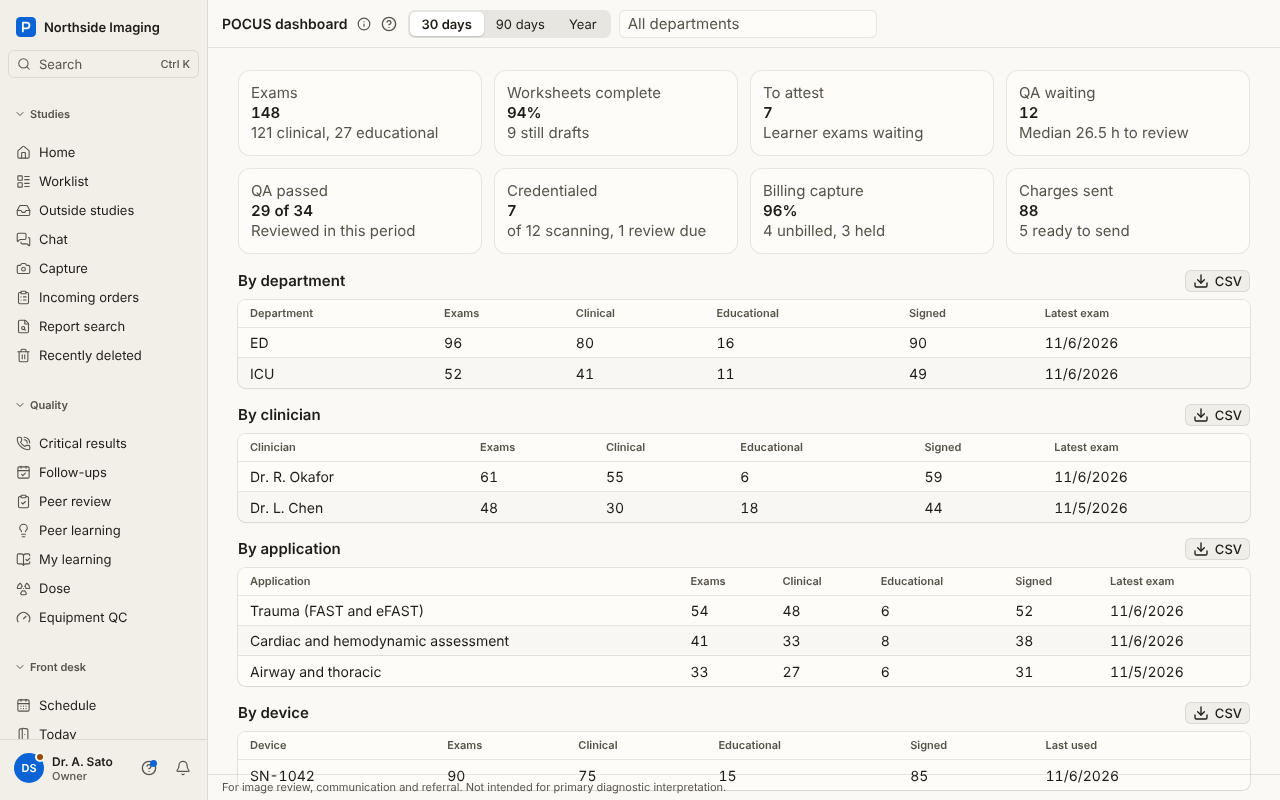
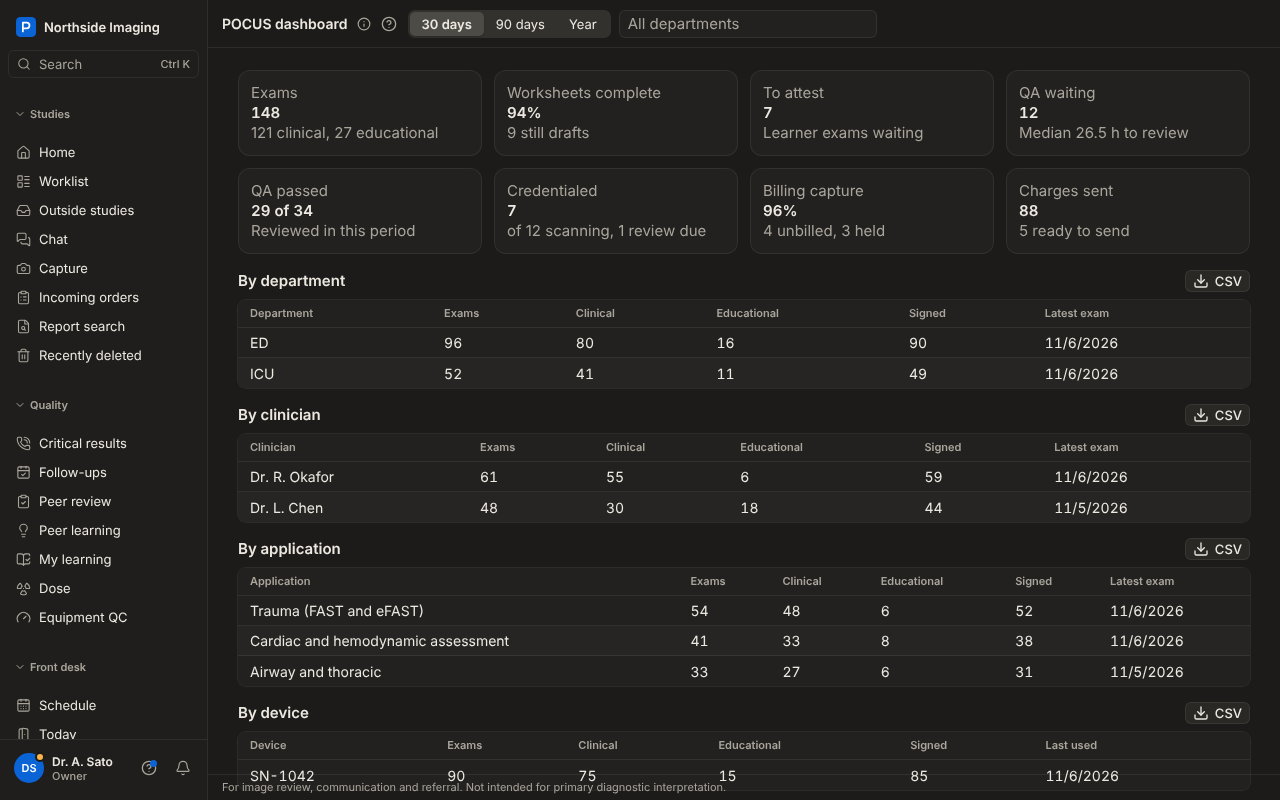
The POCUS dashboard gives the ultrasound director one view of the point-of-care ultrasound (POCUS) program over a period.
What this page is for
The POCUS dashboard counts the program's exams over the last 30 days, 90 days or year. The tiles at the top show:
- Exams: clinical and educational exams performed in the period.
- Worksheets complete: the share of exams whose worksheet is signed, and how many are still drafts.
- To attest: learner exams waiting for an attending's attestation.
- QA waiting: sampled exams from the last 90 days not yet reviewed, and the median hours from exam to review.
- QA passed: reviews in the period that passed.
- Credentialed: clinicians holding a current privilege, and privilege reviews due.
- Billing capture: the share of billable exams with a charge, and how many are unbilled or held.
- Charges sent: charges sent to billing, and how many are ready to send.
Below the tiles, tables break the exams down by department, clinician, application, device and week, with accuracy by application from the QA reviews.
The page is part of the Point-of-care ultrasound pack. An owner or admin turns the pack on under Settings › Specialties.
Who can use it
Members with the POCUS director permission (owners and admins) see the dashboard. Only exams in studies your visibility group covers count.
How to export a table
- Choose the period and, if you like, type a department.
- Choose CSV next to the table you want.
- The file downloads with one row per department, clinician, application, device, week or application accuracy. Exports are recorded in the audit log.
Fields and columns
- Exams: exams performed in the period.
- Clinical and Educational: the exam's purpose. Educational exams count for QA and credentials but are never billed.
- Signed: exams whose worksheet is signed, attested or amended.
- Latest exam or Last used: the most recent exam in the period.
- Not set: exams without a department, application or device.
- Sensitivity and Specificity: how often the clinician's reading matched the reviewer's, from true and false positives and negatives.
If something goes wrong
- The dashboard is empty: no POCUS exams arrived in the period, or the department filter matches none. Department names must match exactly.
- A number looks low: exams in studies outside your visibility group are left out.
- The page is not in the sidebar: the Point-of-care ultrasound pack is off, or your role is not the POCUS director.
Related
Updated November 6, 2026. Signed in? The same article is in the app's help panel: press
?.