POCUS QA
Review sampled point-of-care ultrasound exams, follow up callbacks, see the reviews of your own exams and reply to a reviewer.
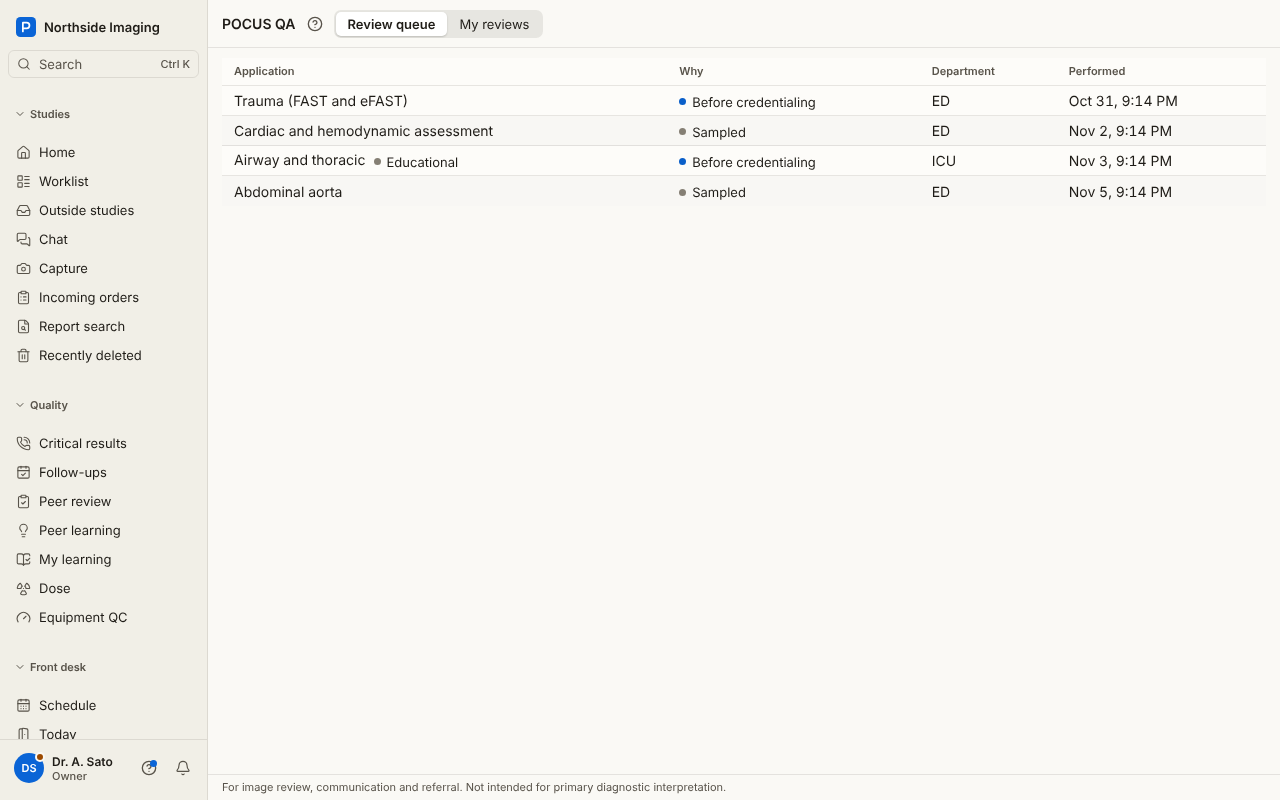
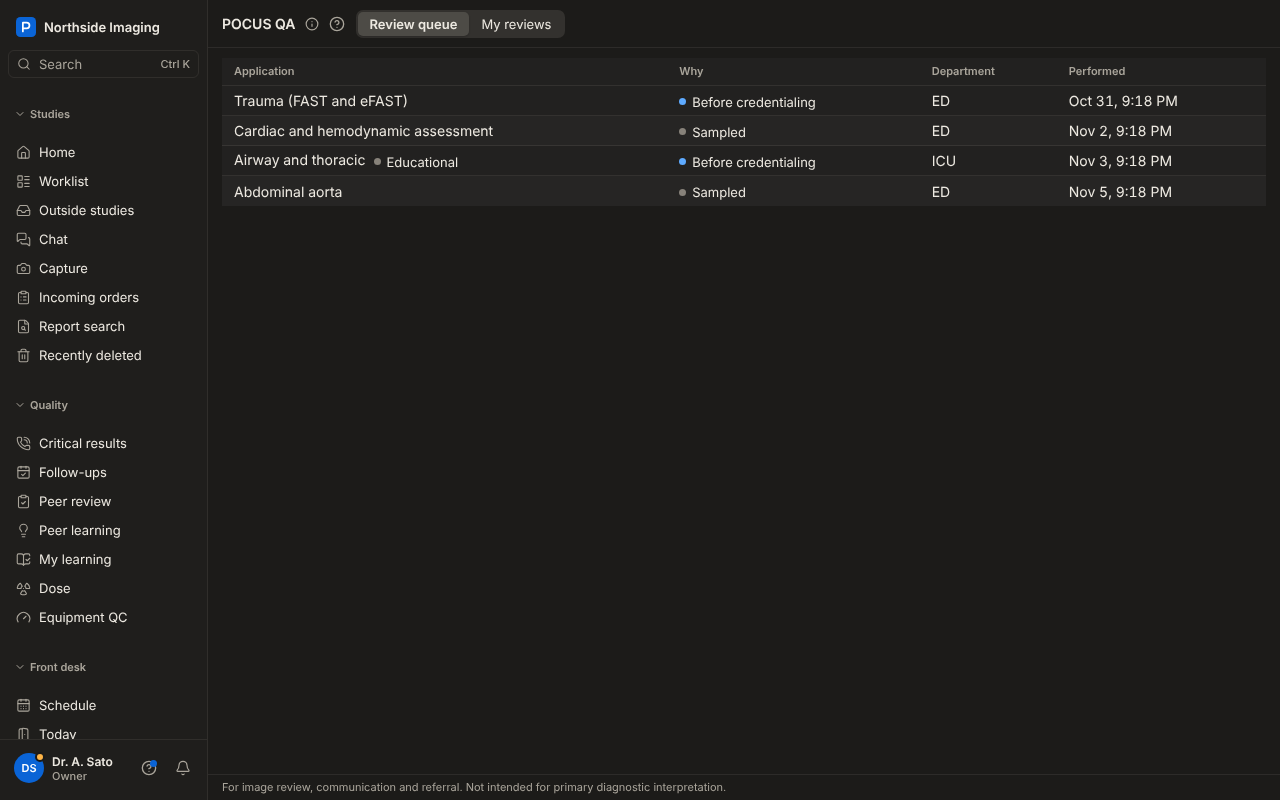
Point-of-care ultrasound (POCUS) programs review a share of their clinicians' bedside exams for image quality and accuracy. Reviewers score exams here, and every clinician sees the reviews of their own exams.
What this page is for
Reviewers see two views. Review queue lists the exams waiting for review, oldest first, and any Open callbacks. My reviews lists the reviews of your own exams. Clinicians who do not review see only their own reviews.
My reviews lists the reviews of your exams, newest first. Each row shows the application, whether the exam passed, the image quality score and when it was reviewed. My running scores at the top shows, for each application, how many reviewed exams passed, the average image quality, and how often your reading matched the reviewer's (sensitivity and specificity).
The page is part of the Point-of-care ultrasound pack. An owner or admin turns the pack on under Settings › Specialties.
Who can use it
Anyone who scans POCUS exams (the POCUS scan permission: owners, admins, physicians, trainees and technologists) sees the reviews of their own exams. Members with the POCUS QA permission (owners, admins and physicians) also see the review queue and score exams. You cannot score your own exams. You only see exams in studies your visibility group covers.
Which exams are sampled
Signed exams from the last 90 days join the queue:
- Before credentialing: every exam of a clinician who does not yet hold a privilege for that application.
- Sampled: a fixed share of a credentialed clinician's exams, 10% to start. The same exam is always in or out, so the queue does not change when you reload.
An exam leaves the queue once it is reviewed.
How to review an exam
- In Review queue, choose an exam.
- Check Later imaging: the patient's CT, MR, ultrasound, nuclear medicine, angiography and X-ray studies in the 30 days after the exam. Choose Open to compare them with the POCUS images.
- Choose the Image quality score and the Interpretation, tick All required views and the Review criteria met, and add a comment for the clinician.
- For a false positive or false negative that changed or could have changed care, tick Clinically significant. If the patient has already left, tick The patient has left to open a callback.
- Choose Save review. The clinician is told on their first review. You can change a review later; the clinician's reply stays.
How to follow up a callback
A callback means a significant misread on a patient who has left. The scanning clinician is told. Arrange the patient's follow-up, then choose Mark done in Open callbacks.
How a review is scored
- Image quality on your program's scale, 1 to 5 unless your director changed it.
- Interpretation: true positive, true negative, false positive, false negative or indeterminate.
- Views: whether every view the application needs was recorded.
- Criteria met: resolution, anatomic definition, gain, depth, orientation and focus.
An exam passes when image quality reaches your program's minimum (3 unless your director changed it) and the reading was not a false positive or false negative. Passed exams count toward your credentials on the POCUS credentials page.
How to reply to a review
- Choose a review in the list.
- Read the scores and the reviewer's comment. Choose Open exam to see the images.
- Type your reply and choose Send reply. You can reply once to each review.
Fields and columns
- Application: the exam type, such as eFAST or cardiac. Educational marks a training exam, which counts for QA and credentials but is never billed or sent to the EHR.
- Result: Passed or Not passed.
- Quality: the image quality score.
- Reviewed: when the reviewer scored the exam.
- Reply: Replied once you have answered the review.
- Why (review queue): Before credentialing or Sampled.
- Performed (review queue): when the exam was done.
If something goes wrong
- An exam is not in the review queue: it may still be a draft, have no clinician or application, be older than 90 days, or not be in the sample.
- You cannot score an exam: you scanned it yourself, or it has no clinician or application yet.
- A review you expect is missing: the exam may be in a study outside your visibility group, or it has not been reviewed yet.
- You have already replied: each review takes one reply. Talk to your ultrasound director for anything more.
- The page is not in the sidebar: the Point-of-care ultrasound pack is off, or your role does not scan POCUS exams.
Related
Updated November 3, 2026. Signed in? The same article is in the app's help panel: press
?.