Prior studies
Fetch a patient's earlier studies from your own PACS so they are ready to compare, and choose how the priors list is sorted.
What this page is for
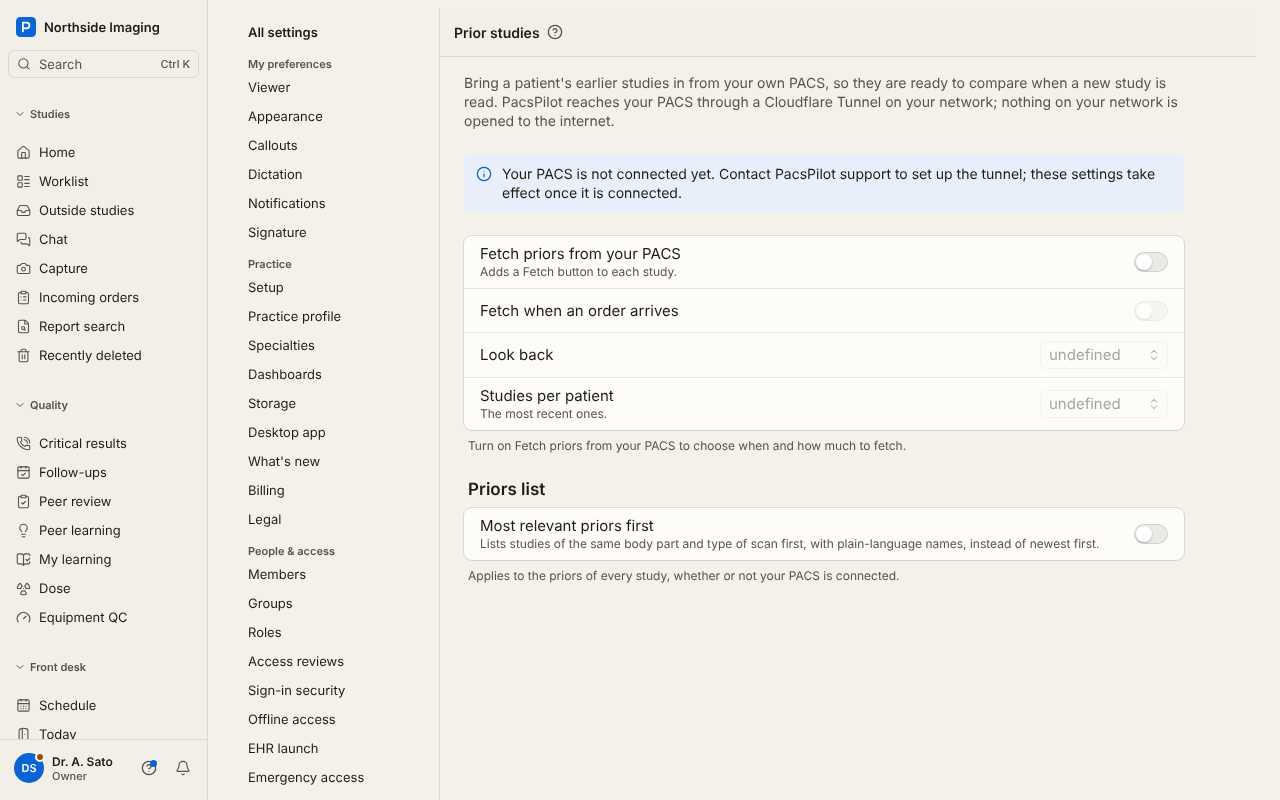
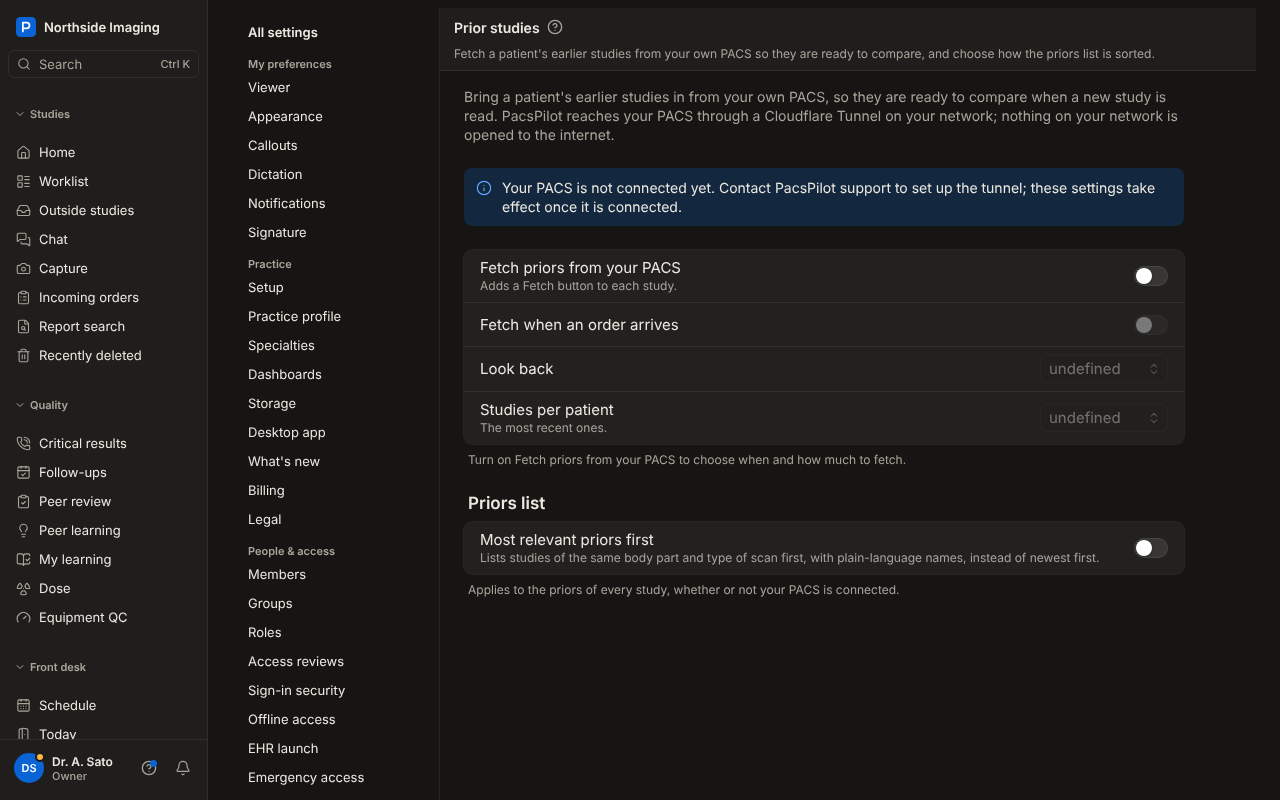
Settings › Prior studies brings a patient's earlier studies in from your own PACS, so they are ready to compare when a new study is read. PacsPilot reaches your PACS through a Cloudflare Tunnel on your network. Nothing on your network is opened to the internet.
The page also sets how the priors list of every study is sorted.
Who can use it
Owners and admins, or any member whose role has the permission to change practice settings. If your role does not have it, the page is not in Settings.
Fetching is off until someone switches on Fetch priors from your PACS. The fetch settings take effect only once your PACS is connected. PacsPilot support sets up the tunnel.
How to fetch priors from your PACS
- Open Settings › Prior studies.
- If a banner says Your PACS is not connected yet, contact PacsPilot support to set up the tunnel. You can choose the settings now.
- Switch on Fetch priors from your PACS. This adds a Fetch button to each study.
- Switch on Fetch when an order arrives to fetch a patient's priors when a new order comes from your RIS (HL7 or FHIR). It fetches them once a day at most.
- In Look back, choose how many years back to fetch.
- In Studies per patient, choose how many of the most recent studies to fetch.
Each change is saved as you make it.
How to sort the priors list
- Under Priors list, switch on Most relevant priors first.
- Studies of the same body part and type of scan are then listed first, with plain-language names, instead of newest first.
This applies to the priors of every study, whether or not your PACS is connected.
Fields and columns
| Name | What it means |
|---|---|
| Fetch priors from your PACS | Turns fetching on and adds a Fetch button to each study. |
| Fetch when an order arrives | Fetches the patient's priors when a new order arrives, once a day at most. |
| Look back | How far back to fetch, from 1 to 20 years. |
| Studies per patient | How many of the most recent studies to fetch, from up to 1 to up to 20. |
| Most relevant priors first | Lists priors of the same body part and type of scan first, instead of newest first. |
If something goes wrong
- Could not load the settings: press Retry in the banner. If it keeps failing, reload the page.
- Could not change the setting: the change was not saved and the setting goes back to what it was. Try again.
- Settings changed at the same time; try again: someone else changed these settings. Make your change again.
- Your PACS is not connected yet: contact PacsPilot support to set up the tunnel. These settings take effect once it is connected.
- Fetch when an order arrives, Look back and Studies per patient are greyed out: switch on Fetch priors from your PACS first.
- Prior fetching is not set up for this practice when you press Fetch on a study: fetching is off or your PACS is not connected.
- This study has no patient ID to look priors up by: priors are looked up by patient ID, and the study has none.
Related
- Worklist
- Series classes
- Remote PACS
- Incoming orders
- Read from another PACS and stand in when it is down
Updated October 19, 2026. Signed in? The same article is in the app's help panel: press
?.