Breast outcomes
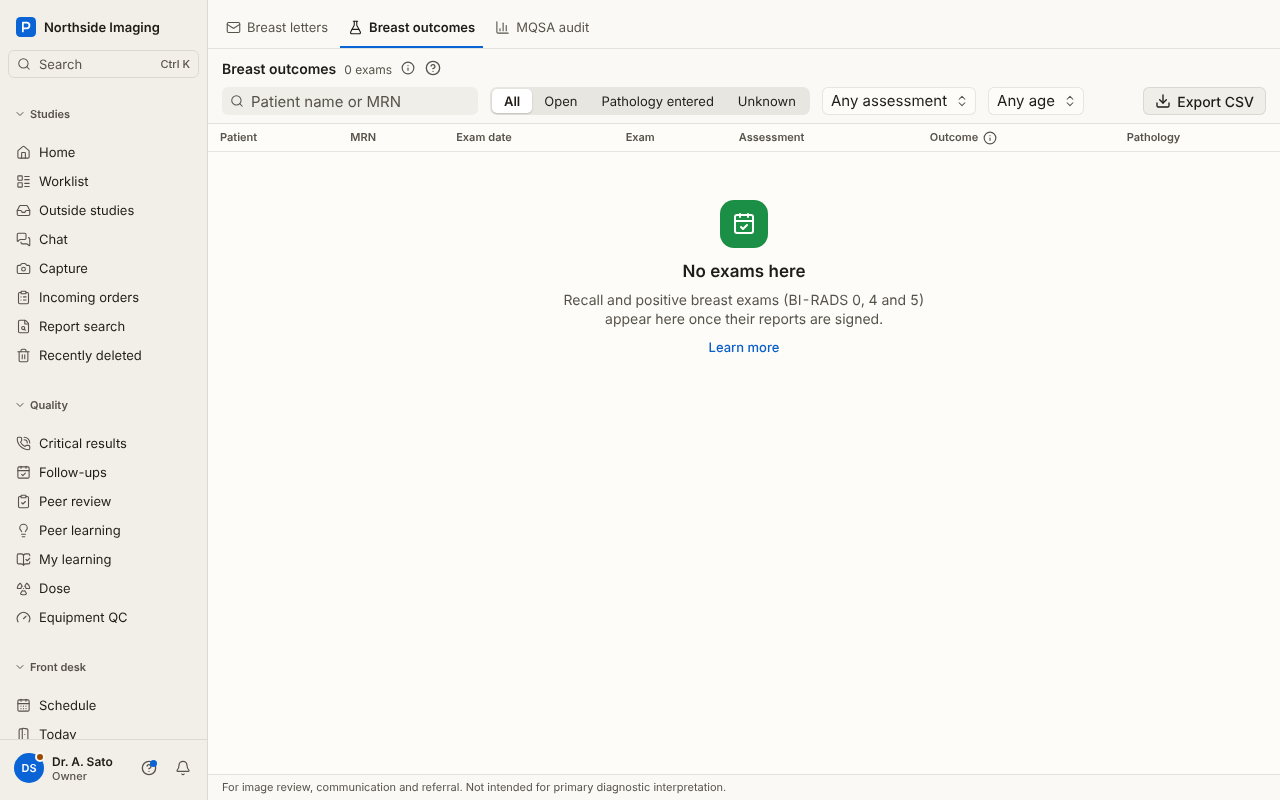
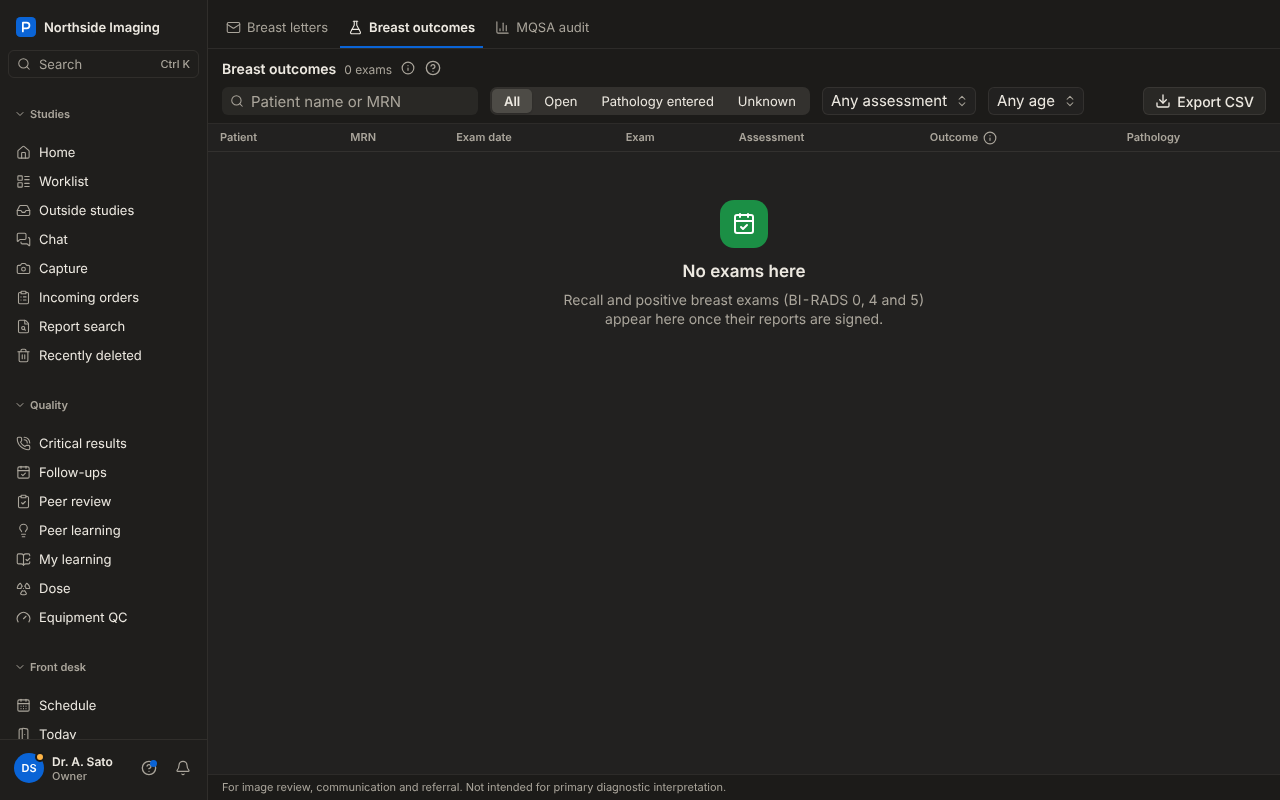
Recall and positive breast exams with the pathology results known since, where staff add, correct or remove biopsy results.
What this page is for
The MQSA audit needs to know what happened after each recall or positive breast exam. This page lists signed breast exams assessed BI-RADS 0 (needs more imaging), 4, 4A, 4B, 4C or 5, newest first, with any pathology result entered for that patient in the year after the exam. Staff enter biopsy and surgery results here so the MQSA audit can count cancers.
Who can use it
Owners, admins and physicians can use this page, or any member whose custom role includes "Enter pathology outcomes".
You may not see the page because:
- Breast imaging is off for the practice. An owner or admin turns it on in Settings › Breast imaging.
- Your role does not include the permission above. Technologists do not have it by default.
- You are limited to a visibility group. Breast imaging pages are not available to members in a visibility group.
How to add a pathology result
- Find the exam. Type at least two characters of the patient's name or the start of the MRN in Search outcomes, or use the filters.
- Press the row. The patient's exams and pathology results open on one timeline, oldest first.
- Press Add pathology result.
- Choose Left breast or Right breast, the Result and, for a malignant result, DCIS or Invasive.
- Enter the Result date. Add the Procedure date, Method and a Note if you have them.
- Press Save.
A result counts for an exam when its result date is on the exam day or up to one year after it. A row with no MRN does not open.
How to correct or remove a result
Open the patient, then press Edit or Remove next to the result. Removing asks you to confirm. A removed result stays in the audit log but no longer counts toward outcomes or the audit.
How to work through open exams
- Choose Open to see exams still inside their one-year window with no result yet.
- Choose Unknown to see exams whose year has passed with no result. These count as "outcome unknown" in the audit.
- Use Older than 30 days, Older than 90 days or Older than 1 year to find exams that have waited longest.
- The outcome, assessment and age filters are kept in the page address, so you can share or reload the link. The search text is not kept.
How to export the list
Press Export CSV. The file has the exams of the current filters, with patient columns, up to 10,000 rows. The export is recorded in the audit log.
Fields and columns
| Name | What it means |
|---|---|
| Search outcomes | A word of the patient's name or the start of the MRN, at least two characters |
| All, Open, Pathology entered, Unknown | Filter by outcome |
| Any assessment | Filter by BI-RADS assessment: 0 (need additional imaging), 4, 4A, 4B, 4C or 5 |
| Any age | Filter by how long ago the exam was: older than 30 days, 90 days or 1 year |
| Export CSV | Downloads the current filters as a CSV file |
| Patient | The patient's name |
| MRN | The patient's medical record number |
| Exam date | The date of the exam |
| Exam | Mammogram, Tomosynthesis, Breast US or Breast MRI, with its purpose (screening or diagnostic) when known |
| Assessment | The BI-RADS category and its MQSA wording |
| Outcome | Pathology entered: a result exists within a year of the exam. Open: no result yet and the year is not over. Unknown: the year is over with no result |
| Pathology | The results counted for the exam, such as "Left: Malignant (Invasive)" |
| Load more | Loads the next page of exams |
| Add pathology result | Opens the form for a new result for this patient |
| Side | Left breast or Right breast |
| Result | Benign, High risk (not cancer) or Malignant |
| Type | DCIS or Invasive, for a malignant result |
| Result date | The date of the pathology result. Required |
| Procedure date | The date of the biopsy or surgery. It must be on or before the result date |
| Method | Not recorded, Core needle biopsy, Vacuum-assisted biopsy, Fine-needle aspiration, Surgical excision or Other |
| Note | Free text up to 500 characters |
| Edit, Remove | Change or remove one result |
If something goes wrong
- "a malignant result needs its type (dcis or invasive)": choose DCIS or Invasive.
- "the procedure is on or before the result date": correct the procedure date or the result date.
- "That exam is not a breast exam of this patient": the exam changed patient or was deleted. Close the patient and reload.
- "Could not load outcomes" or another error at the top: press Retry.
- No exams here: exams appear once their reports are signed with a BI-RADS assessment of 0 (needs more imaging), 4 or 5 on the BI-RADS form.
- "Breast imaging is turned off for this practice": ask an owner or admin to turn it on in Settings › Breast imaging.
Related
Updated October 19, 2026. Signed in? The same article is in the app's help panel: press
?.