Storage
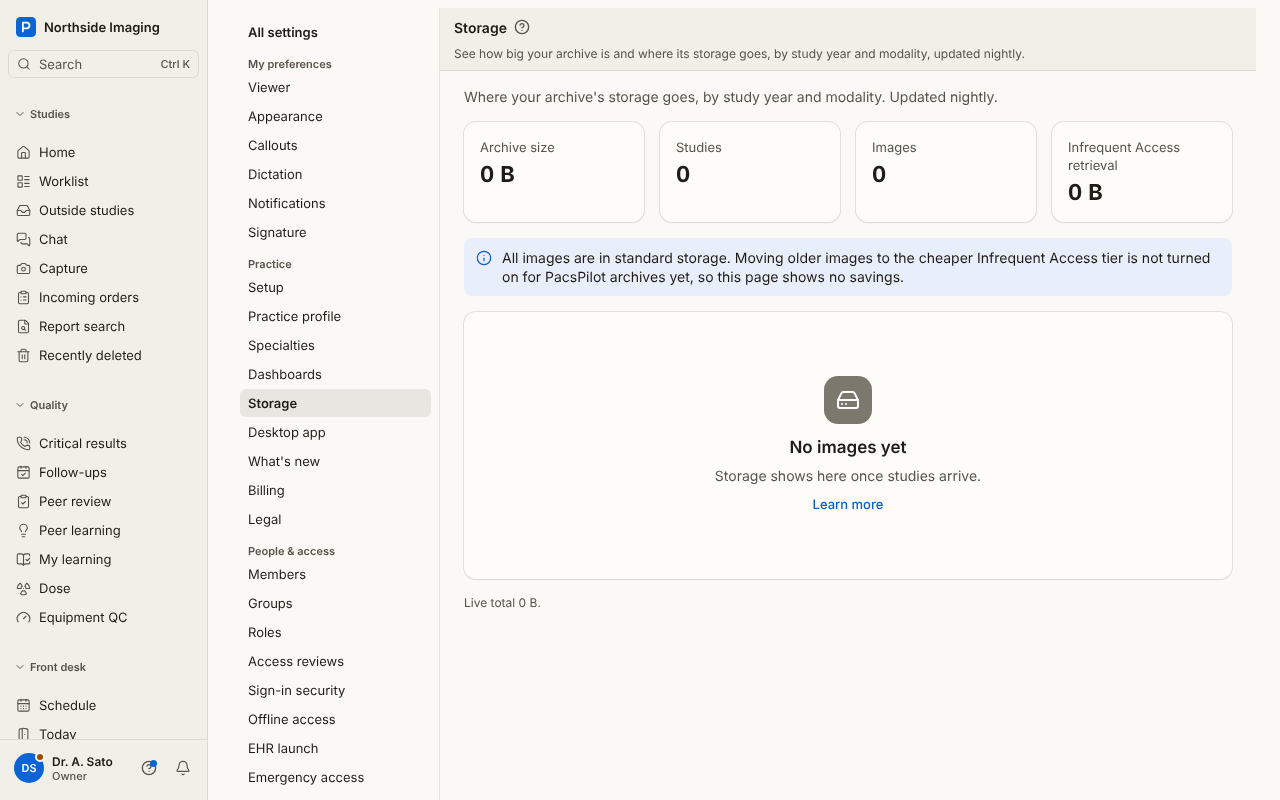
See how big your archive is and where its storage goes, by study year and modality, updated nightly.
What this page is for
Settings › Storage shows where your archive's storage goes, by study year and modality. It shows counts and sizes only, never patient details. The figures are updated nightly.
Who can use it
Owners and admins can open this page. It needs the tenant.settings permission, so a
custom role with that permission can open it too.
The storage dashboard is part of retention. While retention is off, the page shows Turn on retention to see storage instead of the figures.
How to read your storage
- Open Settings › Storage.
- Read the totals at the top: Archive size, Studies, Images and Infrequent Access retrieval.
- Look at Storage by study year to see which years and modalities take the most space. Hover a column to see its size per modality.
- Use the table below the chart for the exact size of each year and modality.
How to turn on the storage dashboard
- Press Open Retention on the empty page.
- Turn on retention on Retention.
- Come back to this page.
Fields and columns
| Name | What it means |
|---|---|
| Archive size | The total size of the archive from the nightly count. |
| Studies | How many studies the archive holds. |
| Images | How many images the archive holds. |
| Infrequent Access retrieval | The amount of data retrieved from the Infrequent Access storage tier. |
| Storage by study year | Stacked bars, one column per study year, one colour per modality. When there are many modalities, the smallest are grouped as Other. |
| Study year | The year the studies were done, newest first. |
| Modality columns | The size each modality takes in that year. A dash means none. |
| Infrequent Access (est.) | The estimated size in the Infrequent Access tier that year. Only shown when moving older images to that tier is on. |
| Total | The size of that year. |
| Last updated | When the nightly count last ran. |
| Spot check | How many sampled images were found in standard storage and in Infrequent Access. |
| Live total | The total stored size right now. |
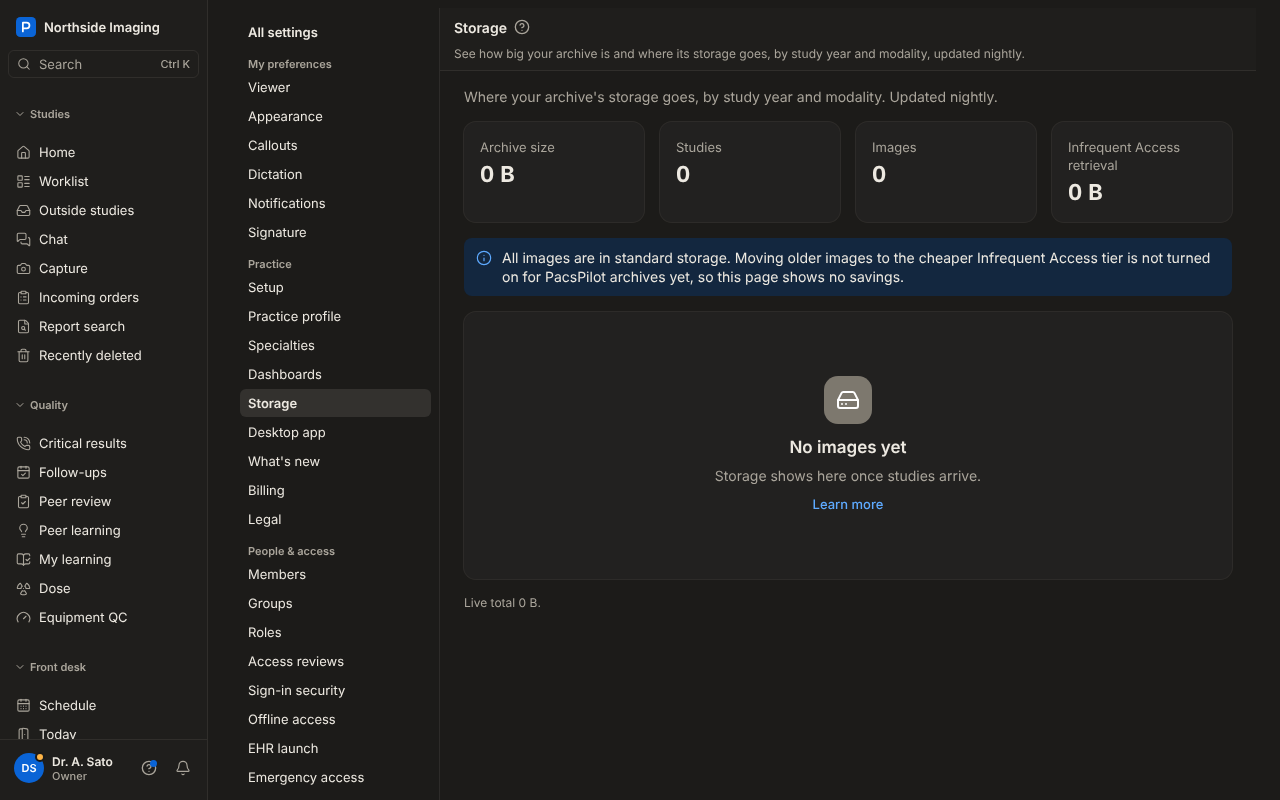
When moving older images to Infrequent Access is on, the page also shows how much is estimated to be in that tier (images older than 180 days). When it is off, a note says all images are in standard storage, so the page shows no savings.
If something goes wrong
- Turn on retention to see storage: retention is off. Press Open Retention and turn it on.
- No images yet: storage shows here once studies arrive.
- Could not load storage: reload the page.
- The totals look older than today's studies: the dashboard counts nightly. Live total shows the current size.
Related
Updated October 19, 2026. Signed in? The same article is in the app's help panel: press
?.