Pathology and recall
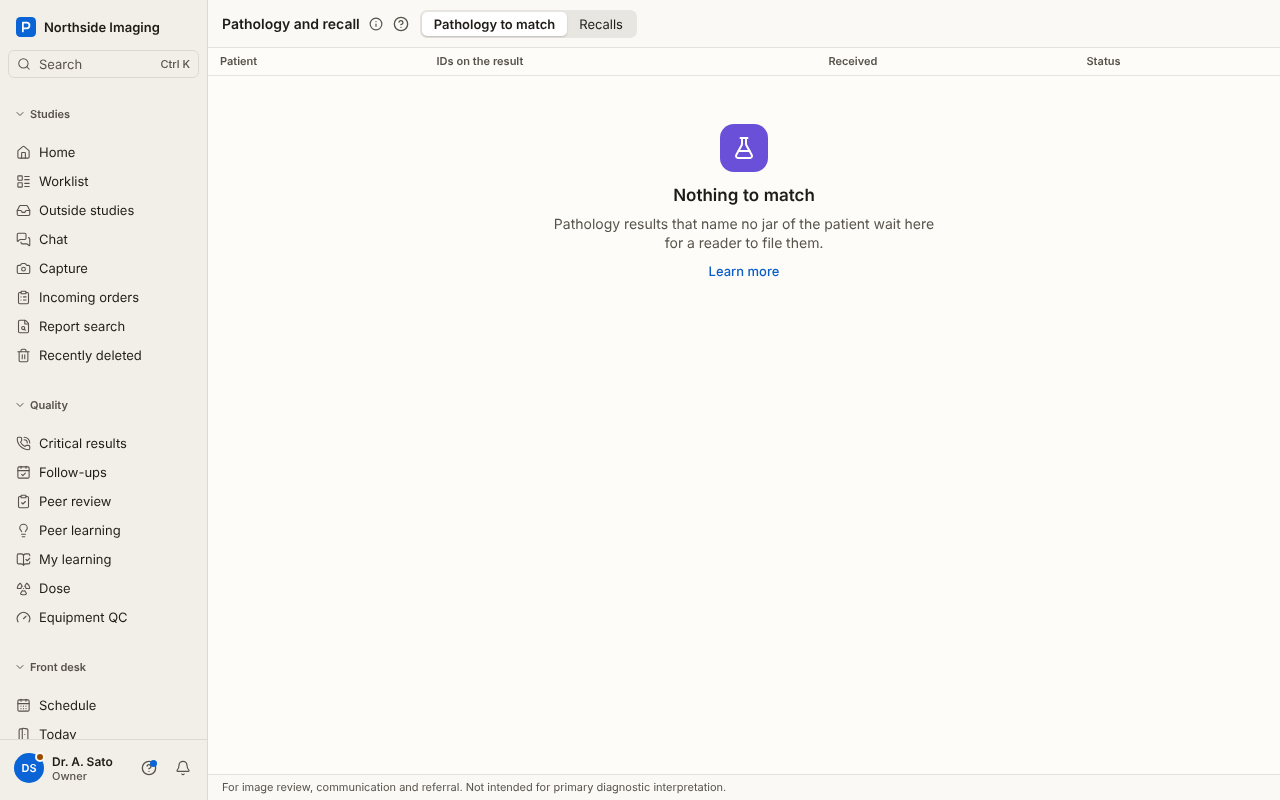
File pathology results that name no jar, and work through the practice's endoscopy recall list.
What this page is for
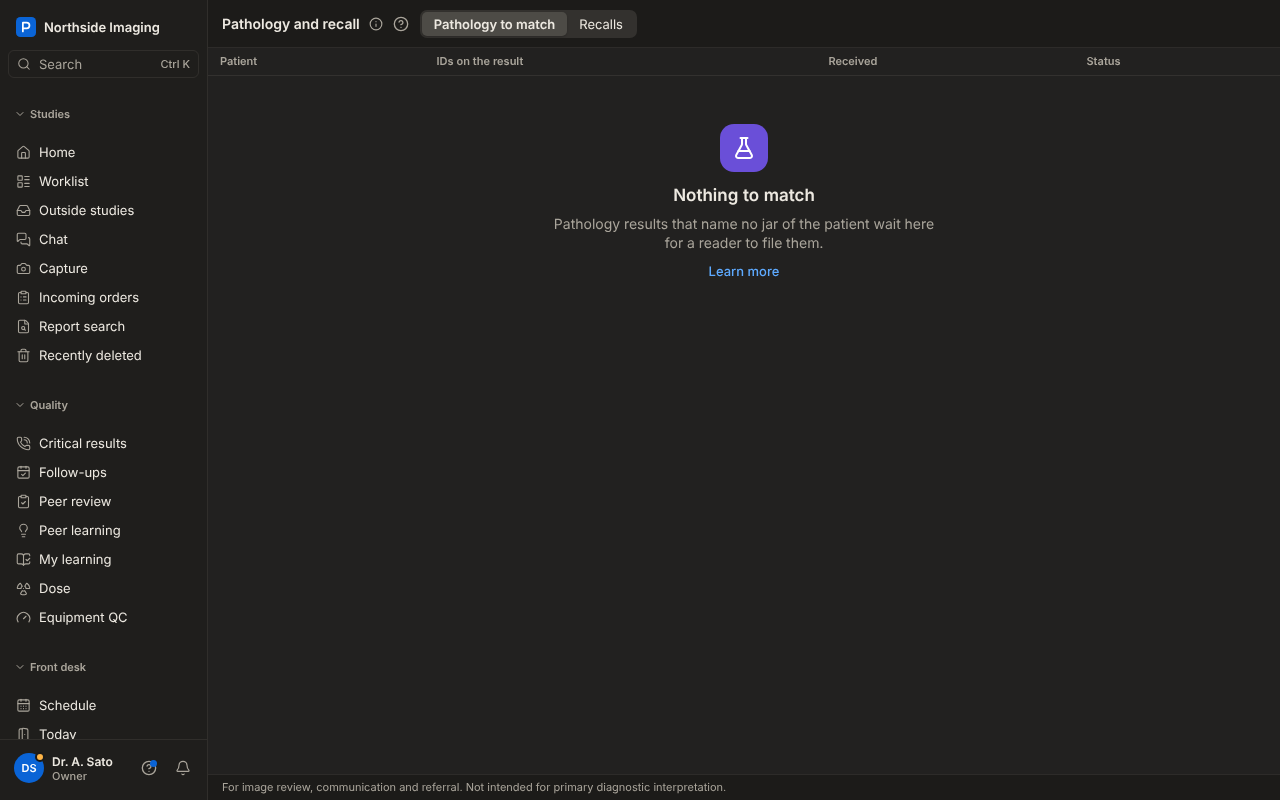
Specialties › Pathology and recall has two lists for the Endoscopy and GI pack. Pathology to match holds pathology results that arrived without a specimen ID PacsPilot knows, for a reader to file under the right jar. Recalls lists the recalls readers set on endoscopy reports, soonest first.
The page appears while the Endoscopy and GI pack is on under Settings › Specialties.
Who can use it
Readers, admins and owners with lab.view see Pathology to match;
filing a result needs report.write. Members with
followup.manage (owners, admins and physicians) see Recalls. Both
lists only show patients whose studies you can see.
How to file a result
- Open Pathology to match and press a row.
- Read the result, then choose the Jar it belongs to. Only jars of the same patient are offered.
- Press File under jar. The study now shows Pathology back until a reader confirms the histology on its report.
A result for a patient with no jars in your practice is not kept.
How to work the recall list
- Open Recalls and choose Due in 90 days, Due this year or All.
- Press a row to open the procedure's report.
- Change the Status as you go: Letter sent, Booked, Done or Cancelled.
Fields and columns
- Pathology to match: the Patient (name and MRN), the IDs on the result (placer, filler and specimen IDs the lab sent), when it was Received, and its Status (final, preliminary or corrected).
- Recalls: the Patient, the Due date, the Interval the reader set, the Reason, and the Status (Due, Letter sent, Booked, Done or Cancelled).
If something goes wrong
- "That jar belongs to another patient": a result only files under a jar of the same patient. Check the label with the lab.
- "This result is already filed": someone filed it meanwhile; reload the list.
- The jar you need is not offered: the jar is on a study you cannot see, or the patient's MRN on the result differs from the study's.
-
The page is missing from the sidebar: the Endoscopy and GI pack is off under
Settings › Specialties, or your role has neither
lab.viewnorfollowup.manage.
Related
Updated November 1, 2026. Signed in? The same article is in the app's help panel: press
?.