Image feedback
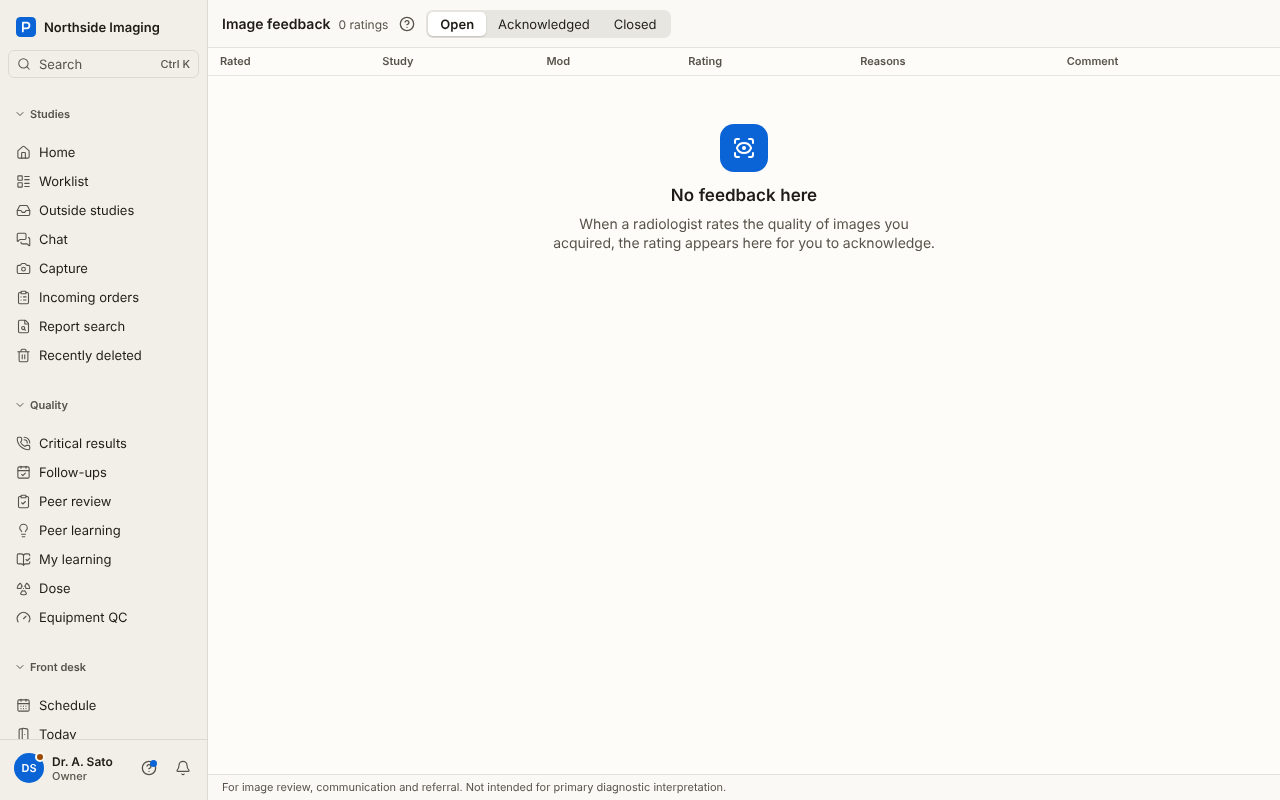
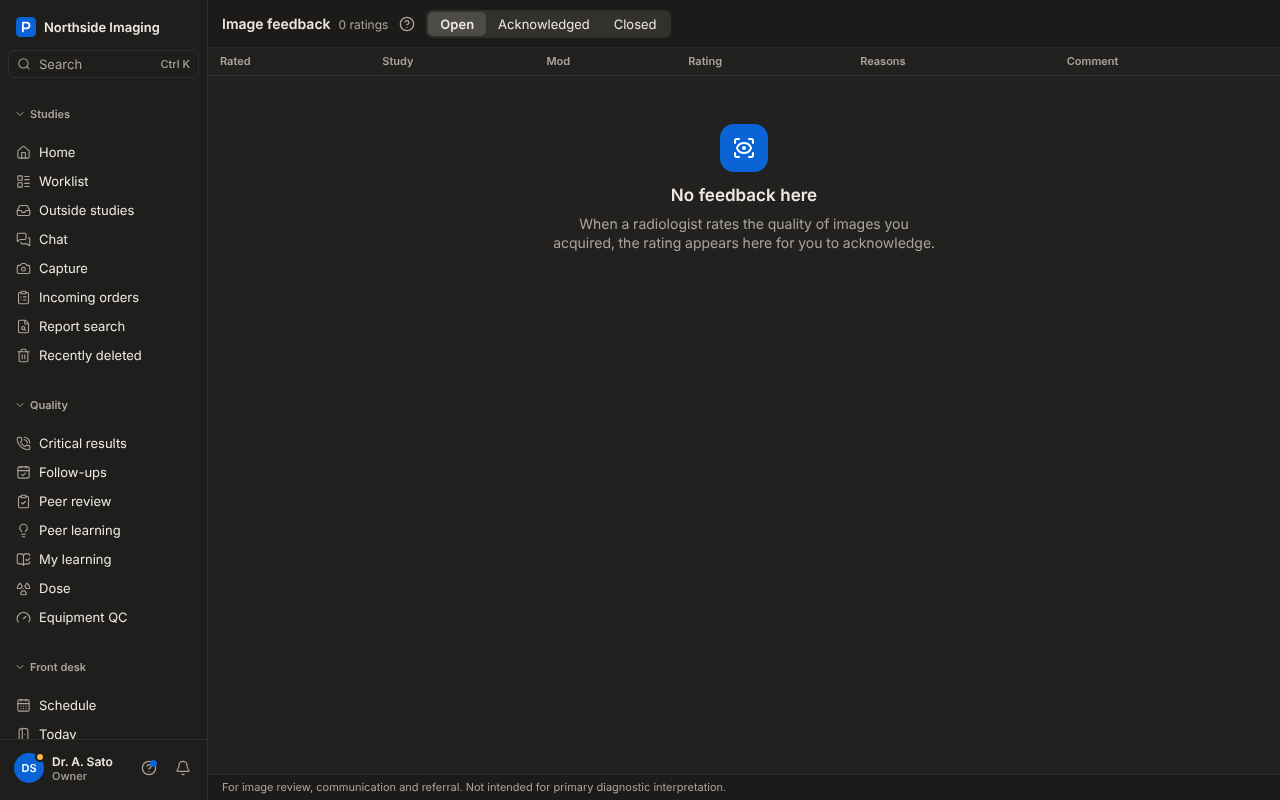
Image quality ratings radiologists gave on studies you acquired, for you to read, reply to and acknowledge.
What this page is for
Radiologists can rate the image quality of a study from the report page: good, acceptable, limited or non-diagnostic, with reasons and a comment. Each rating goes to the technologist named in the images. This page lists the ratings that name you, so you can learn from them and acknowledge them.
The page does not show who gave the rating. The feedback is about the images, not about who read them.
Who can use it
Image feedback is in the sidebar for technologists. Ratings reach you when your name in the images (the operator name) is matched to you by a QA manager, or when they set you as the technologist on a rating.
You may not see the page because:
- Image quality feedback is off. An owner or admin turns it on in Settings › Peer review program.
- Your role is not technologist.
How to acknowledge a rating
- Open shows ratings waiting for you. Press a row.
- Read the reasons and the comment. Press Open images to look at the study again in the viewer.
- Add a Reply (optional) if you want to explain or ask something.
- Press Acknowledge.
The rating moves to Acknowledged. Your reply is shown to QA managers on Settings › Image quality.
How to look back at earlier ratings
Choose Acknowledged or Closed. A closed rating was closed by a QA manager. The status you choose is kept in the page address. Press Load more to see older ratings.
Fields and columns
| Name | What it means |
|---|---|
| Open, Acknowledged, Closed | Filter by status. Open: waiting for you. Acknowledged: you read it. Closed: a QA manager closed it |
| Rated | When the radiologist rated the study |
| Study | The study description |
| Mod | The modality |
| Rating | Good, Acceptable, Limited or Non-diagnostic |
| Reasons | What was wrong: Positioning, Motion, Artifact, Technique or exposure, Protocol, Coverage, Contrast timing, Labeling or laterality, or Other |
| Comment | The radiologist's comment for you |
| Load more | Loads older ratings |
| Open images | Opens the rated study in the viewer in a new tab |
| Reply (optional) | Your answer, up to 1,000 characters |
| Acknowledge | Marks the rating as read, with your reply |
| Your reply | What you wrote when you acknowledged it |
| Cancel, Done | Close the sheet |
If something goes wrong
- "Could not load your feedback": press Retry.
- "This rating is closed": a QA manager closed it before you acknowledged it. Choose Closed to read it.
- "Image quality ratings are turned off for this practice": ask an owner or admin to turn on Image quality feedback in Settings › Peer review program.
- You expect a rating that is not here: the operator name in the images may not be matched to you yet. Ask a QA manager to map it under Operator names on Settings › Image quality.
Related
- Image quality: all ratings, the summary and operator names, for QA managers.
Updated October 19, 2026. Signed in? The same article is in the app's help panel: press
?.