Emergency access
Review each time a member used emergency access to open studies outside their visibility group, and mark it appropriate or not.
What this page is for
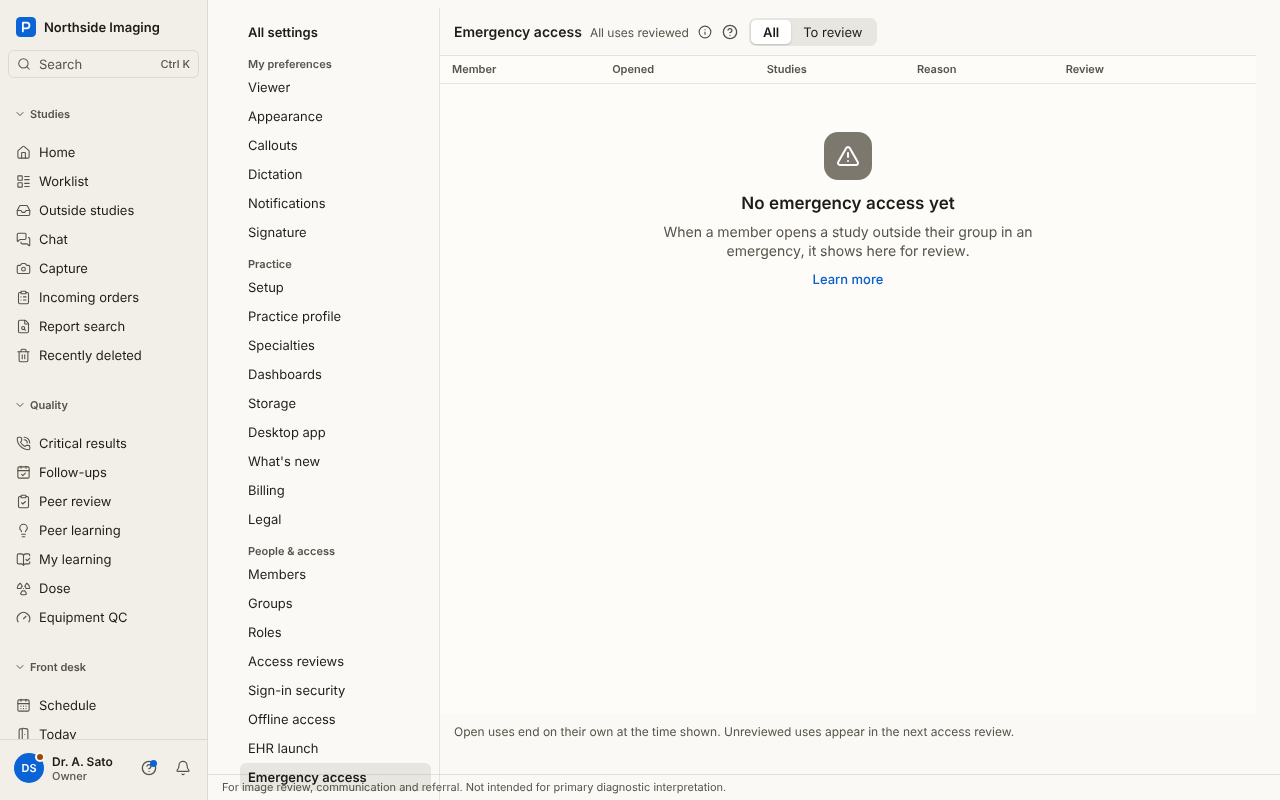
Members limited to a visibility group can use emergency access to open a patient's studies outside their group for a limited time, giving a reason. Settings › Emergency access lists every use so someone else can review it. Open and unreviewed uses are listed first.
Owners and admins also get an email each time emergency access is used, with the member, the practice, the time and the duration, and a link to this page. The email never names the patient.
Who can use it
Owners and admins can open this page. It needs the admin.audit permission, so a
custom role with that permission can open it too.
The page only exists while emergency access is on. An owner turns it on with
Allow emergency access on
Sign-in security. If you do not see
Emergency access in Settings, it is off for your practice or your role does not
have admin.audit.
How to review a use
- Choose To review in the toolbar to see only the uses nobody has reviewed yet.
- Press Review on a row. The dialog repeats who opened emergency access, when, and the reason they gave.
- Choose Appropriate or Not appropriate.
- Add a Note if you want (up to 1,000 characters).
- Press Save review.
To change a review, press Change on the row. You cannot review your own use; there is no button on your own rows. Unreviewed uses appear in the next access review.
How to export the uses
Press Export CSV. The file lists the uses this page shows, whatever the filter, with the member, when it opened (in UTC), the minutes, whether it is still open, the patient ID, the number of studies, the reason, the review, the reviewer and the note. It names patients, so keep it safe. Each export is recorded in the audit log.
Fields and columns
| Name | What it means |
|---|---|
| Subtitle | How many uses are left to review, or All uses reviewed. |
| All, To review | Show every use, or only unreviewed ones. |
| Export CSV | Downloads the uses as a CSV file. The export is recorded in the audit log. |
| Member | Who opened emergency access, or Former member. Open means the access is still running. |
| Opened | When it was opened and for how many minutes. |
| Studies | How many studies it covered, and the patient ID when the member opened a whole patient. |
| Reason | The reason chosen (Emergency care, Urgent consult, On call, Continuity of care or Other) and the text the member wrote. |
| Review | To review, Appropriate or Not appropriate, and who reviewed it. Hover to see the note. |
| Review, Change | Opens the review dialog. |
| Was this use appropriate? | Appropriate or Not appropriate, in the dialog. |
| Note | Your comments on the use. |
| Save review, Cancel | Save the review or close the dialog. |
Open uses end on their own at the time shown.
If something goes wrong
- Could not load emergency access: press Retry on the message, or reload the page.
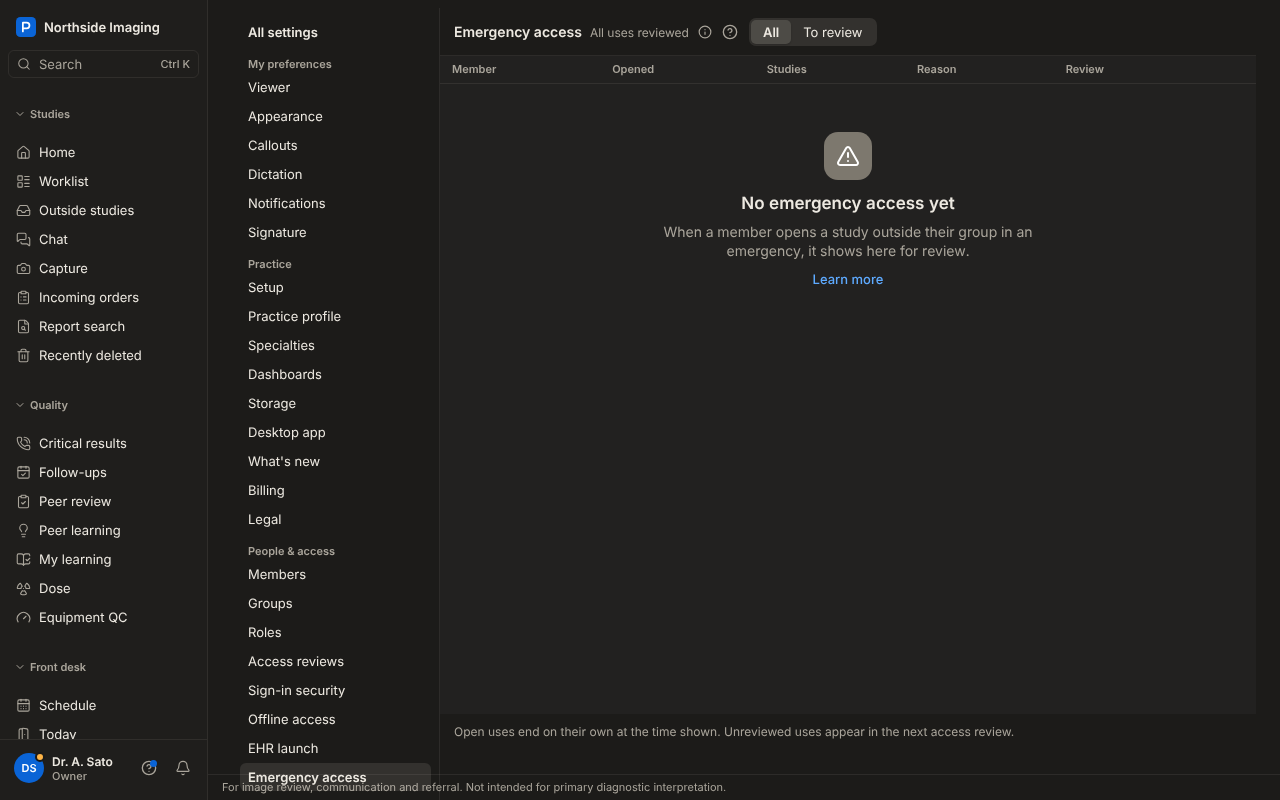
- No emergency access yet: nobody has used it. Uses appear here when a member opens a study outside their group in an emergency.
- Nothing to review: every use has been reviewed. Choose All to see them.
- Someone else must review your own use: another owner or admin has to review it.
- The review could not be saved: try again. If the message persists, reload the page.
- The page is missing from Settings: emergency access is off. Ask an owner to turn on Allow emergency access on Sign-in security.
Related
Updated October 19, 2026. Signed in? The same article is in the app's help panel: press
?.