Legal
See the agreements your practice accepted, accept the Business Associate Agreement, and choose whether patient data may be uploaded.
What this page is for
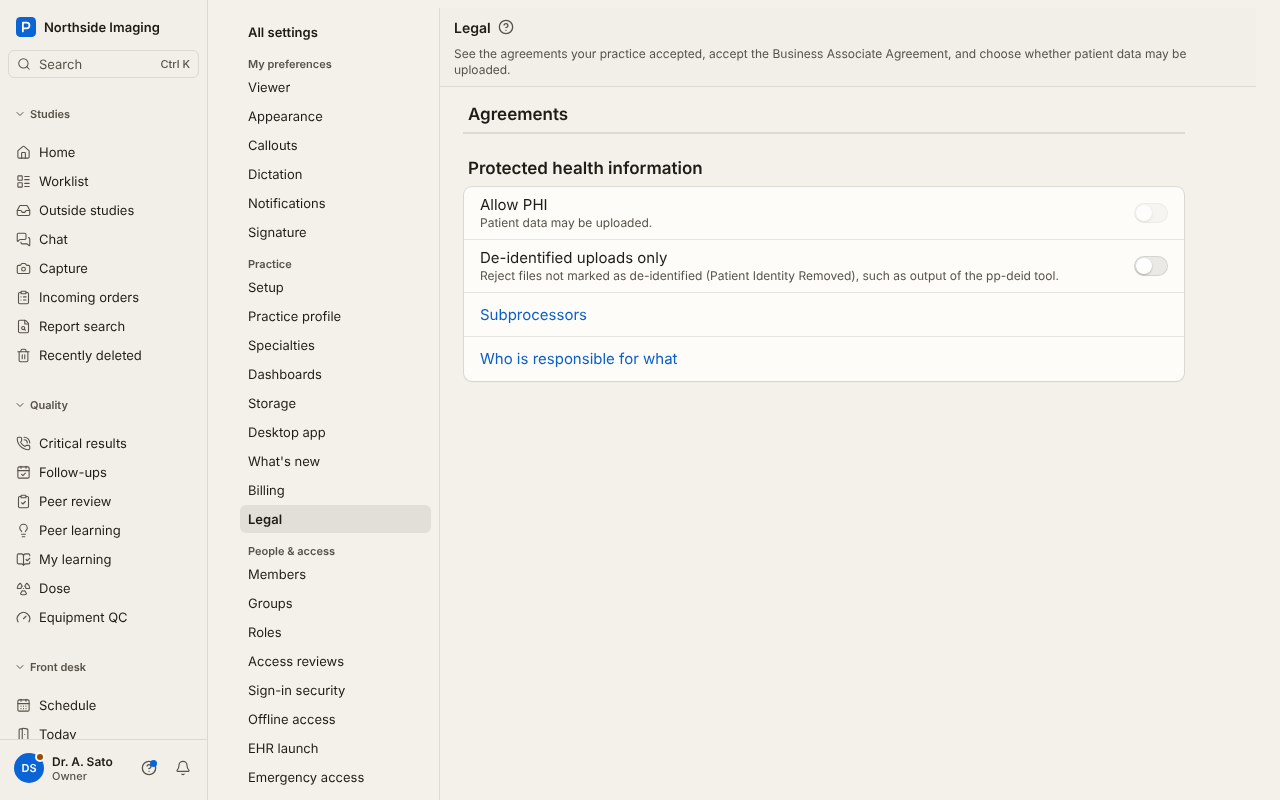
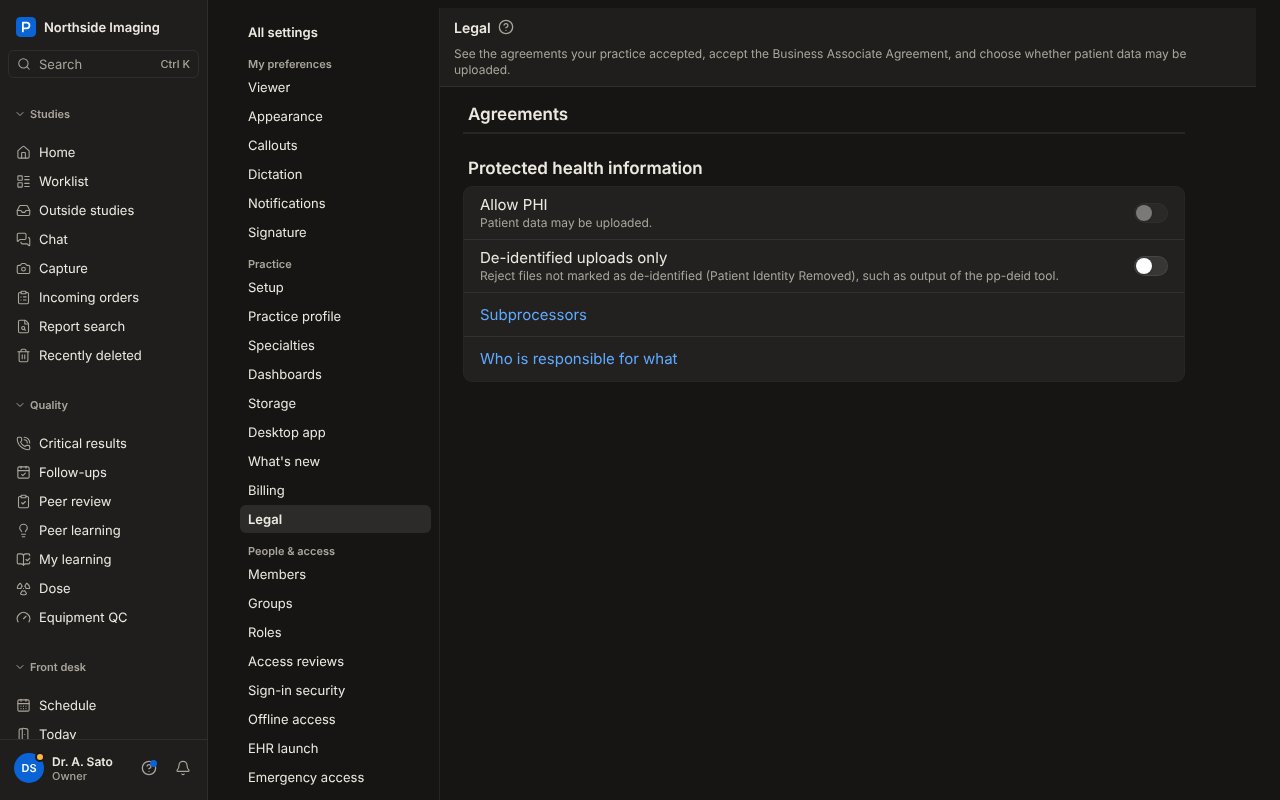
Settings › Legal shows the agreements your practice has accepted and when, the Business Associate Agreement (BAA), and whether protected health information (PHI) may be uploaded.
A BAA is needed before your practice stores protected health information in PacsPilot. Until PHI is allowed, use synthetic or de-identified data only.
Who can use it
Owners and admins can open this page. It needs permission to change practice settings and to manage members.
Some actions are for owners only:
- Accepting the BAA.
- Turning Allow PHI on or off.
Admins see these but cannot change them. The page says "A practice owner can accept the BAA here." or "Only a practice owner can change this."
How to accept the Business Associate Agreement
- Open Settings › Legal as an owner.
- Under Business Associate Agreement, open the link to read the agreement and its version.
- Enter the Covered entity's legal name, Your full name and Your title.
- Tick I'm authorized to accept this agreement for the covered entity.
- Press Accept BAA.
Accepting records your name, title and IP address and emails you a PDF record. Once accepted, the group shows the version, how it was accepted, who signed, and a Download PDF link when a copy is stored.
How to allow PHI
- Accept the BAA first.
- Under Protected health information, switch on Allow PHI.
The switch stays off while a BAA is missing. The text under it says which one: your practice's BAA with PacsPilot, or PacsPilot's own BAA with its hosting provider.
How to accept de-identified uploads only
While PHI is not allowed, you can make PacsPilot reject files that are not marked as de-identified (Patient Identity Removed). Output of the pp-deid tool is marked this way.
- Under Protected health information, switch on De-identified uploads only.
This switch is hidden once PHI is allowed.
Fields and columns
| Name | What it means |
|---|---|
| Agreements | The Terms of Service, the Acceptable Use Policy and the Business Associate Agreement. Each links to the document and shows the version you accepted and when, or the current version. |
| Accepted / Not accepted | Whether your practice accepted the current agreement. |
| Draft | The agreement is not in force yet. |
| Business Associate Agreement | The BAA you accepted, or the form to accept it. Shows Not available yet while the BAA is still being reviewed. |
| Covered entity's legal name | The legal name of your practice or organization. |
| Your full name | The name of the person accepting. |
| Your title | That person's job title. |
| Accept BAA | Accepts the agreement. Needs the authorization box ticked. |
| Download PDF | The stored copy of the accepted or countersigned BAA. |
| Allow PHI | Whether patient data may be uploaded. Owners only. |
| De-identified uploads only | Rejects files not marked as de-identified. Shown while PHI is not allowed. |
| Subprocessors | The list of PacsPilot's subprocessors. |
| Who is responsible for what | The shared responsibility matrix. |
| History | Every acceptance: document and version, how it was accepted (such as At sign-up, In the app, In Settings or Signed copy), who accepted it, and the date. |
If something goes wrong
- Needs a signed BAA between your practice and PacsPilot.: an owner accepts the BAA on this page, then turns on Allow PHI.
- Needs PacsPilot's own BAA with its hosting provider, which isn't in place yet.: PHI cannot be allowed yet. Use synthetic or de-identified data.
- The Business Associate Agreement is not in force yet; PacsPilot accepts synthetic or de-identified data only: wait until the BAA is in force.
- The current version is _n_; reload and review it: the BAA changed while the page was open. Reload, read the new version and accept again.
- Only a practice owner can accept the BAA or Only a practice owner can change this: ask an owner.
- A sandbox practice holds synthetic data only or A sandbox practice keeps the de-identified check on: a sandbox practice cannot allow PHI.
- Settings changed at the same time; try again: reload the page and try again.
- Could not load the legal documents, Could not load the acceptance record or Could not load the PHI setting: reload the page.
Related
Updated October 19, 2026. Signed in? The same article is in the app's help panel: press
?.