Endoscopy quality measures
Colonoscopy quality measures for a period, per endoscopist and for the unit, with the cases behind each number, targets and CSV exports.
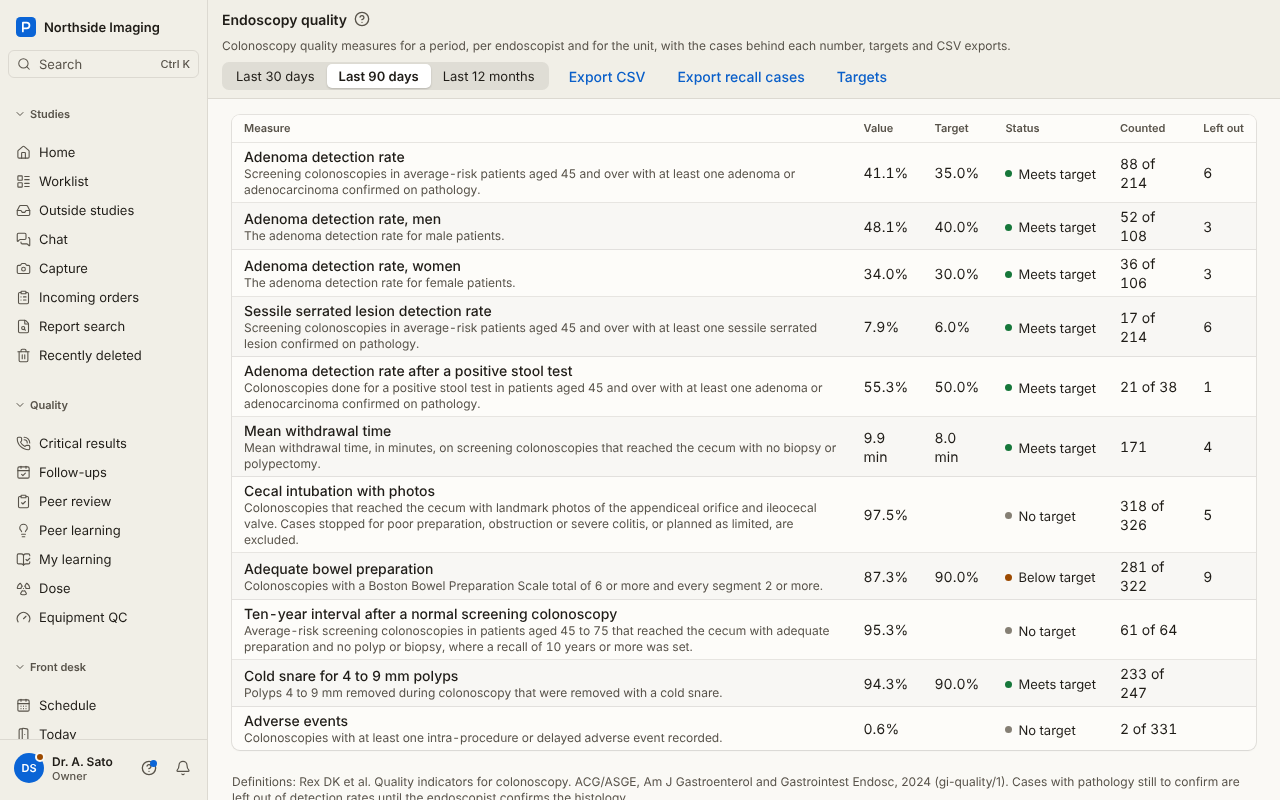
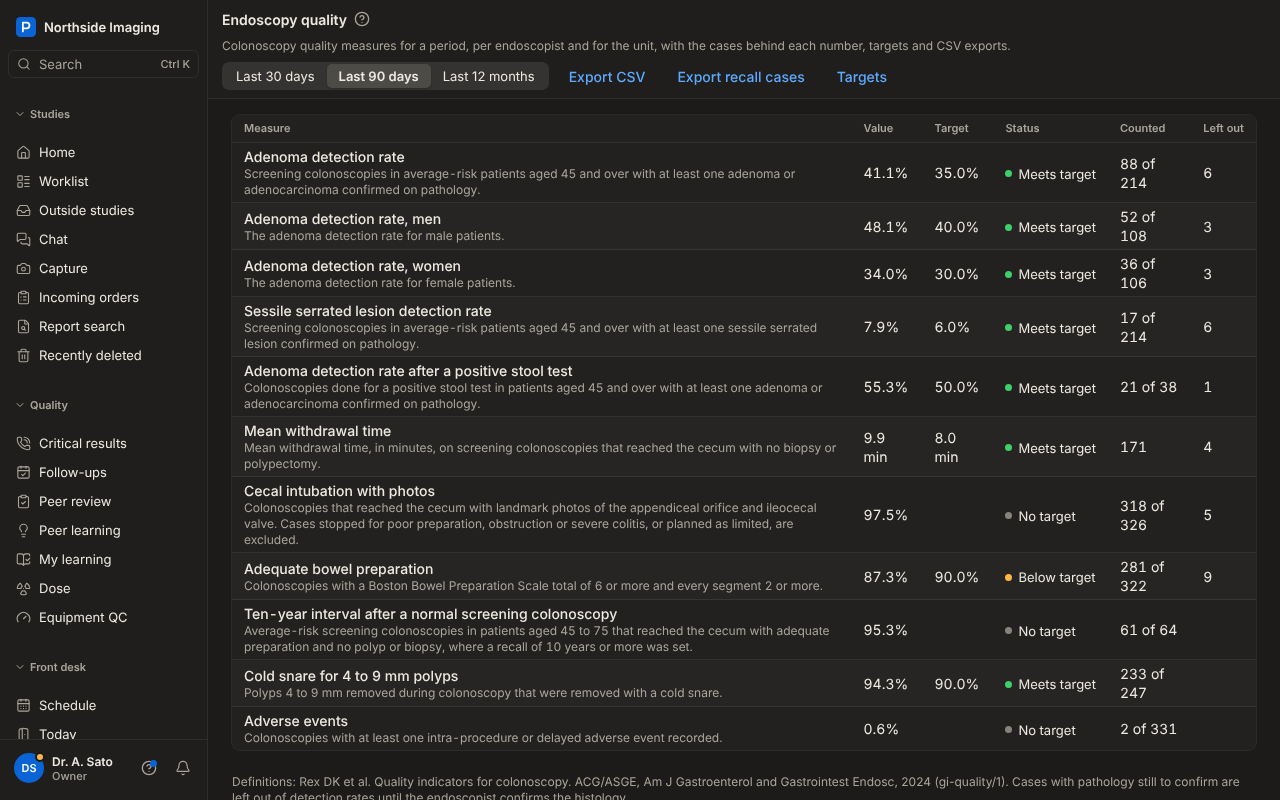
What this page is for
Specialties › Endoscopy quality shows the colonoscopy quality measures for the last 30 days, 90 days or 12 months: adenoma detection rate (overall, men and women), sessile serrated lesion detection rate, adenoma detection after a positive stool test, mean withdrawal time, cecal intubation with landmark photos, adequate bowel preparation, a ten-year recall after a normal screening colonoscopy, cold snare removal of small polyps and adverse events.
Each number is worked out when you open the page from the GI procedure records, the histology the endoscopist confirmed on each specimen jar and the recall set for the procedure. Nothing is entered on this page.
The page appears for human practices while the Endoscopy and GI pack is on under Settings › Specialties.
Who can use it
Owners and admins see the whole unit and can pick one endoscopist. Physicians see only their own numbers. Admins set the targets. Opening the cases behind a measure, and the recall export, show patient names and are in the audit log.
How to read a measure
- Pick the period.
- To see one endoscopist, pick them in the endoscopist list; Whole unit shows everyone.
- Each row shows the measure, its definition, the value, the target and whether it is met. Counted shows how many procedures (or polyps, for cold snare) met it out of those counted; Left out shows how many were set aside.
- Select a row to list its cases. Each case shows whether it met the measure or, for a case left out, why: for example Pathology pending until the endoscopist confirms the histology, No prep score when the Boston score was not entered, or Extent not recorded.
- Select a case to open its study in the viewer.
A procedure counts once its record has an endoscopist and a scope-in time. Detection rates leave out procedures whose specimens are still waiting for pathology, so a recent period can rise as results come back.
How to set targets
- Press Targets.
- Enter each target as a percentage, or the withdrawal time in minutes. Leave a field empty for no target.
- Press Save targets.
Until you save your own, the published targets are offered once a clinical reviewer has signed off the Endoscopy and GI pack for your server.
How to export
- Export CSV downloads the measures for each endoscopist and the unit, with no patient details.
- Export recall cases downloads the ten-year recall measure's cases with MRNs, for registry or MIPS reporting, for members who can export quality data. Check the measure specification for the reporting year before you submit.
Fields and columns
- Measure: the measure's name and a plain definition of what it counts.
- Value: the share of counted procedures (or polyps) that met it, or the mean withdrawal time in minutes.
- Target and Status: your target and whether the value meets it. No target when none is set, No cases when nothing was counted.
- Counted: met out of counted.
- Left out: procedures set aside, with the reason in the case list.
If something goes wrong
- No measures: no procedure in the period has an endoscopist and scope times yet.
- "The period holds too many procedures": pick a shorter period.
- "You can see only your own numbers": your role sees your own procedures only.
- The page is missing from the sidebar: the Endoscopy and GI pack is off, or your practice is veterinary.
Related
Updated November 6, 2026. Signed in? The same article is in the app's help panel: press
?.