Support access
Decide when PacsPilot support may see your account, for how long and how much, and review what they opened.
What this page is for
PacsPilot support never sees your account unless you let them. When support needs to look at something, they send a request. You approve it for a set time and choose what they can see, and you can end it at any time. Every session is listed here with what was opened.
Who can use it
Owners and admins approve, decline and end requests. Only the owner changes the switches under Settings. Every member sees a banner at the top of the app while support has access. Open the page from Settings › Sign-in security, or from the banner.
How to approve a request
- Under Requests, find the request. It shows who is asking and, when there is one, the ticket it is about.
- Choose Approve….
- Under What they can see, pick Settings only or Settings and studies.
- Under For how long, pick 1 hour, 4 hours or 24 hours.
- Choose Approve.
Choose Decline to refuse. Support can ask again later.
How to end access early
Under Open now, choose End access now and confirm. Support's view closes at once. You can also end it from the banner.
How to see what support opened
Choose What they opened on an open or past session. The list shows each page or study they viewed.
Fields and columns
- Accept support access requests: when off, support cannot ask to see your account.
- Standing consent: approves settings-only requests automatically for 1 hour. These are still shown in the banner and listed here. Turn on Accept support access requests first.
- Past sessions: how each one ended, for example Ended by the practice, Ended by support, Expired or Ticket closed, with the time it was asked and ended.
If something goes wrong
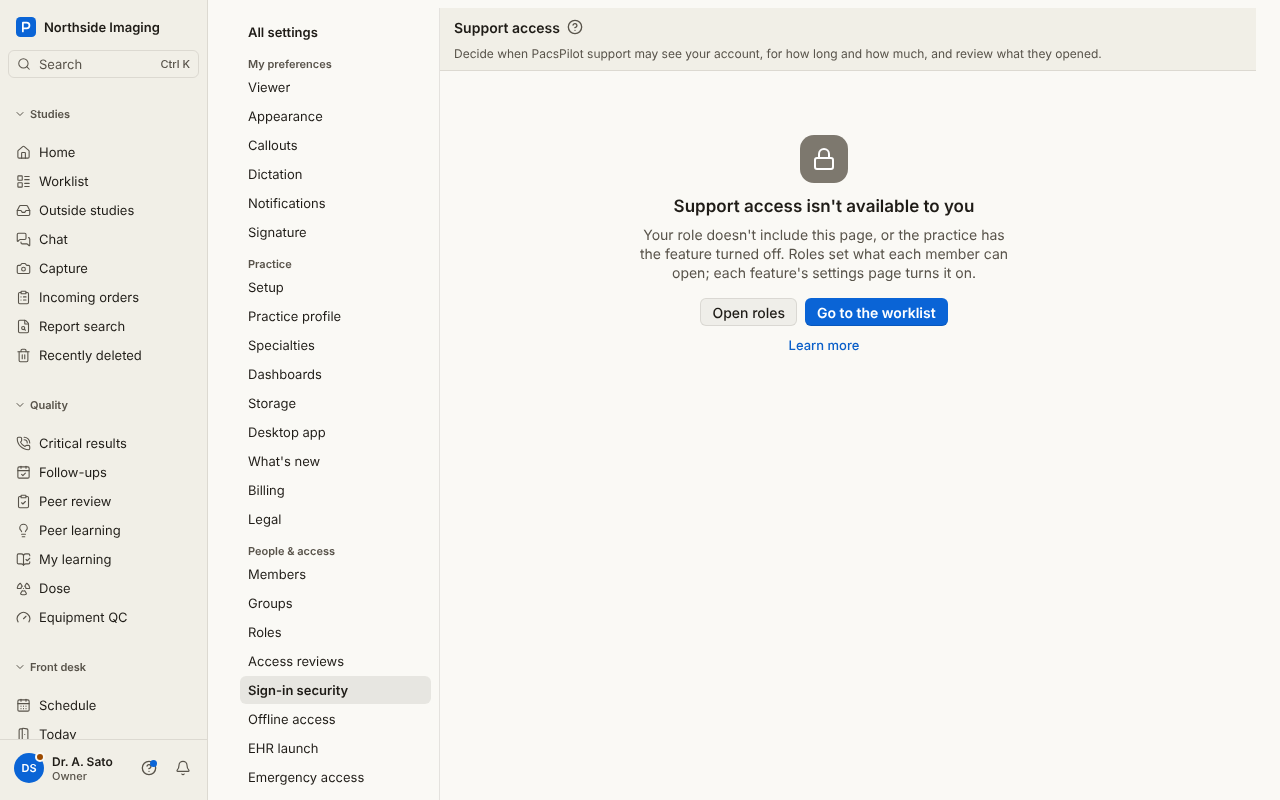
- The page says support access is not available: the feature is not on for your practice yet.
- Standing consent can't be turned on: turn on Accept support access requests first.
- Could not load support access: choose Retry. If it keeps failing, contact support.
Related
Updated October 19, 2026. Signed in? The same article is in the app's help panel: press
?.