MQSA audit
The yearly MQSA medical outcomes audit: recall rate, positive predictive value and cancer detection rate, per physician and for the facility.
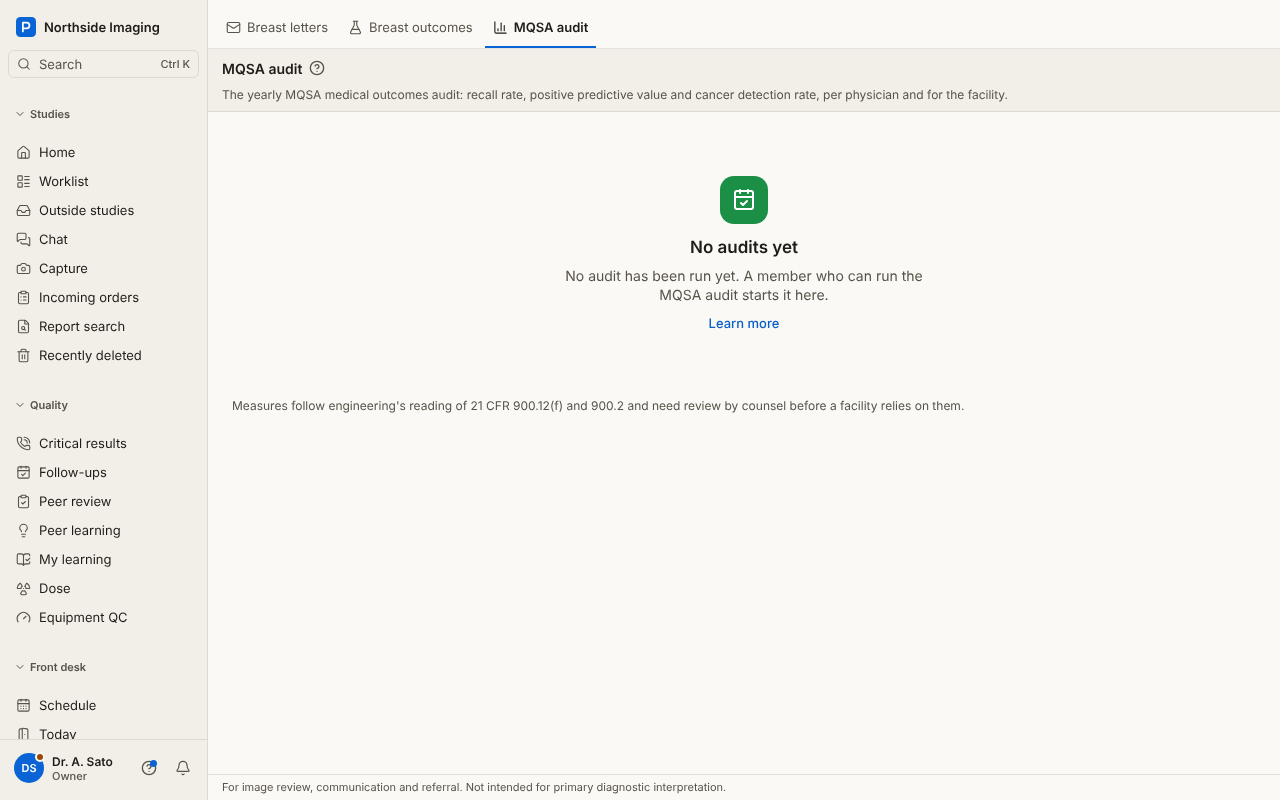
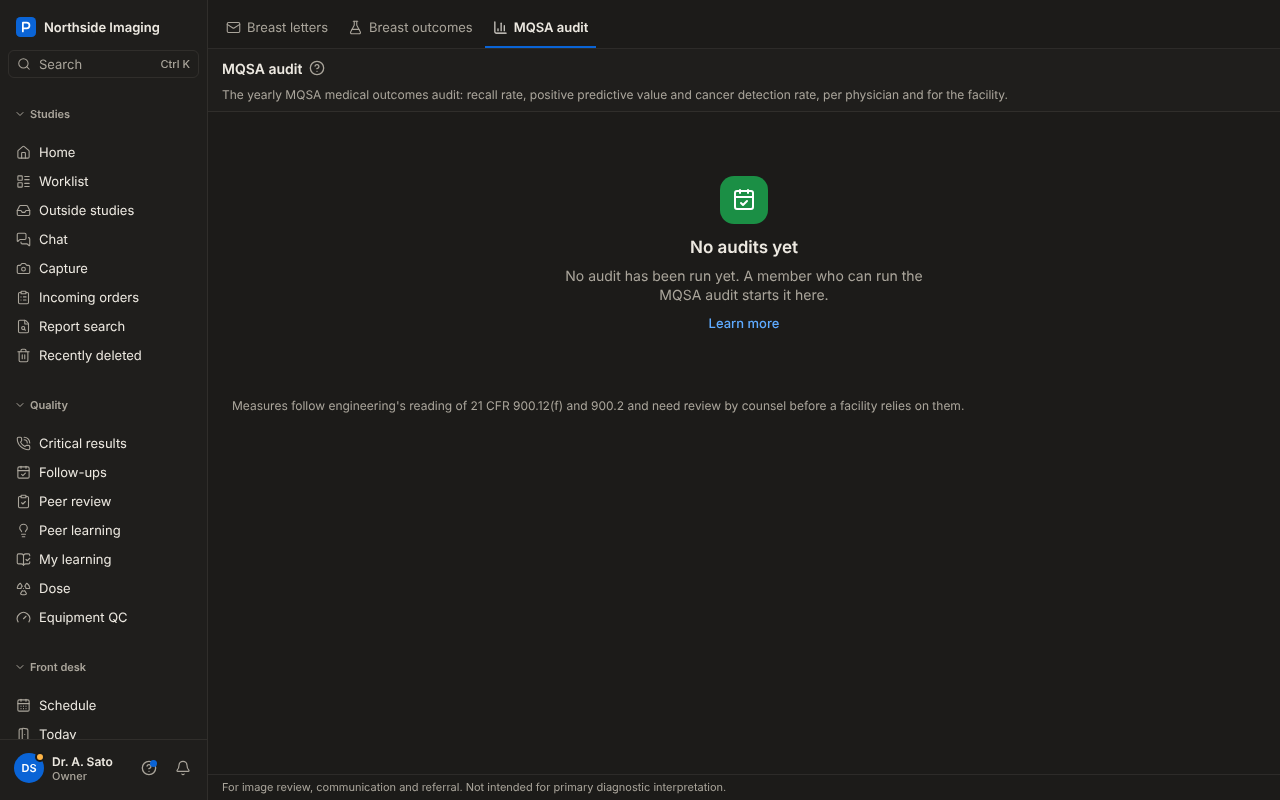
What this page is for
MQSA requires each mammography facility to audit its medical outcomes every year, and an audit interpreting physician to review it. This page runs the audit over a period of exams, shows the results for the facility and for each interpreting physician, lists the cases behind the counts, and records the sign-off.
The audit covers signed mammography and tomosynthesis (DBT) exams whose exam date is in the period. A cancer is a malignant pathology result for the same patient within one year after the exam, on the same side when the exam says which side. Pathology results come from Breast outcomes, so enter them there first.
The measures follow engineering's reading of 21 CFR 900.12(f) and 900.2 and need review by counsel before a facility relies on them.
Who can use it
- Owners and admins, and members whose custom role includes "Run and sign off the outcomes audit", see every physician's row, can run audits and can see every case.
- The audit interpreting physicians chosen in Settings › Breast imaging see everything, can run audits and are the only members who can Sign off.
- Physicians and other members with "Enter pathology outcomes" see the facility row and their own row, and only their own cases. They can mark interval cancers reviewed.
You may not see the page because:
- Breast imaging is off for the practice. An owner or admin turns it on in Settings › Breast imaging.
- Your role has neither permission above. Technologists do not have them by default.
- You are limited to a visibility group. Breast imaging pages are not available to members in a visibility group.
How to run the audit
- Press Run audit.
- Check the From and To dates. The default is the 12 months that ended a year ago, so every exam has a full year of outcomes. The period can be at most 24 months and cannot end after today.
- Press Run audit.
The audit runs in the background. The page shows "Running the audit" and updates on its own when it is done. Only one audit can run at a time.
An audit whose period ended less than a year ago is Provisional: some exams have less than a year of outcome data, so cancers may still be missing.
How to read the results
Choose an audit in Audit. The four cards show the facility's recall rate, positive predictive value, cancer detection rate and number of exams. The table shows the same measures for the facility (first row) and each interpreting physician.
Tick Show measures recommended by the ACR (not required by MQSA) to add the diagnostic abnormal rate, PPV1, PPV2 and PPV3.
How to review the cases
1. In Cases, choose a list: - Cancers after a negative or benign exam (review): cancers found within a year after an exam assessed 1, 2 or 3. - Cancers counted: positive exams with a cancer. - Positive exams (first per patient): the exams behind the positive predictive value. - Positive exams, outcome unknown: positive exams with no pathology result within a year. 2. For each case in the first list, look at the exam and press Mark reviewed once the review is done.
Cases show patient names and MRNs. Opening a list is recorded in the audit log.
How to sign off
Only an audit interpreting physician can sign off, and only a finished audit that is not yet signed.
- Press Sign off.
- For a provisional audit, tick I understand some exams have less than a year of outcomes.
- Add a Note if you want, up to 2,000 characters.
- Press Sign off.
The page then shows who signed off and when.
How to export the audit
On a finished audit, press Export PDF or Export CSV. The export holds the counts and rates, not patient details. A physician who can see only their own row exports the facility row and their own row. Each export is recorded in the audit log.
Fields and columns
| Name | What it means |
|---|---|
| Audit | The audit shown: its period and status (Running, Failed, Provisional, Done or Signed off) |
| Recall rate | Screening exams assessed BI-RADS 0 (needs more imaging) as a share of all screening exams. BI-RADS 0 for prior films is not a recall |
| Positive predictive value (PPV) | Patients with a positive exam (BI-RADS 4, 4A to 4C or 5) who had a cancer within a year, as a share of patients with a positive exam. Each patient counts once, at their first positive exam in the period, for that exam's reader |
| Cancer detection rate | Cancers found per 1,000 patients screened. A patient counts once, at their first screening in the period, when the screening or the diagnostic workup within a year was positive and a cancer followed within a year |
| Exams | Signed mammography and DBT exams dated in the period, with the number of positive exams whose outcome is unknown |
| Interpreting physician | The physician who signed the exams. "Facility" is the whole practice; "Former member" is someone no longer in the practice |
| Screenings | Screening exams in the period, the denominator of the recall rate |
| Outcome unknown | Positive exams with no pathology result within a year |
| Interval cancers | Cancers within a year after an exam assessed 1, 2 or 3, counted for the most recent such exam |
| Diagnostic abnormal | Diagnostic exams assessed 4 or 5, as a share of diagnostic exams (ACR measure) |
| PPV1 | Screening exams assessed 0, 4 or 5 that were followed by a cancer, as a share of those exams (ACR measure) |
| PPV2 | Exams assessed 4 or 5 (biopsy recommended) that were followed by a cancer, as a share of those exams (ACR measure) |
| PPV3 | Exams assessed 4 or 5 with a pathology result (biopsy done) that were followed by a cancer, as a share of those exams (ACR measure) |
| Cases: Patient, MRN | The patient of the case |
| Cases: Exam date, Assessment | The exam the case is counted for |
| Cases: Result date | The date of the pathology result, when there is one |
| Cases: Review | For interval cancers: Mark reviewed, or when it was reviewed |
| Run audit | Starts a new audit over a period |
| Sign off | Records the audit interpreting physician's sign-off |
| Export PDF, Export CSV | Download the finished audit's counts and rates |
A dash (–) means the measure has no exams to count.
If something goes wrong
- "An audit is already running; wait for it to finish": wait until the running audit is done.
- "The period cannot end after today" or "The period is at most 24 months": change the dates.
- "This audit could not be completed. Run it again.": press Run audit with the same period.
- "Some exams in this period have less than a year of outcomes; acknowledge that to sign off": tick the box in the sign-off dialog.
- "Only the practice's audit interpreting physicians sign off the audit": ask an owner or admin to add you in Settings › Breast imaging under Audit interpreting physicians.
- "Only owners, admins and audit physicians run the audit": ask one of them to run it.
- "This audit is already signed off": someone signed it while you had the page open. Reload.
- "You do not have access to the outcomes audit": your role has neither permission. Ask an owner or admin.
Related
Updated October 19, 2026. Signed in? The same article is in the app's help panel: press
?.