Peer review
Signed reports sampled for you to score on the RADPEER scale, a pool of cases to take, and reviews of your own reports to answer.
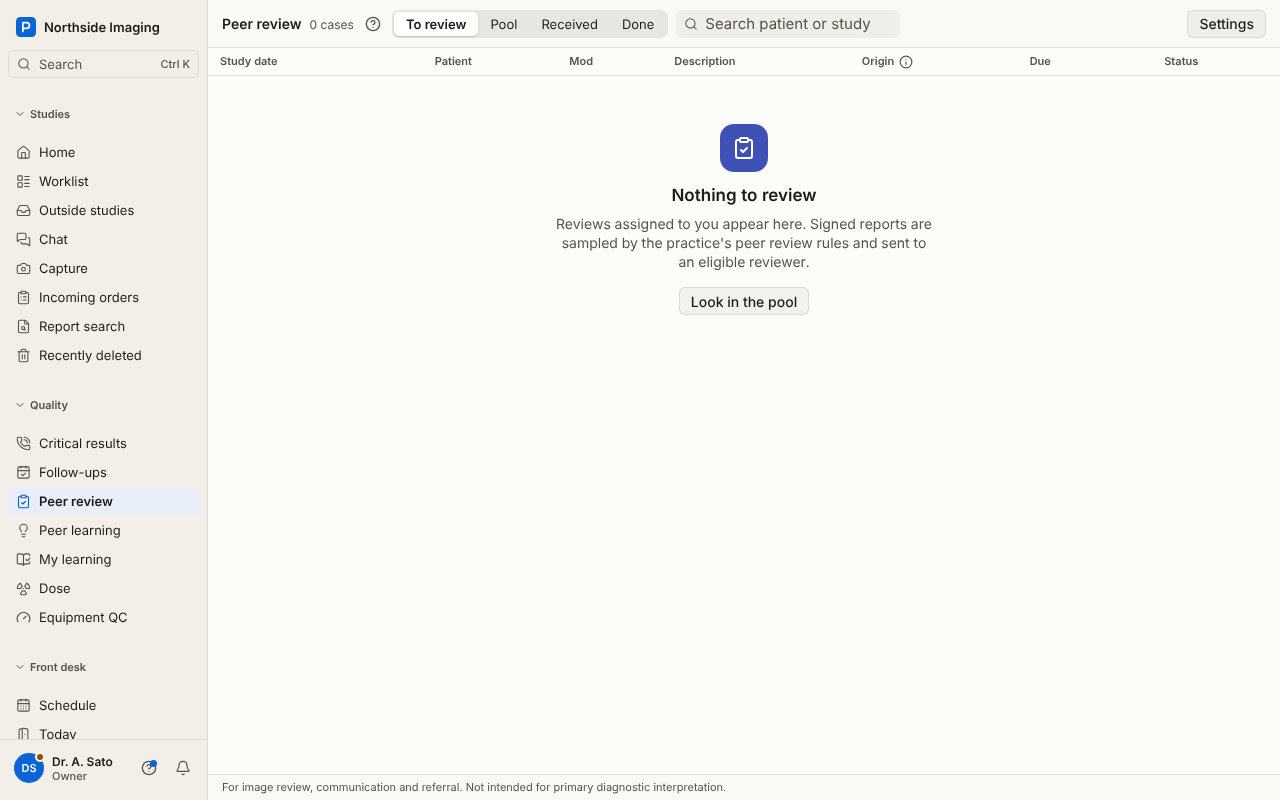
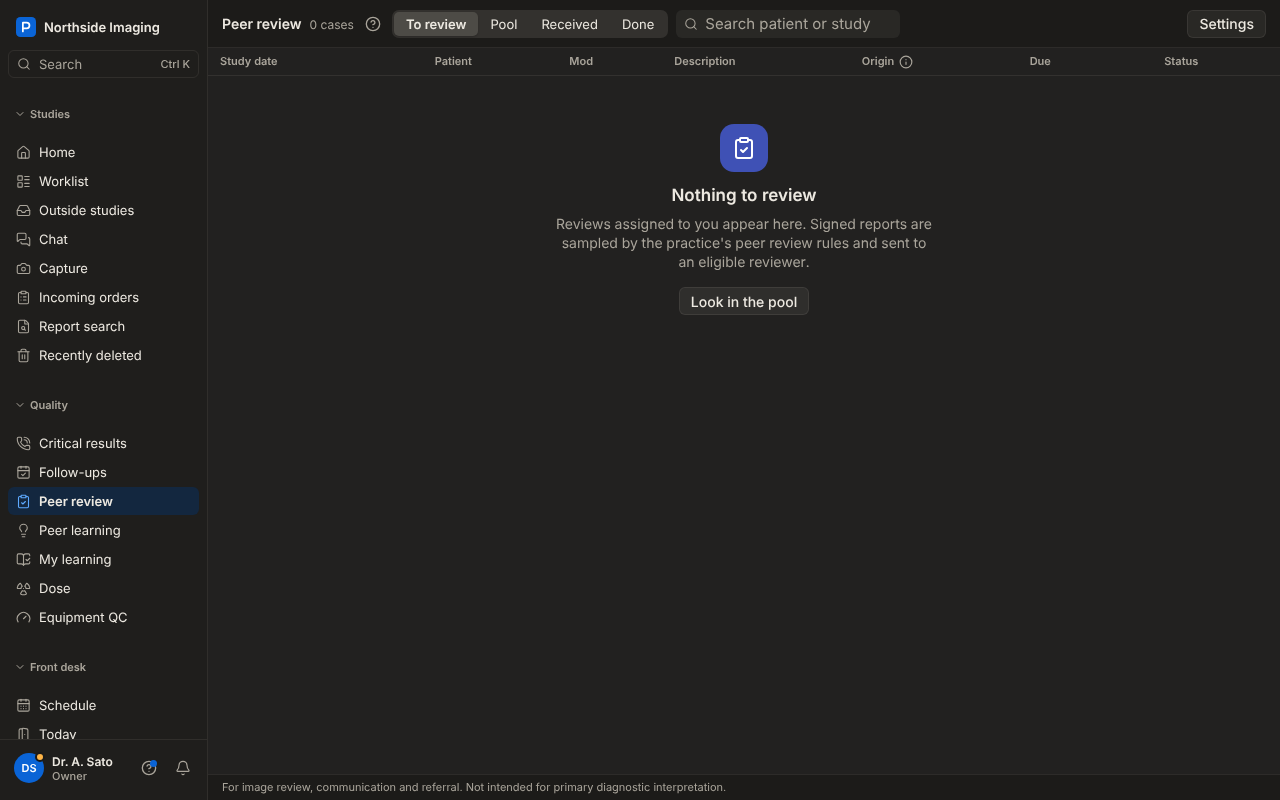
What this page is for
Peer review samples signed reports and sends each one to another radiologist in the practice, who scores it on the RADPEER scale. This page is where you score the reviews assigned to you, take reviews from the pool, see what you have scored, and answer reviews of your own reports.
The practice's QA committee sets which reports are sampled and who reviews them in Settings › Peer review program.
Who can use it
- To review, Pool and Done are for reviewers: owners and physicians, or any member whose custom role includes "Score other readers' reports".
- Received is for members who sign reports: owners and physicians by default.
You may not see the page because:
- Peer review is off. An owner or admin turns it on in Settings › Peer review program, and it needs reporting to be on.
- Your role neither scores nor signs reports. Admins, technologists and viewers do not by default.
Settings shows for members who can change practice settings or who are on the QA committee.
How to score a case
- Open To review and press a case. The review screen shows the report on the left and the score card on the right.
- Press Open images to read the study in the viewer, in a new tab.
- Choose a RADPEER score.
- For 2a, 2b, 3a or 3b, choose the kind of Discrepancy. It is required for 2b, 3a and 3b.
- Optionally choose a RADPEER category and add a Comment. Do not type patient details in the comment.
- For a 2b or 3b score, tick Urgent: tell the reader and the committee now if it cannot wait.
- Press Submit score.
A score of 1 or 2a closes the case. A score of 2b, 3a or 3b is a discrepancy: it goes to the reader for a response and then to the QA committee.
With the Vascular and vein pack on, an ultrasound review also shows Vascular lab review: score protocol, image quality, criteria and report as Meets the standard, Minor problem or Major problem, then press Save vascular scores. Only the assigned reviewer can change them.
How to take a case from the pool
Reviews that no eligible reviewer could take wait in Pool. Open one and press Take this review. It then counts toward your open reviews and you score it as above.
How to decline a case
On the review screen, press Decline, choose a Reason and press Decline. The case goes to another eligible reviewer, or to the pool, and you are not offered it again. Declining is for conflicts of interest or cases outside your expertise.
How to answer a review of your report
- Open Received. A case marked Your response waits for you.
- Press it to see the score, the kind of discrepancy and the reviewer's comment. By default you are not told who reviewed your report.
- Choose I agree or I disagree, add a Response if you like, and press Send response.
Respond by the date shown. The QA committee reviews the case with or without your response, and its final score and action then appear on the case. If the sheet says the case may need clinical follow-up, amend the report from the report page if the patient's care should change.
How to score a prior report
While you read a study, the report page lists Prior reports signed by other members, with a count of those to score. Open one, choose a score and submit it there. It is recorded as a closed review in one step.
How to sign a report held for prospective review
Under a prospective rule, a selected report is held before sign-off. The report page shows "Selected for prospective peer review" and when the hold ends. You can sign once the review is scored or the hold ends. To sign before that, press Sign anyway, choose a Reason and press Sign. The review continues after sign-off, and the QA committee sees that you signed through the hold. STAT orders are never held.
Fields and columns
| Name | What it means |
|---|---|
| To review | Cases assigned to you to score |
| Pool | Cases waiting for any eligible reviewer to take |
| Received | Scored reviews of reports you signed |
| Done | Cases you have scored, with your score and where each case stands |
| Search patient or study | Matches the patient name, study description or modality of the cases loaded |
| Settings | Opens Settings › Peer review program |
| Study date | The date of the study. Press the header to sort |
| Patient | The patient's name |
| Mod | The modality |
| Description | The study description |
| Origin | Why the case exists: Random (sampled by a rule), Monthly minimum (added to reach a reader's monthly minimum), Before sign-off (prospective), Requested, Prior report or Committee (created by the QA committee) |
| Due | The date the review is due, in red when overdue. Press the header to sort |
| Score | The RADPEER score. On Received, the committee's final score once decided, with the original score after it when they differ |
| Status | In the pool, To review, Scored, Waiting for the reader, Waiting for the committee, Closed, Cancelled or Overdue. On Received, Your response means the case waits for your answer |
| Look in the pool | Shown when nothing is assigned to you. Opens Pool |
| Open images | Opens the study in the viewer in a new tab |
| Reader hidden | The practice hides the reader's name and signature from reviewers |
| Take this review | Assigns a pool case to you |
| Decline | Returns the case for assignment. Reasons: Conflict of interest, Outside my expertise or Other |
| RADPEER score | 1: concur with interpretation. 2a and 2b: a discrepancy not ordinarily expected to be made. 3a and 3b: a discrepancy that should be made most of the time. b means likely to be clinically significant; a means unlikely |
| Discrepancy | Interpretation, Perception or Communication |
| RADPEER category (optional) | The RADPEER body-region category, 1 to 9, for practices that submit to RADPEER |
| Comment (optional) | Seen by the reader and the QA committee. Up to 2,000 characters |
| Urgent | Tells the reader and the committee at once. Only for 2b and 3b |
| Submit score | Saves your score. It cannot be changed afterwards |
| I agree, I disagree | Your view of a discrepancy on your report |
| Response (optional) | Your explanation for the committee, up to 2,000 characters |
| Send response | Sends your answer to the QA committee |
| Open report | Opens the report page of the study |
If something goes wrong
- "This review is not open to you. It may have gone to another reviewer.": the case was reassigned, declined or taken. Press Back to peer review.
- "Someone already took this review": another reviewer took the pool case first.
- "You cannot review this case (your own report, modality or access)": you cannot review your own reports, modalities you do not review, or studies outside your visibility group.
- "This review is already scored": the case was scored already, perhaps in another tab.
- "A discrepancy needs a reason": choose the kind of Discrepancy before submitting.
- "This review is not waiting for your response": the response window ended or the committee already decided.
- "Could not load peer reviews": press Retry.
- "Peer review is turned off for this practice": ask an owner or admin to turn it on in Settings › Peer review program.
Related
- Peer review program: rules, reviewers, discrepancies and exports for the QA committee.
- Image feedback: image quality ratings for technologists.
Updated November 1, 2026. Signed in? The same article is in the app's help panel: press
?.