Audit log
Search who viewed, shared, changed or deleted a study, and other events in your practice, and export them as CSV.
What this page is for
PacsPilot records who did what in your practice: sign-ins, every study viewed or downloaded, shares, corrections, deletions, member and token changes, orders, and more. The audit log lets you search those events, newest first, and download them.
The audit log cannot be edited or deleted from the app. Viewing it is itself recorded, and opening the same study several times within 15 minutes is recorded once.
Who can use it
Members with permission to view the audit log. By default that is owners and admins. Open it from Settings › Audit log. There is no switch to turn it on; if you do not see it in Settings, your role cannot view the audit log.
How to find events
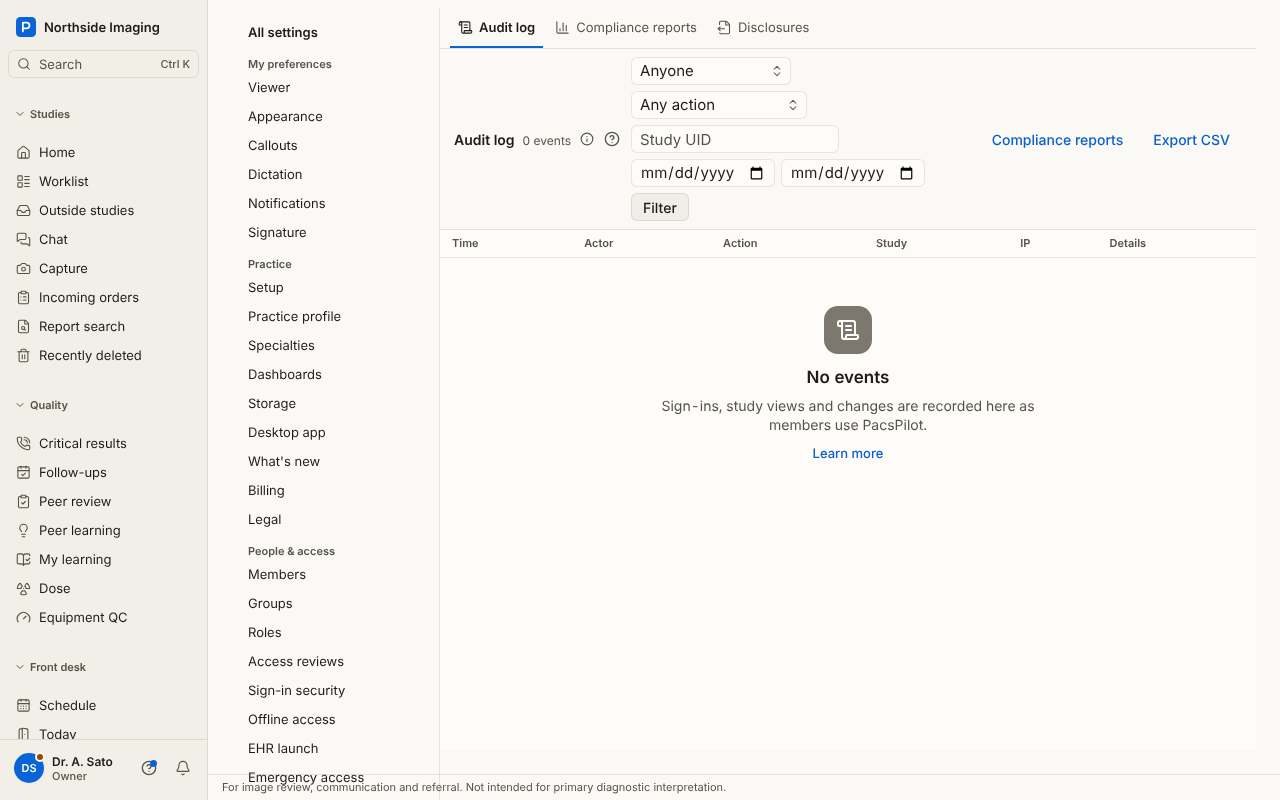
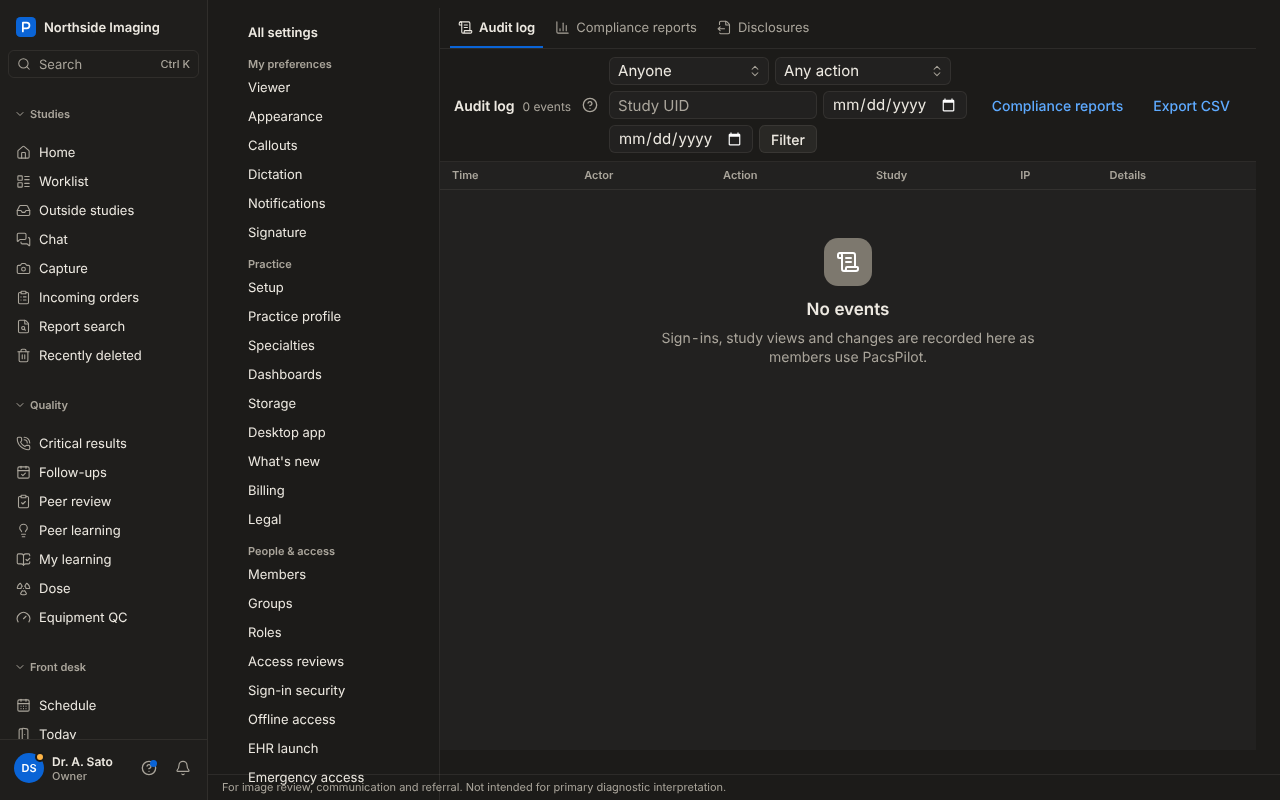
- In the toolbar, set any of the filters: a User (or Anyone), an Action (or Any action), a Study UID, a from date and a to date.
- Choose Filter.
- Choose Load more at the bottom for older events.
Filters you apply are kept in the page address, so you can bookmark the view or send it to another admin. To see everything that happened to one study, paste its Study Instance UID.
How to export events
- Apply the filters you want.
- Choose Export CSV. The file holds every event that matches the applied filters, up to 5,000, not only the rows on screen.
Each export is recorded in the audit log.
How to report on a patient, study or member
Choose Compliance reports at the top of the page for a summary of one patient's, study's or member's events over a period.
Fields and columns
| Name | What it means |
|---|---|
| User | One member, or Anyone. |
| Action | One kind of event, such as Viewed study, Downloaded study, Shared study, Corrected study, Deleted study or Opened share link, or Any action. |
| Study UID | Shows the events of one study. |
| From date, To date | The time range. |
| Filter | Applies the filters. |
| Export CSV | Downloads the events of the applied filters, up to 5,000. |
| Compliance reports | Opens compliance reports. |
| Time | When it happened. |
| Actor | The member, or the kind of actor, such as Share link, API token, Patient or PacsPilot support. |
| Action | What happened. Hover over it to see its code. |
| Study | An Open link to the study, when the event concerns one. |
| IP | The address the request came from. |
| Details | Extra facts about the event. Hover over it to read the whole text. |
If something goes wrong
- No events with Clear filters: nothing matches these filters. Choose Clear filters.
- A banner says events older than 90 days are not searchable, or could not be searched just now: only the last 90 days are shown. The last 90 days are always searchable.
- Could not load the audit log with Retry: choose Retry.
Related
Updated October 19, 2026. Signed in? The same article is in the app's help panel: press
?.