POCUS program
Set who attests learners' exams, edit the program's POCUS worksheets, confirm the year's billing codes and find unbilled scans.
What this page is for
Settings › POCUS program is where the ultrasound director runs the point-of-care ultrasound program: attestation of learners' exams, the worksheets clinicians fill, billing, and scans that were never documented.
The page appears while the Point-of-care ultrasound pack is on under Settings › Specialties.
Who can use it
Owners and admins. Every change is in the audit log.
Attestation
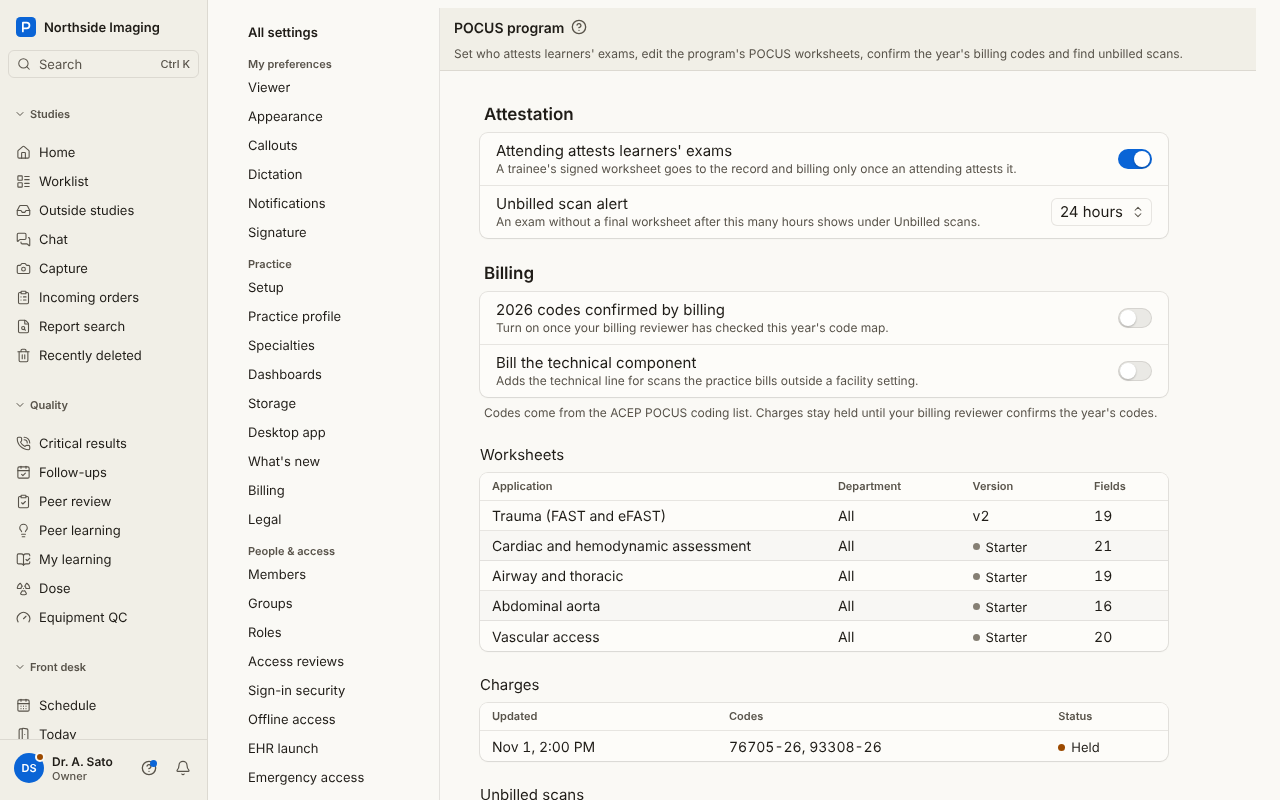
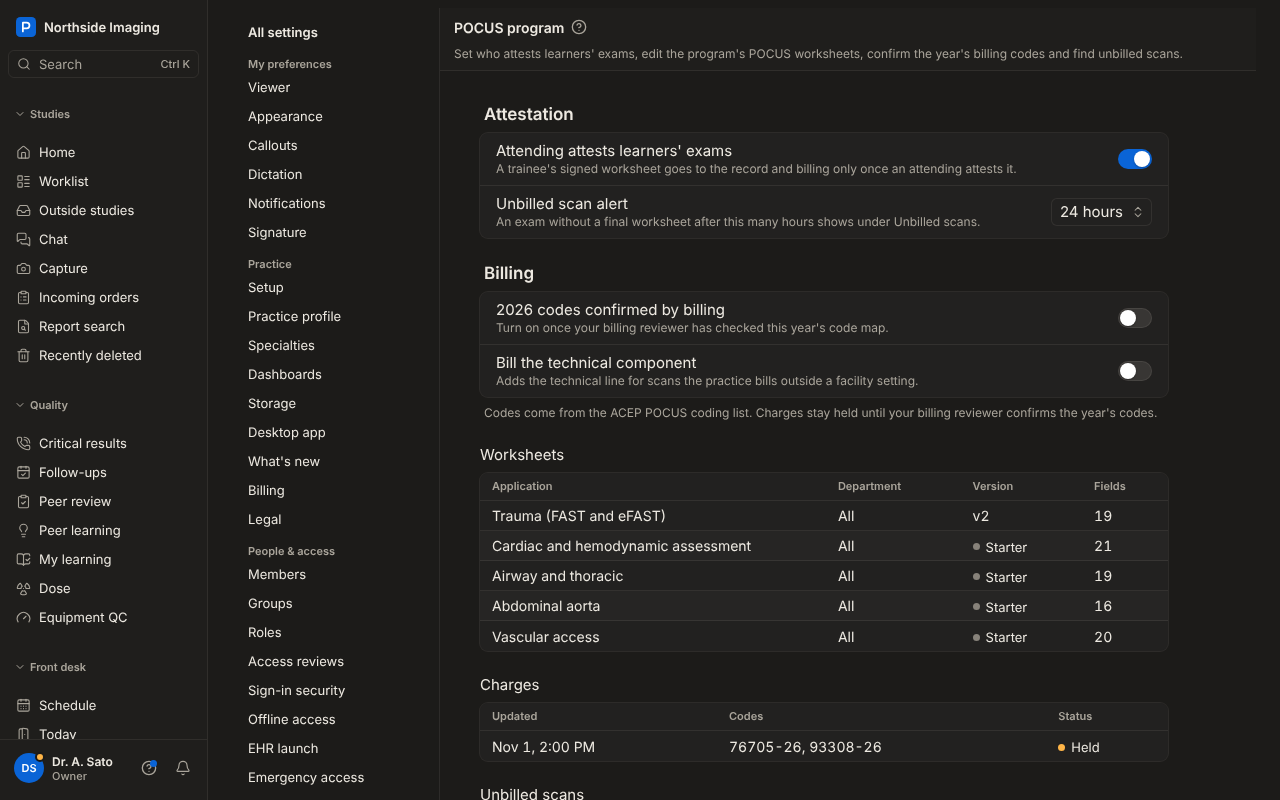
- Attending attests learners' exams is on by default. A trainee's signed worksheet then waits under POCUS to attest until an owner, admin or physician attests it.
- Unbilled scan alert sets how old an exam must be, without a final worksheet, before it shows under Unbilled scans. The default is 24 hours.
How to change a worksheet
Each application, for example Trauma (FAST and eFAST) or Vascular access, starts with a built-in worksheet. Select a row to change it:
- Rename fields and change their options. Fields marked (kept) feed the note, billing and credentialing, so they can be relabeled but not removed.
- Turn Required on for answers a clinician must give before signing.
- Add a field with a label, a type and the note section it goes in.
- Set the procedure code sent with the note. Built-in worksheets use a local code; use your LOINC or RadLex Playbook code if you have one.
- Leave Department empty for all departments, or name one department to give it its own worksheet.
- Press Save new version. New exams use the new version; exams already started keep the version they were filled on.
Billing
Charges are listed under Charges. Codes come from the ACEP point-of-care ultrasound coding list for the year. Charges stay Held until your billing reviewer has checked the code map and you turn on codes confirmed by billing for that year. Bill the technical component adds a technical line for scans the practice bills outside a facility setting.
With charge capture on, a Ready charge fills the exam's charge set with its codes for your coder, and its status becomes Sent. Codes missing from your charge master are left for the coder to add.
To send POCUS notes to the EHR, tick POCUS procedure notes on an HL7 destination under Settings › EHR results. A note is sent when a worksheet is final, never for an educational exam, and again as a correction when it is amended.
Educational exams are never billed. Procedures whose CPT code already includes ultrasound guidance, such as a nerve block, get no separate guidance code.
Unbilled scans
Exams older than the alert time that are still a draft or wait for attestation. Select a row to open the worksheet.
Fields and columns
The Charges list:
| Column | What it shows |
|---|---|
| Updated | When the charge was last built. |
| Codes | The CPT codes and modifiers, for example 76705-26. |
| Status | Held, Ready to send, or Sent to charge capture. |
If something goes wrong
- Every charge is Held. Turn on codes confirmed by billing for the year once your billing reviewer has checked the codes.
- Save new version is greyed out. The message above the button names the problem, for example a choice field with fewer than two options.
Related
Updated November 2, 2026. Signed in? The same article is in the app's help panel: press
?.