Chat inbox
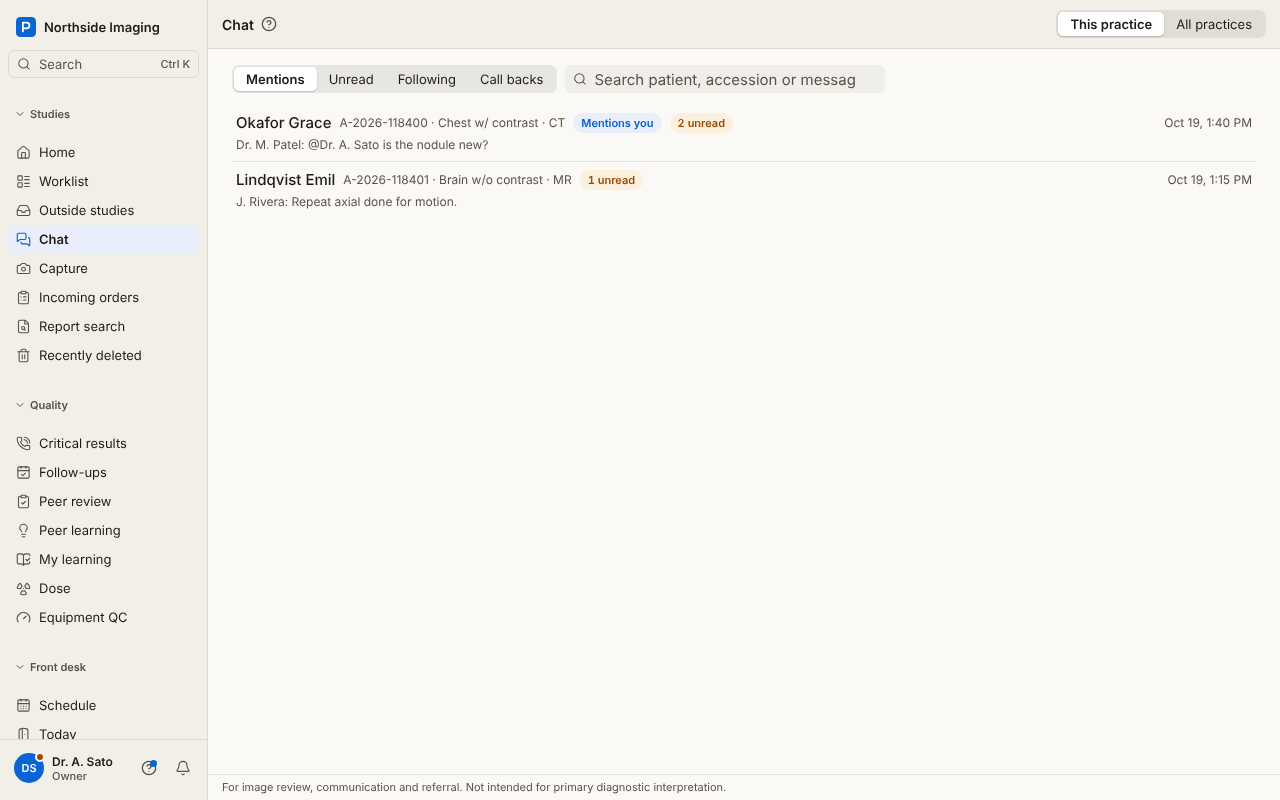
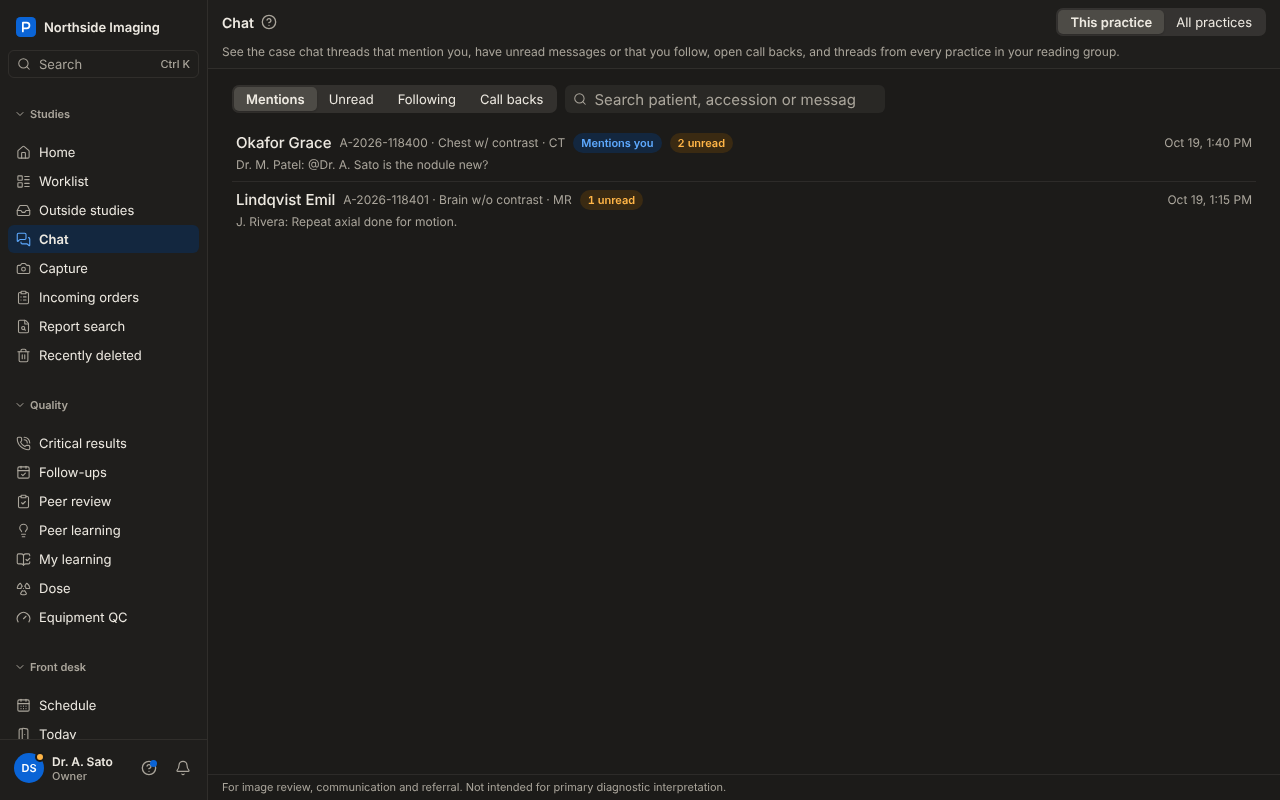
See the case chat threads that mention you, have unread messages or that you follow, open call backs, and threads from every practice in your reading group.
What this page is for
Chat in the sidebar collects the case chat threads that need you, so you do not have to open each study to find them. The number next to Chat counts the threads you follow that have messages you have not read.
- Mentions: threads where someone wrote @ your name, newest first. A thread stays here after you read it.
- Unread: threads you follow with messages you have not read.
- Following: every thread you follow. You follow a thread when you post in it, when someone mentions you, or when you press Follow in the study's chat.
- Call backs: open call backs on studies you can see, with Acknowledge and Close (shown while your practice has Ask radiologist and Call back on).
Readers also see a Mentions tile on Home, and technologists an Open call backs tile.
Who can use it
Everyone in a practice with case chat on, for the studies they can see. Members limited to a group of studies see only threads on those studies. Referring members see the page only when the practice lets referrers use case chat.
How to find a thread
- Open Chat in the sidebar.
- Pick Mentions, Unread or Following.
- To search, type at least two characters in Search patient, accession or messages. PacsPilot matches the start of the patient's name, patient ID or accession number on any thread, and words in the messages of threads you follow or are mentioned in.
- Select a thread to open the study in the viewer with its chat.
How to see every practice at once
If you read for several practices and they have turned on the all-practices worklist and case chat across practices, pick All practices at the top of the page. Mentions and Unread then list threads from each practice, with the practice's name on every thread. Opening a thread from another practice switches you to that practice first.
PacsPilot asks only the practices where you have something unread, so the list stays quick. A practice that does not answer in time is named above the list.
Fields and columns
- Patient, accession, description and modality: the study the thread is about.
- Topic: shown for threads other than the study's main thread.
- Mentions you: an unread message mentions you.
- Unread: how many messages you have not read.
- Last message: who wrote it and its first words. Deleted messages show as deleted.
- Practice: on All practices, the practice the thread belongs to.
If something goes wrong
- Chat is not in the sidebar: your practice has case chat off. An owner or admin turns it on under Settings › Case chat.
- All practices is missing a practice: that practice has not turned on the all-practices worklist or case chat across practices, or it needs its own sign-in.
- A count looks a moment behind: counts across practices are updated within a few seconds of a new message.
Chat is not a way to send critical results. Use Communicate critical result for those.
Related
Updated November 1, 2026. Signed in? The same article is in the app's help panel: press
?.