Imaging-pathology correlation
Link an imaging study or a tracked lesion to its pathology case, mark it concordant or discordant, and follow discordant ones to closure.
What this page is for
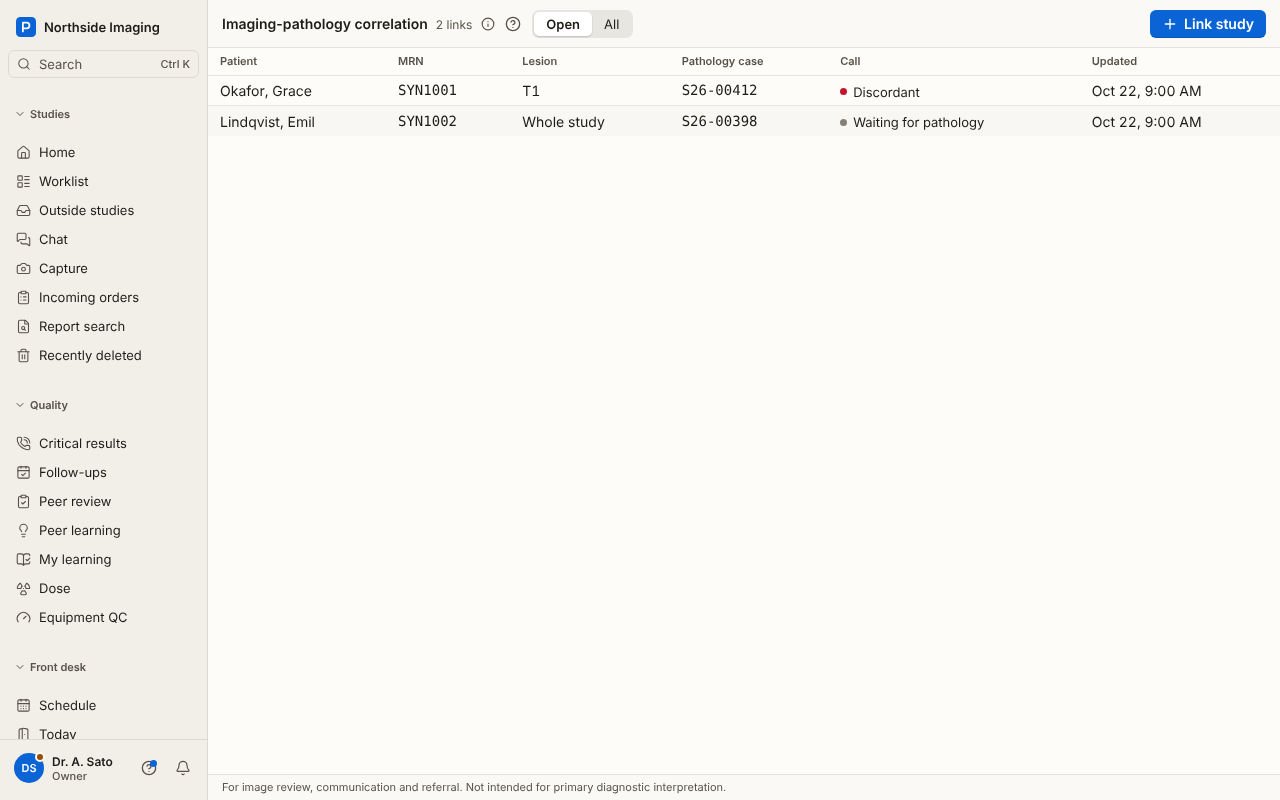
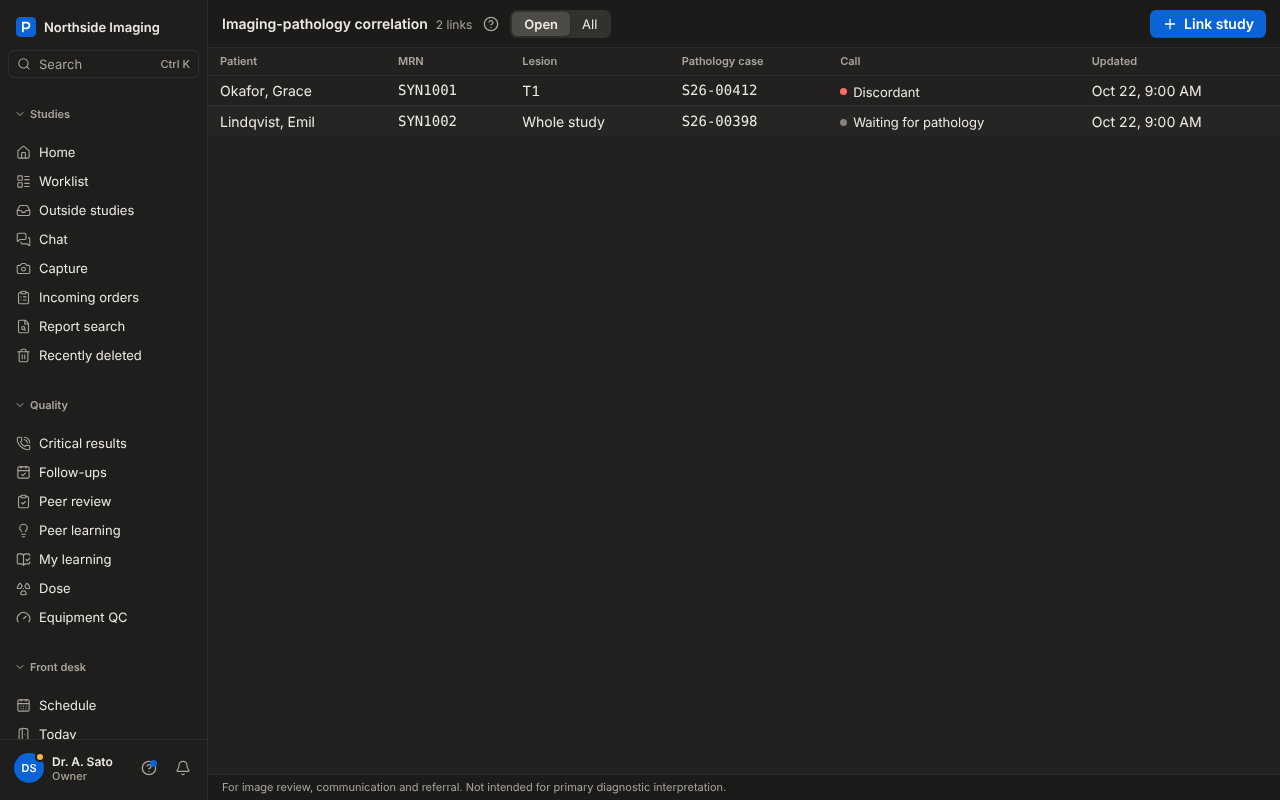
After a biopsy, the reader checks whether the pathology result fits what the images showed. Specialties › Correlation keeps that check: each row links an imaging study, or one tracked lesion on it, to a pathology case, with the reader's call.
- Waiting for pathology: the case is linked, the result is not in yet.
- Concordant: the pathology fits the imaging.
- Discordant: it does not. The link stays on the Open list until someone closes it with the follow-up done.
The page appears while the Oncology pack is on under Settings › Specialties.
Who can use it
Everyone who can view studies sees the links for studies they can see. Linking and changing the
call needs the report.write permission (readers).
How to link a study
- Press Link study.
- Search for the imaging study by name, MRN or accession and pick it.
- Enter the exact Pathology case number and press Enter. The case must belong to the same patient.
- Choose the Call and add a Note if useful.
- Press Link.
How to mark a discordant result and close it
- Press the row to open it.
-
Choose Discordant and press Save. The study's assigned reader
is notified, and a
rad_path.discordantwebhook fires if your practice uses webhooks (IDs only). - When the follow-up is done (for example a repeat biopsy or surgery), open it again and press Close, follow-up done.
Changing the call of a closed link reopens it. All shows closed and concordant links too.
Fields and columns
- Patient and MRN: from the imaging study.
- Lesion: the tracked lesion the link is for (T1, NT2 and so on), or Whole study.
- Pathology case: the case number from the lab.
- Call: Waiting for pathology, Concordant or Discordant; a closed discordant link says closed.
- Updated: when the link last changed.
If something goes wrong
- "The pathology case belongs to another patient": the study and the case have different MRNs. Check the case number, or correct the patient details first.
- "This study is already linked to that pathology case": open the existing row instead.
- "Only a discordant correlation is closed": pending and concordant links need no closing.
- The page is missing from the sidebar: the Oncology pack is off under Settings › Specialties.
Related
Updated October 24, 2026. Signed in? The same article is in the app's help panel: press
?.