Teaching
De-identified teaching cases to study, and the teaching collections and research projects you build from your practice's studies.
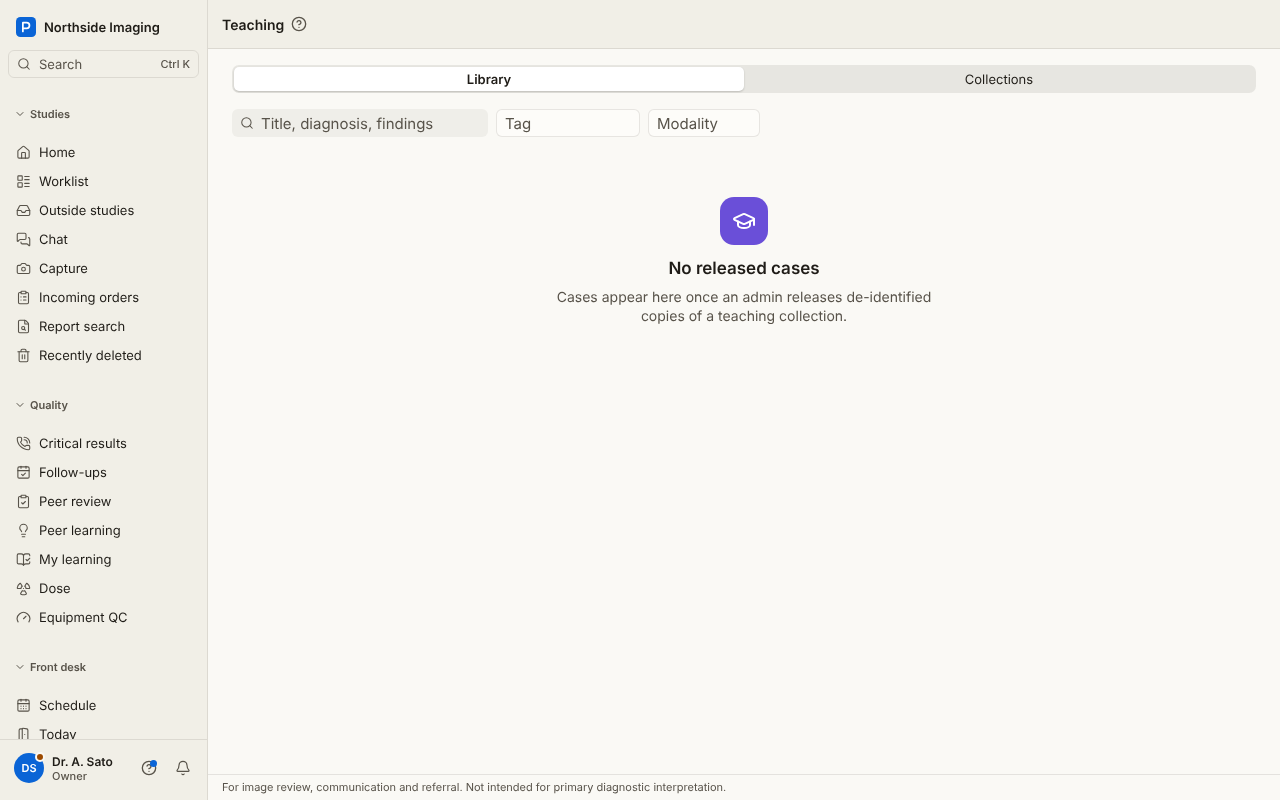
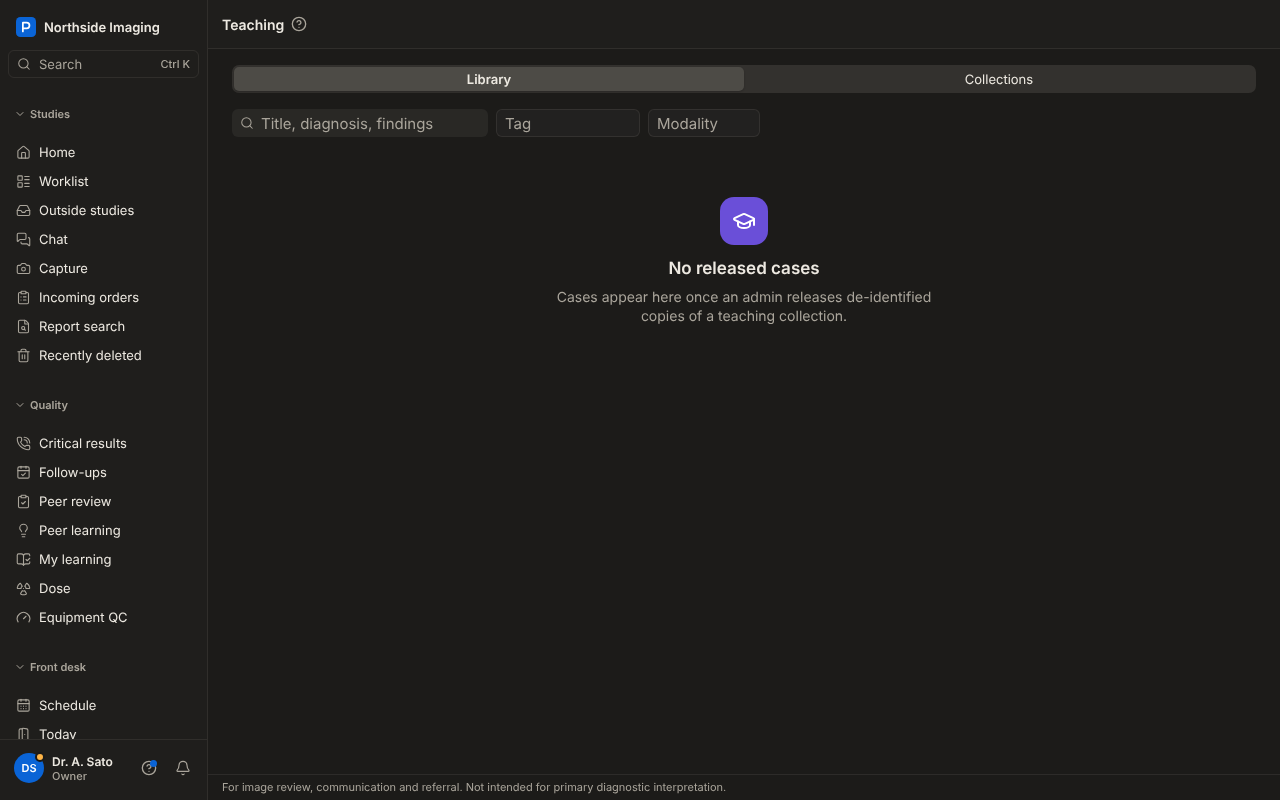
What this page is for
Teaching has two sections:
- Library: released teaching cases. Each one opens a de-identified copy of the study in the viewer, with the history shown and the findings and diagnosis hidden until you reveal them, so you can test yourself.
- Collections: the teaching collections and research projects you can see. Open one to see its studies and their de-identification status.
Physicians collect studies into teaching collections from the worklist. An admin chooses the de-identification options and releases de-identified copies. Nothing leaves the practice until a copy is released, and the original studies are never changed.
Who can use it
Owners, admins and physicians can use this page, or any member whose custom role includes "Build teaching collections". Only members with "Run de-identification and research projects" (owners and admins by default) can start research projects and see every project.
You may not see the page because research and teaching are off for the practice. An owner or admin turns them on in Settings › Research.
The sidebar shows Teaching to every member while research is on. Members without "Build teaching collections" get "Not permitted for your role" on this page.
How to study a case
- In Library, search with Search cases (title, diagnosis or findings), or type a Tag or Modality.
- Press a case title to show its subject, date and history.
- Press Open images to open the de-identified study in the viewer.
- Press Reveal findings and diagnosis when you are ready to check your read.
The newest released cases show first. Press Load more for older ones. The section, tag and modality are kept in the page address; the search text is not.
How to start a teaching collection
- In Collections, press New collection (or New project if you can run research projects).
- Enter a Name. For a research project, choose Research project and add an IRB or protocol reference if you like. Do not enter patient details.
- For a teaching collection, leave Everyone in the practice who builds teaching files can see it ticked to share it, or untick it to keep it to its members.
- Press Create. The collection opens.
Teaching collections start with dates removed, age and sex kept, and descriptions and burned-in text cleaned. Research projects start with dates shifted per patient instead.
How to add studies to a collection
On the worklist, open a study's More actions menu and choose Add to collection…. The option shows while research is on, for members who can build teaching collections. Choose the Collection and press Add.
How to write a teaching case
- Open the collection from Collections.
- Press Case notes on a study.
- Fill in the Title, History, Findings, Diagnosis, Teaching points, Difficulty and Tags (up to 20, separated by commas).
- Press Save.
If a field repeats the patient's name, ID, accession number or birth date, the case is saved with a warning. Remove that text before sharing the case.
How to manage a collection
On a collection's page:
- Settings (the creator, and owners and admins) changes the name, the Subject prefix, who can see it and the de-identification options. The prefix and the options are fixed once a study has been released. Archive… archives the collection and deletes its de-identified copies; the original studies are not touched.
- Members (owners and admins) adds or removes the members who can see a collection that is not shared with the practice.
- Open copy opens a released de-identified copy. Share copy shares it by link, for members who can share studies.
- The remove button next to a study takes it out of the collection after you confirm. For a teaching collection, its case notes and tags are deleted.
- Back returns to the page you came from.
Fields and columns
| Name | What it means |
|---|---|
| Library, Collections | The two sections of the page |
| Search cases | Searches released cases by title, diagnosis or findings |
| Tag | Shows cases with this tag |
| Modality | Shows cases of this modality, such as CT or MR |
| Case title | Shows or hides the case details |
| Difficulty, tags | Shown next to the title when set |
| Images still being prepared | The de-identified images are not ready to open yet |
| Open images | Opens the de-identified study in the viewer |
| Subject | The de-identified subject name and the study date of the copy |
| History | The clinical history written for the case |
| Reveal findings and diagnosis | Shows the findings, diagnosis and teaching points |
| New collection, New project | Starts a teaching collection, or for owners and admins a teaching collection or research project |
| Name | The collection or project name, with its IRB or protocol reference |
| Kind | Teaching or Research |
| Studies | How many studies it holds, how many are released and how many need review |
| Last run | When de-identification last ran, or Never |
| Created | When it was created |
| Collection page: Patient, Study, Date | The original study, visible only to members who can see it |
| Collection page: Status | Waiting, Processing, Needs review, Released, Excluded, Changed since release or Failed |
| Subject prefix | Subjects are named with this prefix and a number, such as ABC-000001. Up to 12 characters |
| De-identification options | What is kept or cleaned in the copies, such as shifted dates, real dates (a limited data set, only with a data use agreement), age and sex, device and institution identity, private tags, original UIDs, descriptions and burned-in text |
| Case notes: Title, History, Findings, Diagnosis, Teaching points | The teaching text shown in the library |
| Case notes: Difficulty | Not set, Basic, Intermediate or Advanced |
| Case notes: Tags | Up to 20 words, separated by commas, such as chest, pneumothorax |
If something goes wrong
- "Not permitted for your role": your role does not include "Build teaching collections". Ask an owner or admin.
- "No released cases": no teaching collection has released copies yet.
- "No cases match": press Clear search.
- "Only an owner or admin can start a research project": start a teaching collection instead.
- "Only the collection's creator or an admin can change it": ask the creator or an admin.
- "Options and prefix are fixed once a study has been released": start a new collection for different options.
- "These options cannot be combined": Keep real dates needs the data use agreement box ticked, and cannot be combined with Keep intervals with shifted dates.
- "A de-identified study cannot be collected again": add the original study instead.
- "A run is processing one of these studies": wait for the run to finish, then remove the study.
- "N more studies are outside your group and not shown": the collection holds studies outside your visibility group.
Related
Updated October 19, 2026. Signed in? The same article is in the app's help panel: press
?.