Desktop app
Allow members to use PacsPilot Desktop, and set how long pinned studies stay viewable offline and the largest local cache.
What this page is for
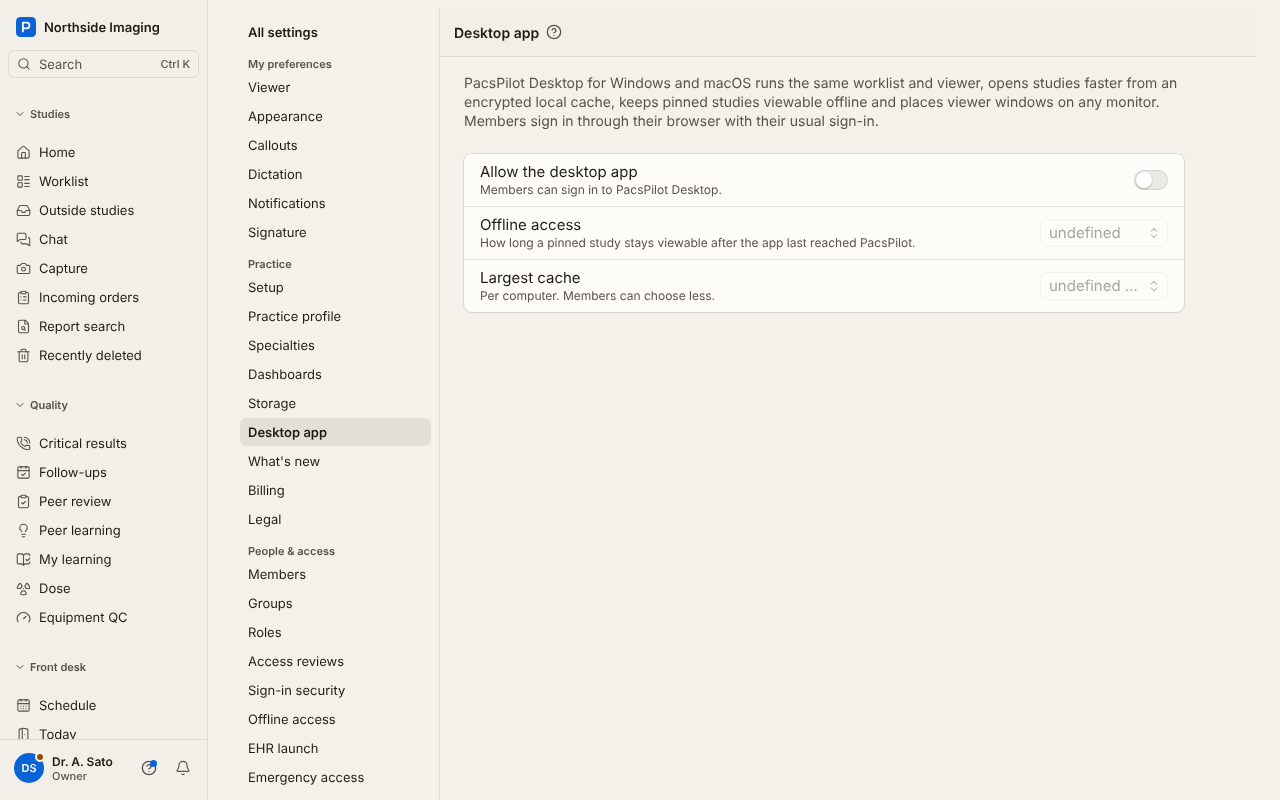
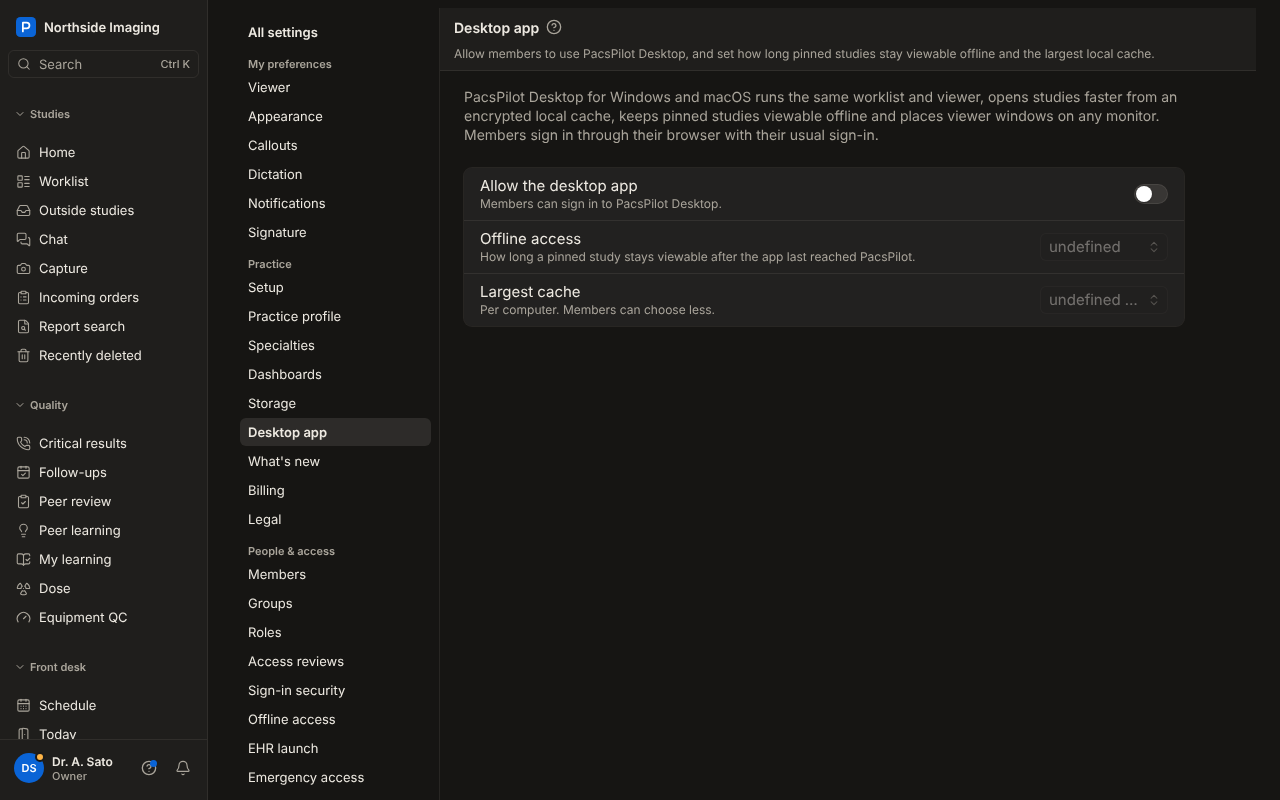
PacsPilot Desktop for Windows and macOS runs the same worklist and viewer as the browser. It opens studies faster from an encrypted local cache, keeps pinned studies viewable offline, and places viewer windows on any monitor. Members sign in through their browser with their usual sign-in.
Settings › Desktop app decides whether members of your practice may sign in to the desktop app, how long pinned studies stay viewable offline, and how large the cache on each computer may grow.
Who can use it
Owners and admins can open this page. It needs the tenant.settings permission, so a
custom role with that permission can open it too.
How to allow the desktop app
- Switch on Allow the desktop app.
- Choose Offline access: how long a pinned study stays viewable after the app last reached PacsPilot (1, 2, 3, 5, 7, 14 or 30 days).
- Choose Largest cache for each computer (5 to 500 GB). Members can choose less in the app.
Each change saves as soon as you make it. Offline access and Largest cache can only be changed while the desktop app is allowed.
How to stop members using the desktop app
- Switch off Allow the desktop app.
Members can no longer sign in to PacsPilot Desktop for your practice.
Fields and columns
| Name | What it means |
|---|---|
| Allow the desktop app | Members can sign in to PacsPilot Desktop. |
| Offline access | How long a pinned study stays viewable after the app last reached PacsPilot. |
| Largest cache | The most disk space the app's cache may use on one computer. Members can choose less. |
While the desktop app is allowed, studies opened offline are added to the Audit log when the app is back online. Signing out of the app deletes its cache.
If something goes wrong
- Could not load the settings: press Retry.
- Could not change the setting: the switch or choice goes back to what it was. Try again.
- Settings changed at the same time; try again: someone else changed this page at the same time. Reload it and make your change again.
- A member sees The desktop app is turned off for this practice when signing in to the app: switch on Allow the desktop app.
Related
Updated October 19, 2026. Signed in? The same article is in the app's help panel: press
?.