Fax
Set up faxing of signed reports to doctors' offices and hospitals, step by step, and check the setup before reports go out.
What this page is for
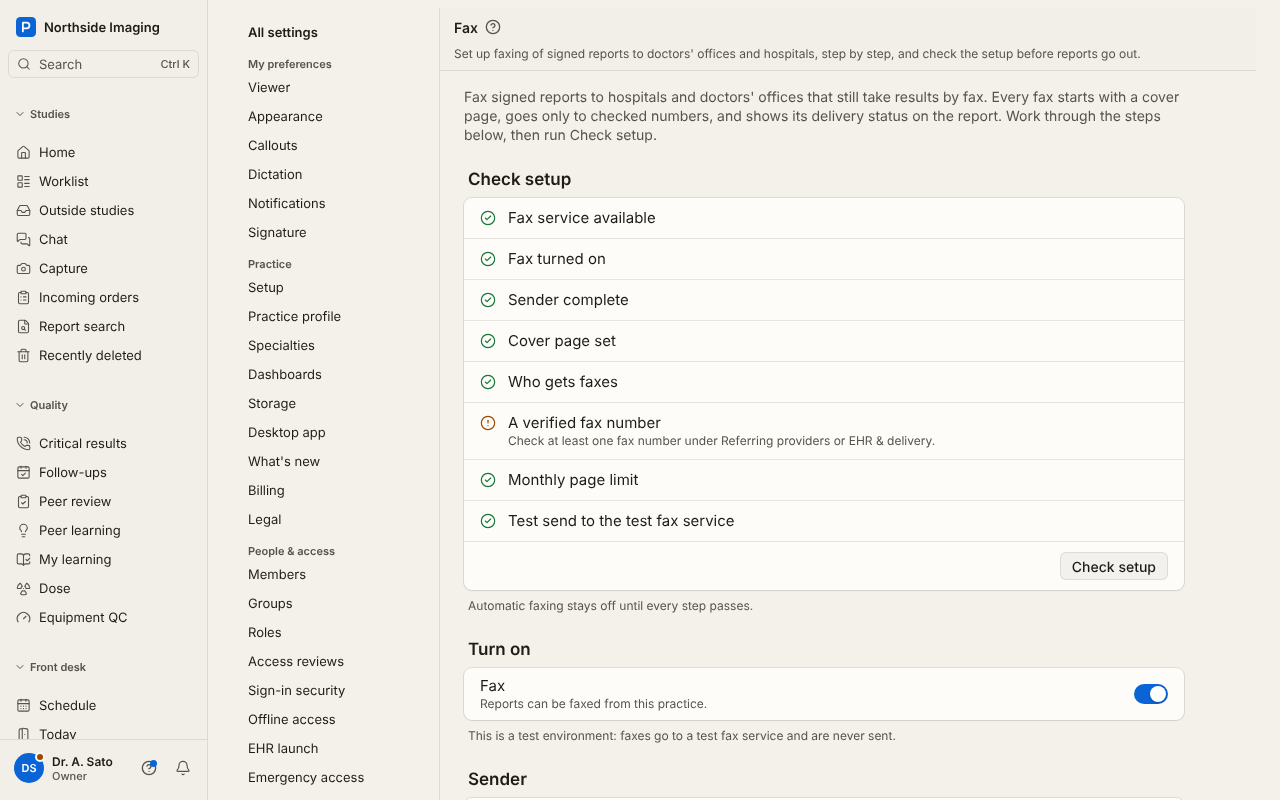
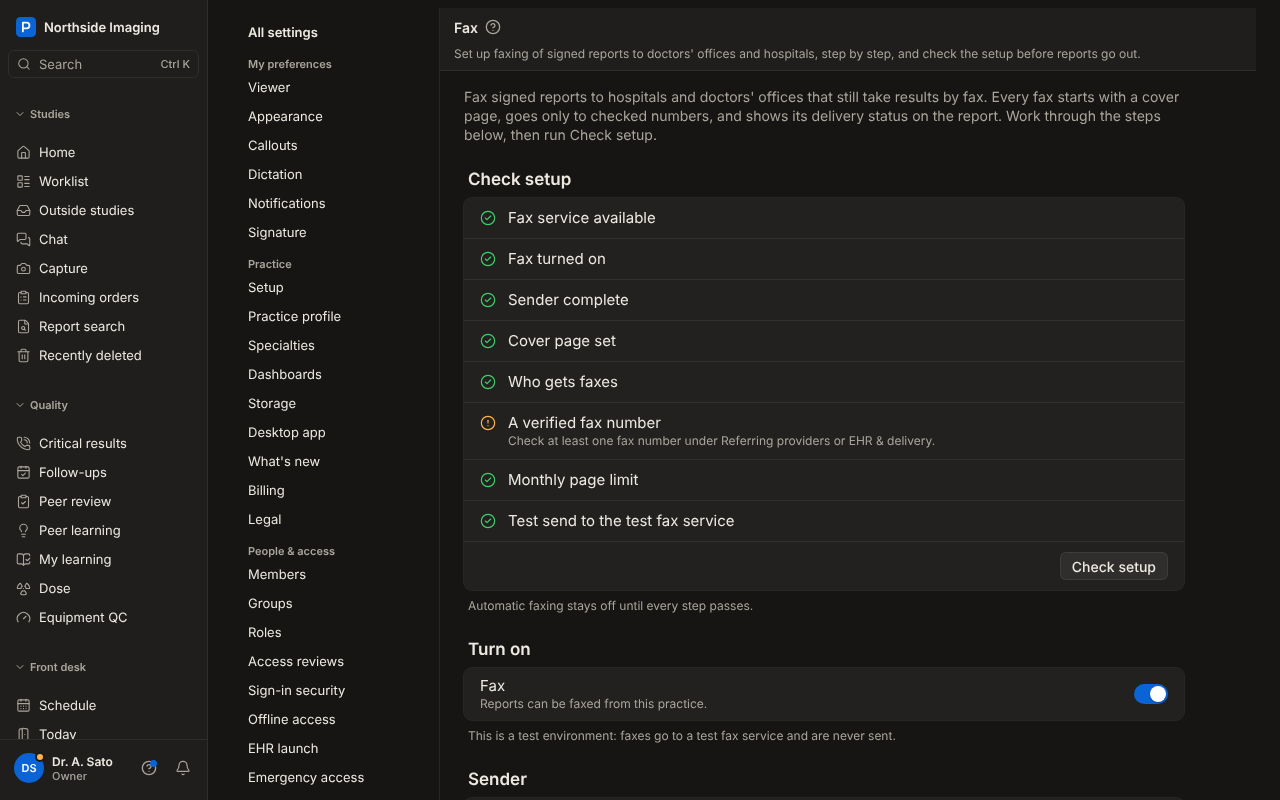
Many hospitals and doctors' offices still take results by fax. Settings › Fax sets up faxing of signed reports from PacsPilot: who sends them, what the cover page says, who gets them, and how many pages a month the practice may send. Every fax starts with a cover page, goes only to fax numbers your practice has checked, and shows its delivery status on the report.
Work through the groups on the page from top to bottom, then press Check setup. Automatic faxing stays off until every step passes.
Who can use it
Owners and admins can open this page. It needs the fax.manage permission. Only the
practice owner can turn fax on and change the monthly page limit.
The page shows only when PacsPilot offers fax for your practice.
How to set up fax
- Turn on: the practice owner switches on Fax and accepts the fax vendor's business associate agreement (BAA) terms. This is asked once.
- Sender: enter the practice name and a callback phone. Both are printed in the header line of every page and on the cover page. Add a reply fax if you have one. Switch on Own fax number to ask PacsPilot for a fax number for your practice alone; it is billed monthly once assigned.
-
Cover page: keep or edit the confidentiality notice.
{practice phone}is replaced with your callback phone. The notice cannot be empty. Add an optional note, such as office hours. - Who gets faxes: choose whether the ordering doctor and copy-to doctors get faxes, which reports are faxed, and whether studies without an order go to fixed fax numbers. List modalities that are never faxed under Never fax.
- Limits: check the monthly page limit and add up to five emails for the alerts at 80% and 100%.
- Check at least one fax number in Referrers, or for a fixed fax destination in EHR results › Fax. Reports are faxed only to checked numbers.
- Press Check setup. Each step that still needs something shows what to do, with a link to the place to fix it.
- When every other step passes, Check setup sends a test fax with no patient information: to PacsPilot's test fax service, or once fax is live, to your reply fax number. Press Check setup again a minute later to see that it was delivered.
- When every step passes, switch on Automatic faxing under Who gets faxes.
Each change saves as soon as you leave the field or flip the switch. Changing the sender or the cover page means running Check setup again, with a new test fax, before automatic faxing can be turned on. The setup checklist shows Fax reports as done while Check setup has passed.
Who receives a fax
- Ordering doctor and copy-to doctors get a fax only when their entry in the referring provider directory says Fax and their number has been checked.
- Doctors who already get results through your EHR connection are not faxed.
- Fixed fax numbers, such as a hospital records room, are set up as fax destinations in EHR results › Fax.
Fields and columns
| Name | What it means |
|---|---|
| Fax | Reports can be faxed from this practice. Only the owner turns it on. |
| Practice name | Printed in the fax header and on the cover page. |
| Callback phone | Printed in the fax header and in the "received in error" line of the cover page. |
| Reply fax | Optional fax number for replies. US and Canada numbers only. |
| Own fax number | Ask PacsPilot for a dedicated fax number, billed monthly. |
| Confidentiality notice | The text on every cover page. The cover shows the patient's initials and accession only. |
| Automatic faxing | Fax each report as it is signed. Available once Check setup passes. |
| Reports to fax | Final, amended and corrected, preliminary, and critical result communications. |
| Studies without an order | Fax reports on studies with no order to fixed fax numbers. |
| Never fax | Modalities left out of automatic faxing, such as MG. |
| Pages a month | The monthly limit, cover pages included. At the limit, faxes wait; they are never dropped. |
| Quiet hours | Faxes due in this window wait until it ends. Off by default because hospitals take faxes all day. |
If something goes wrong
- Only the practice owner can turn on fax: ask the owner to switch it on.
- Acknowledge the fax vendor's business associate agreement first: switch on Fax again and tick the acknowledgement.
- PacsPilot's fax service is not available yet: nothing is needed from you; fax becomes available when PacsPilot's fax service is ready.
- Run Check setup until every step passes first: press Check setup and fix each step it lists.
- The test fax is on its way: press Check setup again in a minute.
- The last test fax failed: the reason follows, such as a busy line. Check your reply fax number under Sender, then press Check setup to send another.
- Add a reply fax number under Sender: once fax is live, the test fax goes to your own fax machine, so it needs a reply fax number.
- Only the practice owner can change the page limit: ask the owner.
- Premium-rate numbers (900, 976) cannot receive faxes, Only US and Canadian fax numbers can receive faxes: enter a 10-digit US or Canada number.
- Settings changed at the same time; try again: someone else changed this page at the same time. Reload it and make your change again.
Related
Updated October 21, 2026. Signed in? The same article is in the app's help panel: press
?.