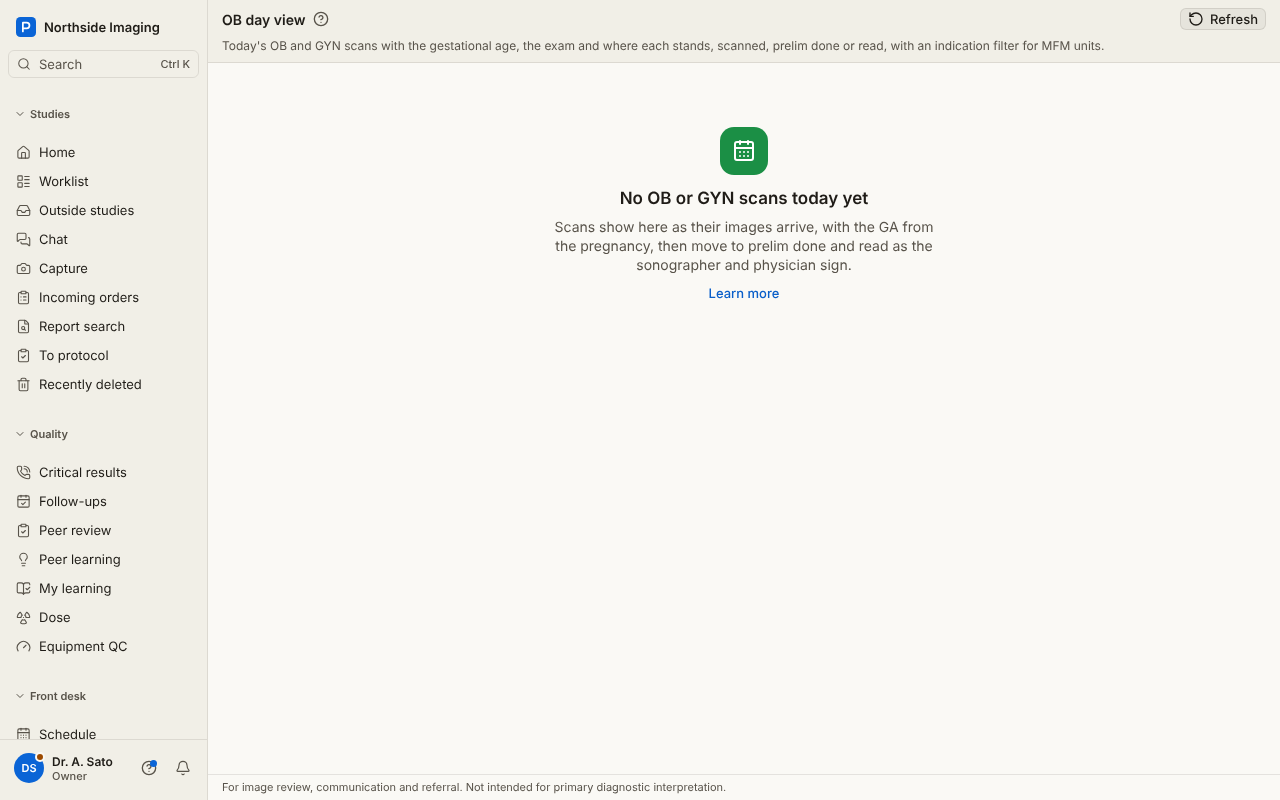
OB day view
Today's OB and GYN scans with the gestational age, the exam and where each stands, scanned, prelim done or read, with an indication filter for MFM units.
What this page is for
Specialties › OB day view lists today's OB and GYN ultrasound scans, earliest first. Each scan shows:
- The time, the exam (dating, nuchal translucency, anatomy, growth, cervix, BPP and Doppler, GYN pelvic or fertility) from the study description.
- The gestational age on the study date, from the pregnancy's EDD, or the scanner's own GA while the pregnancy has no EDD yet. A scan that is not linked to a pregnancy says No GA.
- The number of fetuses for a multiple pregnancy, and the order's reason for the scan.
- Where it stands: Scanned, prelim to do; Prelim done, waiting for the physician once the sonographer's preliminary read or a draft report is saved; Read once the report is signed or the study is marked reviewed.
The page appears while the OB/GYN pack is on under Settings › Specialties. It reads today's ultrasound studies by study date. Other ultrasound, such as a renal or thyroid scan, is not listed unless the study is linked to a pregnancy.
Who can use it
Members who can see studies see the day view. It shows only the studies you can already see on the worklist.
How to filter by indication
Maternal-fetal medicine units can narrow the list to one kind of referral.
- Open Specialties › OB day view.
- Select one or more indications above the list: Multiples, Fetal growth, Hypertension, Diabetes, Placenta, Cervix or preterm, Anomaly or fetal echo or Maternal age. The number beside each is how many of today's scans have it. Picking two shows scans that have both.
- Select an indication again to remove it.
Indications come from the words in the order's reason and clinical information, the order's ICD-10-CM codes, and the pregnancy's number of fetuses. A scan without an order only shows Multiples when its pregnancy has more than one fetus.
How to open a scan
Select a scan to open it in the viewer. Select Refresh to pick up scans that arrived since. A very busy day shows the first 300 ultrasound studies and says so.
Fields and columns
- Patient: the name from the images.
- Time and exam: the study time and the exam the study description names, or OB/GYN ultrasound for a scan linked to a pregnancy whose description names none.
- GA: weeks and days on the study date, or No GA.
- Fetuses: shown for a multiple pregnancy.
- Reason: the order's reason and clinical information, when the scan has an order.
- Stage: Scanned, prelim to do; Prelim done, waiting for the physician; or Read.
If something goes wrong
- The page is missing from the sidebar: the OB/GYN pack is off under Settings › Specialties.
- A scan is missing: its study date is not today, it is not ultrasound, its description names no OB/GYN exam and it is not linked to a pregnancy, or you cannot see that study on the worklist.
- A scan says No GA: link the study to a pregnancy and set the EDD, or send the scanner's structured report with its GA.
- An indication is missing: indications come from the order. A scan without an order, or an order without a reason or codes, has none except Multiples from the pregnancy.
Related
Updated November 7, 2026. Signed in? The same article is in the app's help panel: press
?.