Roles
Create custom roles with exactly the permissions a member needs, and edit or delete them.
What this page is for
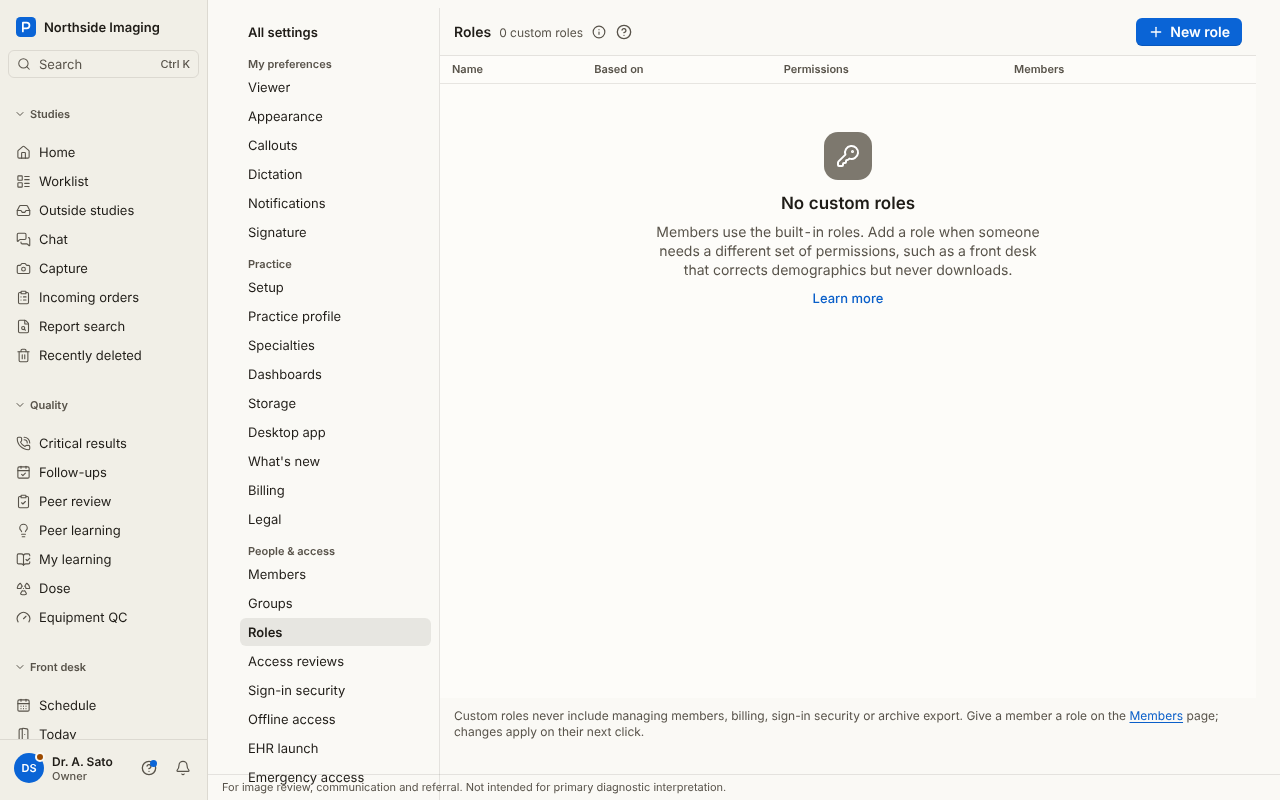
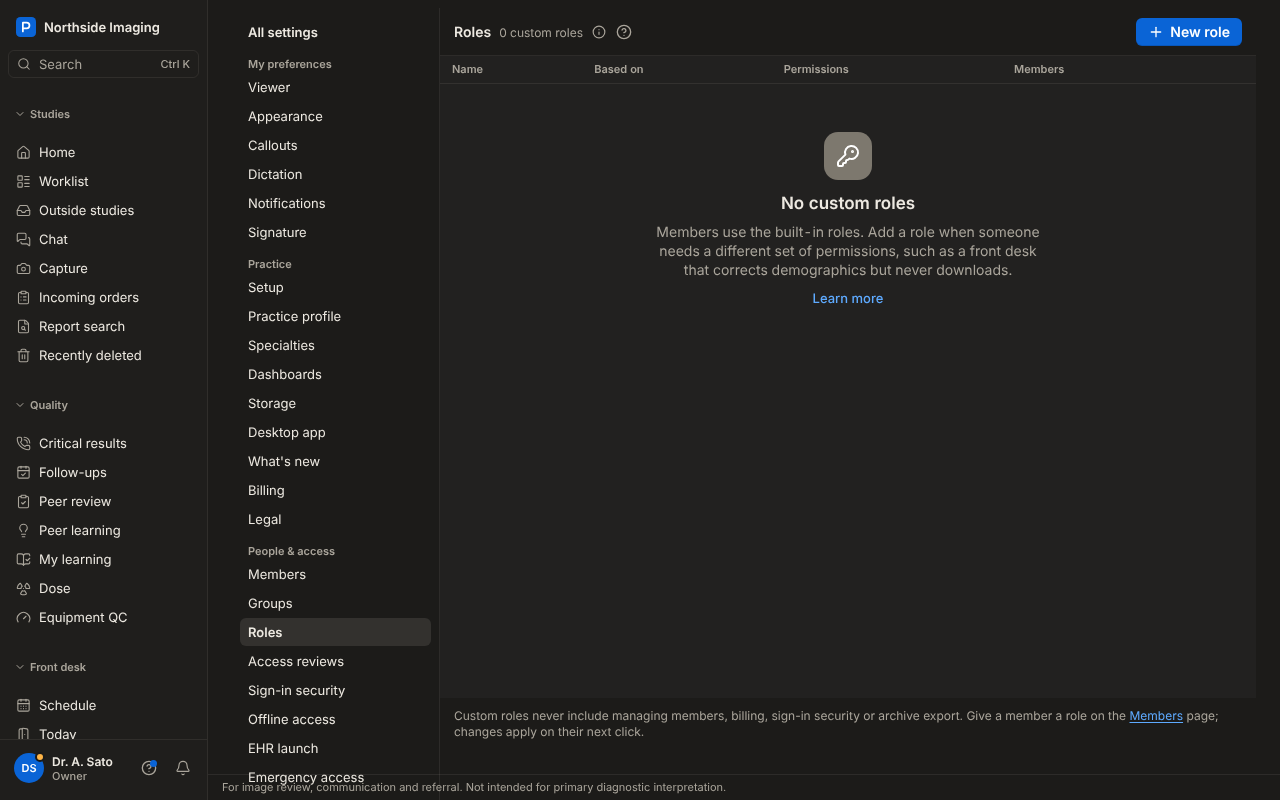
Settings › Roles lists your practice's custom roles. The built-in roles (Owner, Admin, Physician, Technologist and Viewer) fit most people. When someone needs a different set of permissions, such as a front desk that corrects demographics but never downloads, you create a custom role here and give it to them on Settings › Members.
Who can use it
Owners and admins can open this page. It needs permission to manage members, which a custom role cannot grant.
How to create a custom role
- Press New role.
- Enter a Name.
- Choose Based on: Physician, Technologist or Viewer. Members with the custom role are listed with this built-in role, and keep it if the custom role is deleted.
- Tick the permissions the role should have. View studies is always included.
- Press Create role.
The permission groups you see depend on which features your practice has, for example Scheduling or Breast imaging.
How to give a role to a member
- Open Members.
- Choose the custom role in the member's Role picker. Custom roles are listed after the built-in ones.
Changes apply on the member's next click.
How to edit or delete a role
- Press Edit in the role's row, change it, and press Save.
- To remove a role, press Delete, then Delete in the confirmation.
A role that members still have cannot be deleted. The dialog says how many members have it and offers Open Members, so you can give them another role first.
Fields and columns
| Name | What it means |
|---|---|
| New role | Opens the role editor. Unavailable once the practice has the most custom roles allowed. |
| Name | The role's name. Passkey shows when members with the role must sign in with a passkey. |
| Based on | The built-in role the custom role is listed with, and falls back to. |
| Permissions | What the role lets members do. |
| Members | How many members have the role. |
| Edit / Delete | Change or remove the role. |
| Permission groups | In the editor: Studies, Sharing, Reports, Admin, Research and teaching, and more depending on your practice's features. |
A role that can Read the audit log and reports, Change practice settings, Delete studies or work as the peer review QA committee needs a passkey. The editor says so: "Members with this role must sign in with a passkey."
Custom roles never include managing members, billing, sign-in security or archive export.
If something goes wrong
- A role with this name exists: choose another name.
- A practice can have at most 20 custom roles: delete a role you no longer need first.
- A custom role cannot grant user admin, billing, security or archive export: these stay with owners, and admins for managing members.
- Members still have this role; give them another role first: change their role on Members, then delete it.
- An identity provider group mapping sets this role; change the mapping first: change the group mapping on Settings › Sign-in security, then delete the role.
- Could not load roles: press Retry.
- The role could not be saved: try again.
Related
- Create a custom role
- Invite members and manage their access
- Passkeys and sign-in security
- Members
- Groups
- Sign-in security
Updated October 19, 2026. Signed in? The same article is in the app's help panel: press
?.