Notifications
Choose which notifications reach you in the app and by email, how often your digest comes, and hold emails during quiet hours.
What this page is for
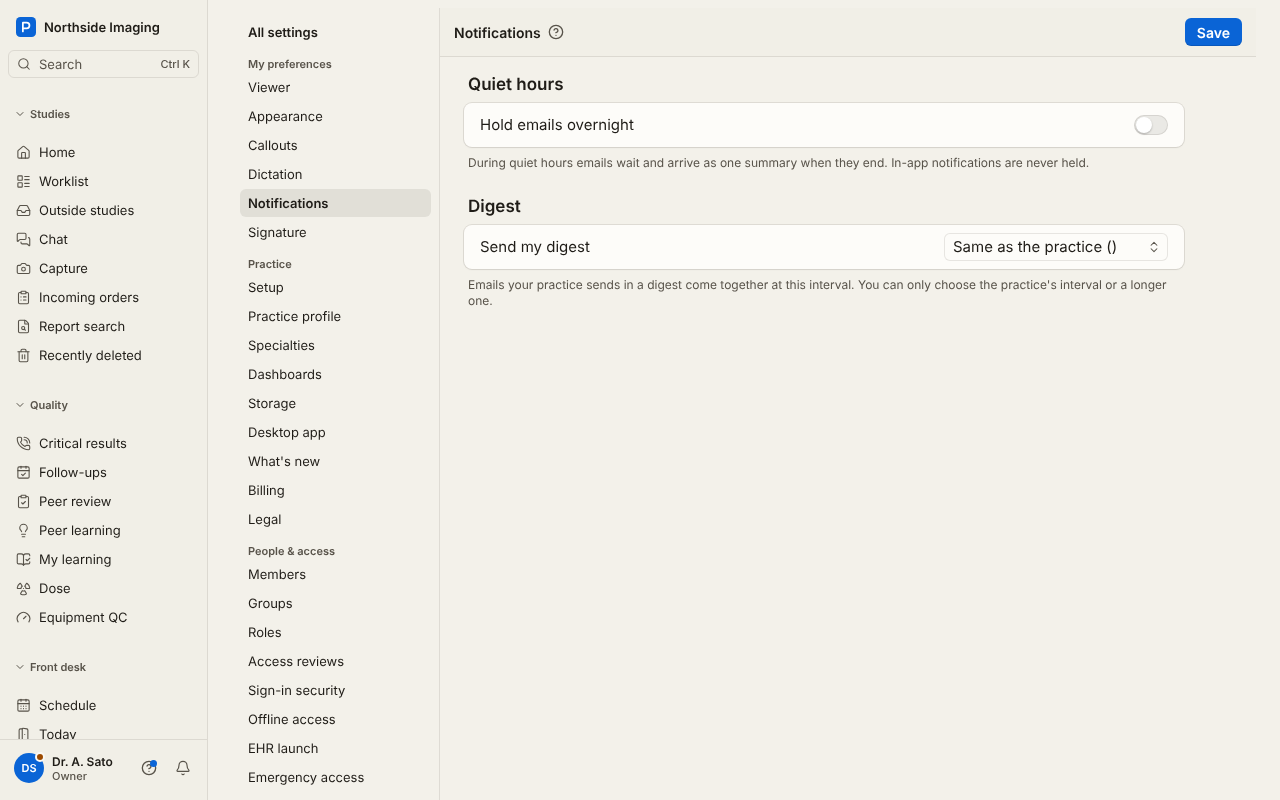
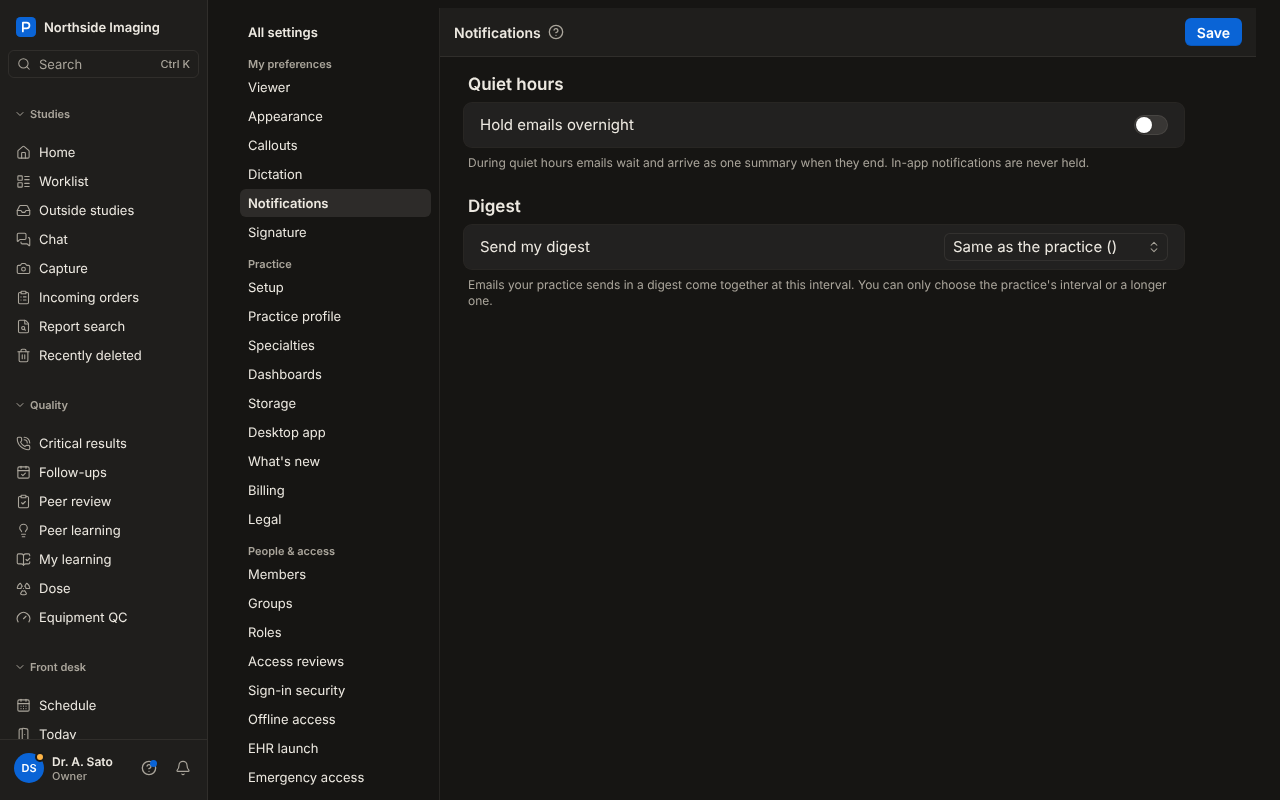
Settings › Notifications holds your own notification preferences. For each kind of event you can turn the in-app notification and the email on or off, and you can hold emails overnight with quiet hours.
What you can receive at all is set by the practice. This page only turns channels off for you.
Who can use it
Every member can use this page while the practice has notifications turned on. If notifications are off for the practice, the page is not listed in Settings.
The events listed depend on your role. Billing events show only to owners.
How to choose your notifications
- Open Settings › Notifications.
- For each event, tick or clear In app and Email.
- Press Save.
Some boxes are ticked and greyed out because they cannot be turned off: Level 1 critical results always reach you in the app and by email, and owners always get security alerts, such as break-glass access, in the app.
How to choose your digest interval
- Under Digest, open Send my digest.
- Choose Same as the practice, or a longer interval such as Every 4 hours or Once a day. You cannot choose a shorter interval than the practice's.
- Press Save.
How to set quiet hours
- Under Quiet hours, switch on Hold emails overnight.
- Choose the From and Until times. They start as 20:00 and 07:00.
- Check the Time zone. It starts as your browser's time zone.
- Leave Also hold critical alerts off unless you are sure. When it is on, an offline site or a STAT study would wait until morning.
- Press Save.
During quiet hours, emails wait and arrive as one summary when quiet hours end. In-app notifications are never held.
Fields and columns
| Name | What it means |
|---|---|
| Save | Saves all changes on the page. Nothing is saved until you press it. |
| Hold emails overnight | Turns quiet hours on or off. |
| From | When quiet hours start. |
| Until | When quiet hours end. |
| Time zone | The time zone for quiet hours: a US time zone, or your browser's own. |
| Also hold critical alerts | Holds critical alerts during quiet hours too. Not recommended. |
| Send my digest | How often emails the practice sends in a digest reach you. Same as the practice follows the practice's interval. |
| Event groups | Events are grouped as Sites, Uploads, Interfaces, Clinical, Account and System. Only groups with events for your role show. |
| In app | Show this event in the app. |
| Send this event by email. Billing events have no Email box: "Billing emails always go to owners." |
If something goes wrong
- Could not load your preferences: reload the page.
- Could not save your preferences: check the quiet hours times, then press Save again.
- Your digest can only be as often as the practice's or less often: choose a longer interval. The practice changed its interval after you saved yours.
- Unknown time zone: choose another time zone from the list.
- The page is not in Settings: your practice has notifications off. Ask an owner or admin.
Related
Updated October 26, 2026. Signed in? The same article is in the app's help panel: press
?.