Outside studies
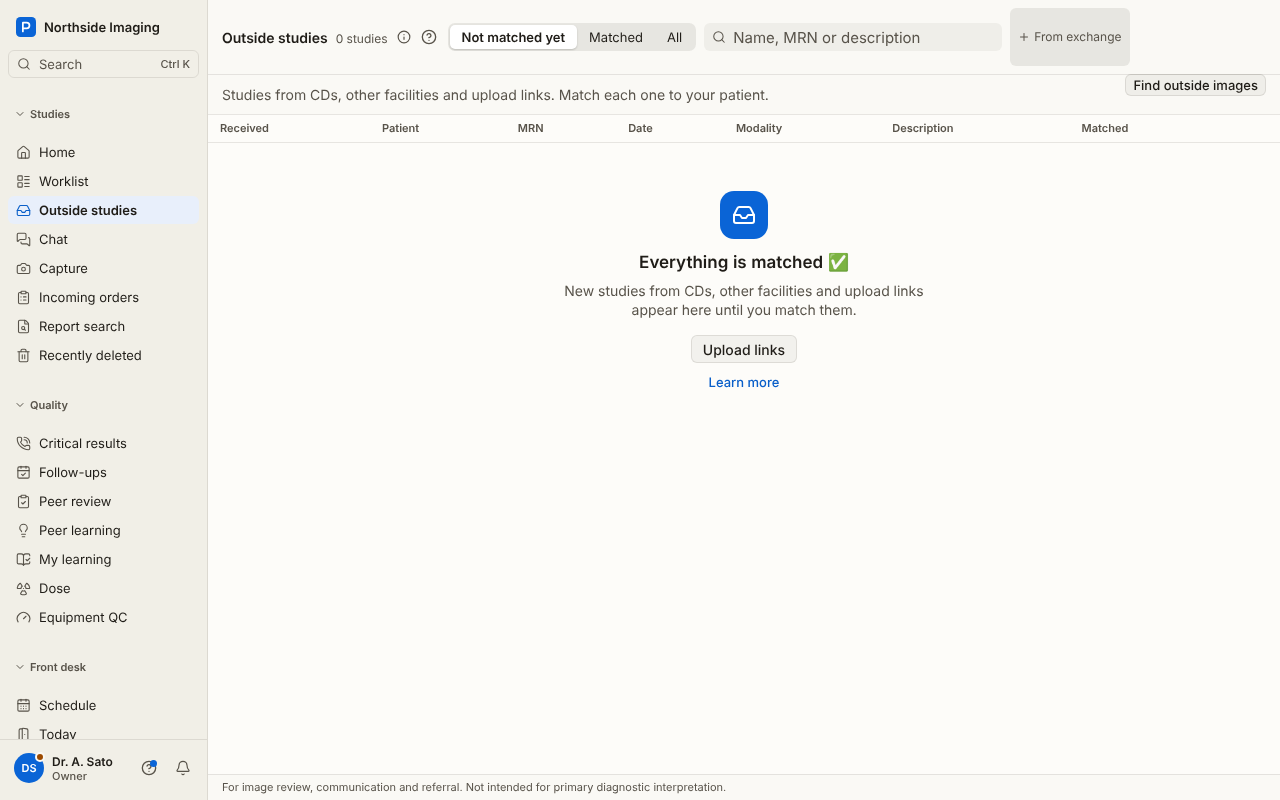
Studies from CDs, other facilities and upload links, waiting to be matched to your own patients so they are filed under your MRN.
What this page is for
Outside studies lists studies that came from outside your practice: browser uploads marked as outside images (a CD or another facility), uploads through Upload links and, when your practice uses image exchange, studies from the exchange. They carry another facility's patient ID and accession number, so each one needs to be matched to a local patient.
Matching files the study under your patient's MRN. The original outside IDs are kept.
Who can use it
Every member who sees the whole practice can open the page and look at outside studies.
-
Matching needs the
study.correctpermission: owners, admins and technologists. Other roles can open a study's details but cannot change them. - Members in a visibility group do not see Outside studies in the sidebar, and the list is empty for them. Matching is practice-wide work.
- Find outside images shows only when image exchange is on and your role can upload and view studies.
How to match an outside study
- Choose Not matched yet (the default).
- Press Match on the row. You can also press the Outside tag in the Status column of the Worklist.
- The Match outside study to a patient dialog shows the outside IDs and suggests local patients. Each suggestion shows what it matched on, such as same MRN, same name, same birth date or same accession.
- If the right patient is not listed, type in Search your patients (MRN or name) and press Search.
- Under Local patient, choose the patient. If the patient is new to your practice, choose New patient with MRN and type your MRN.
- Optionally fill in Local accession number (optional) and Reason (optional).
- Press File under this patient.
A message says Filed under MRN with the MRN you chose, and the study leaves the Not matched yet list.
How to check or redo a match
- Choose Matched or All.
- Press Details on a matched study. The dialog shows the MRN it is filed under and the original name, MRN, issuer and accession.
- To fix a wrong match, choose the right patient and press File under this patient again.
How to find images at other organizations
When image exchange is on, press Find outside images to search other organizations for a patient's images. Press From exchange to show only studies that came from the exchange; press the × on Source: Exchange to show all again.
Fields and columns
| Name | What it means |
|---|---|
| Not matched yet, Matched, All | Which outside studies to show. |
| From exchange, Source: Exchange | Shows only studies from image exchange. Shown while image exchange is on. |
| Search outside studies | Finds loaded studies by name, MRN, accession or description. |
| Count | Under the title: how many studies are shown, of those loaded so far ("+" means there are more). |
| Find outside images | Searches other organizations for images. Shown while image exchange is on. |
| Received | When the study arrived. |
| Patient | The patient's name as it arrived, or (no name). |
| MRN | The patient ID as it arrived. |
| Date | The study date. |
| Modality | The modalities in the study. |
| Description | The study description. From exchange names the community it came from. |
| Matched | Yes with the original MRN, or No. |
| Open | Opens the study in the viewer. Shown once the study can be viewed. |
| Match, Details | Opens the match dialog. Details is shown for a matched study. |
| Search your patients (MRN or name), Search | In the dialog: finds more local patients. |
| Local patient | In the dialog: the patient to file the study under. |
| New patient with MRN | In the dialog: files the study under a new MRN you type. |
| Local accession number (optional) | In the dialog: your own accession number for the study. |
| Reason (optional) | In the dialog: why you matched it. Kept with the match. |
| File under this patient, Close | In the dialog: saves the match, or closes without saving. |
| Load more | Shows more outside studies. |
The list refreshes by itself when studies arrive or change.
If something goes wrong
- Could not load outside studies.: press Retry on the message.
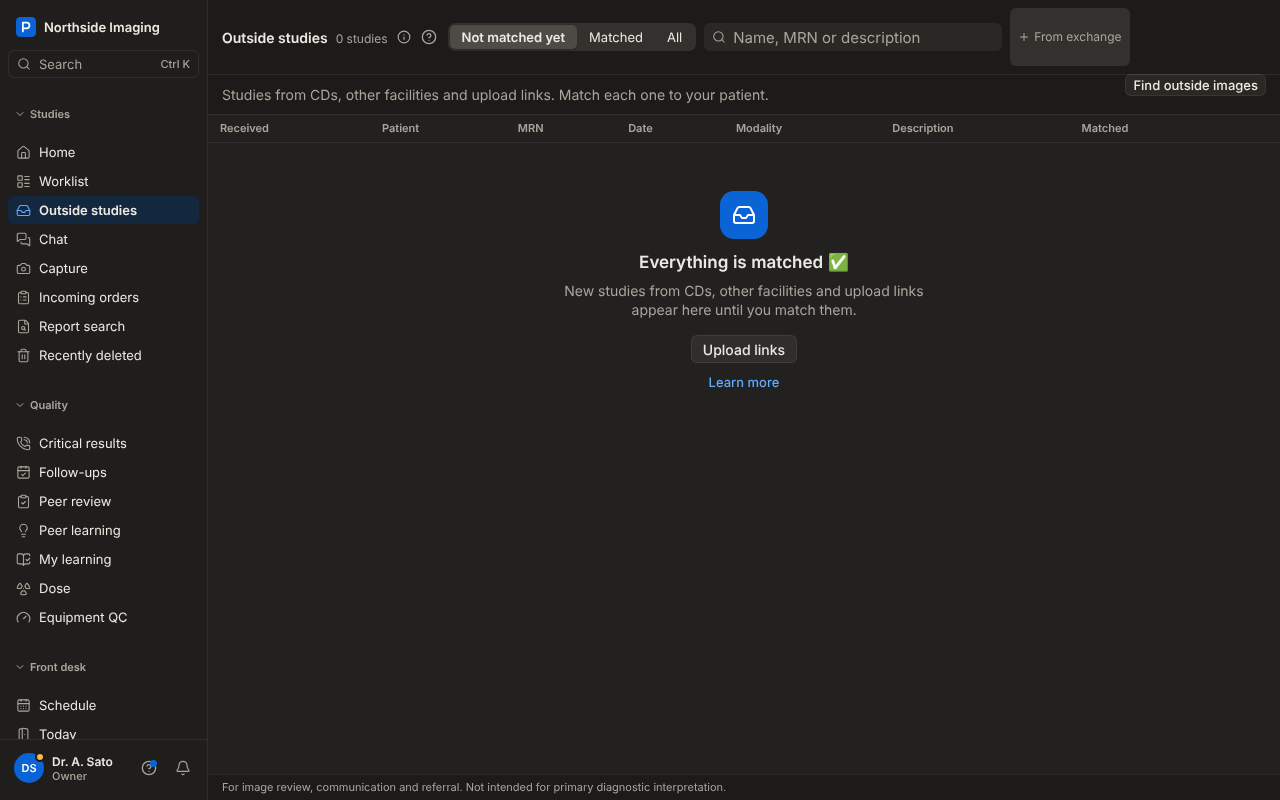
- Everything is matched: no outside study is waiting. New ones appear here until you match them.
- No outside studies: nothing has arrived from outside. Press Upload links to ask someone to send images.
- No matching patients found.: search by MRN or name, or choose New patient with MRN.
- Studies already use this patient ID; reconcile to that patient instead: you typed an MRN that already exists. Choose that patient from the list instead of New patient with MRN.
- No study is filed under the target patient: the patient you chose has no studies. Search again or use New patient with MRN.
- Source and target are the same patient: the study is already filed under that patient.
- There is no File under this patient button: your role cannot match studies. Ask an owner, admin or technologist.
Related
- Worklist
- Upload links
- Image exchange
- Audit log
- Match outside studies to your patients
- Receive images with an upload link
- Upload studies from your computer
Updated October 19, 2026. Signed in? The same article is in the app's help panel: press
?.