Tumor boards
Schedule a tumor board, line up the studies to present, and record the board's recommendation so it reaches the treating clinician.
What this page is for
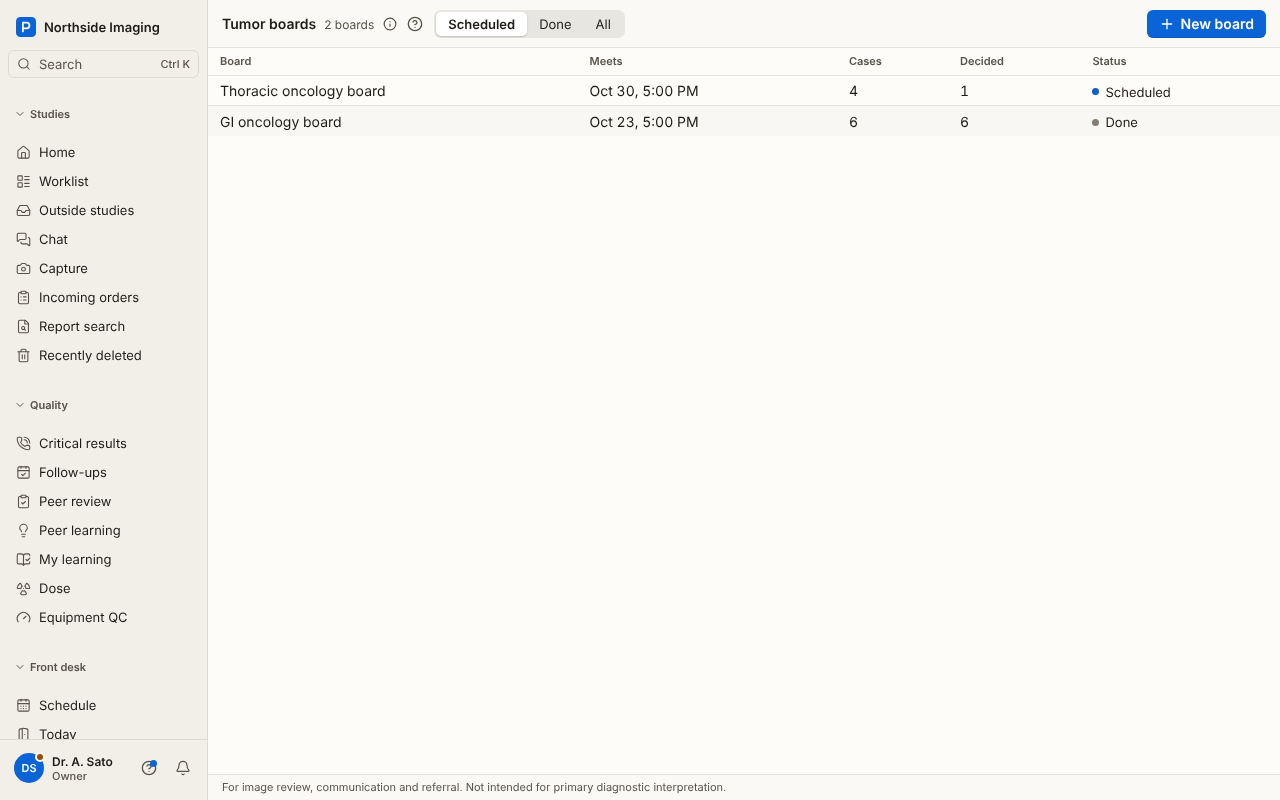
A tumor board is a meeting where readers, oncologists and surgeons review patients together. Specialties › Tumor boards lists your practice's boards, newest meeting first. Open a board to see its cases in presenting order, each with the question asked, the images and any linked pathology case, and the board's recommendation.
The page appears while the Oncology pack is on under Settings › Specialties.
Who can use it
Everyone who can view studies can open boards. A board only shows the cases whose studies you can see; a note says how many others there are.
Scheduling boards, adding cases and recording recommendations needs the
tumor_board.manage permission. Owners and admins have it. To let chosen readers run
boards, give them a custom role with it under Settings › Roles.
How to schedule a board
- Press New board.
- Enter a Name, such as "Thoracic oncology board". Do not put patient names in it.
-
Enter when it Meets, as a date and time such as
2026-10-30 17:00, in your time zone. -
Optionally paste your practice's Video call link (it must start with
https://). PacsPilot does not host the call. - Press Schedule board.
How to add a case
- Open the board and press Add case.
- Search for the study by name, MRN or accession and pick it.
- Optionally choose the Presenter and the Treating clinician, and write the Question for the board.
- Press Add case. A board holds up to 60 cases, and each study once.
How to present
Press Present on a case to open its study in the viewer. Start a live session there to let the other members follow your screen. Put the video call link on the board so everyone can join from it.
How to record the recommendation
- Press Record recommendation on the case.
- Write what the board recommends and press Save.
When the case names a treating clinician, saving sends it: they get a notification, and a
tumor_board.recommendation webhook fires if your practice uses webhooks. Webhooks and
audit entries carry IDs only, never the question or the recommendation. The case then shows
Sent.
Press Mark done after the meeting. A done board takes no new cases; Reopen puts it back.
Fields and columns
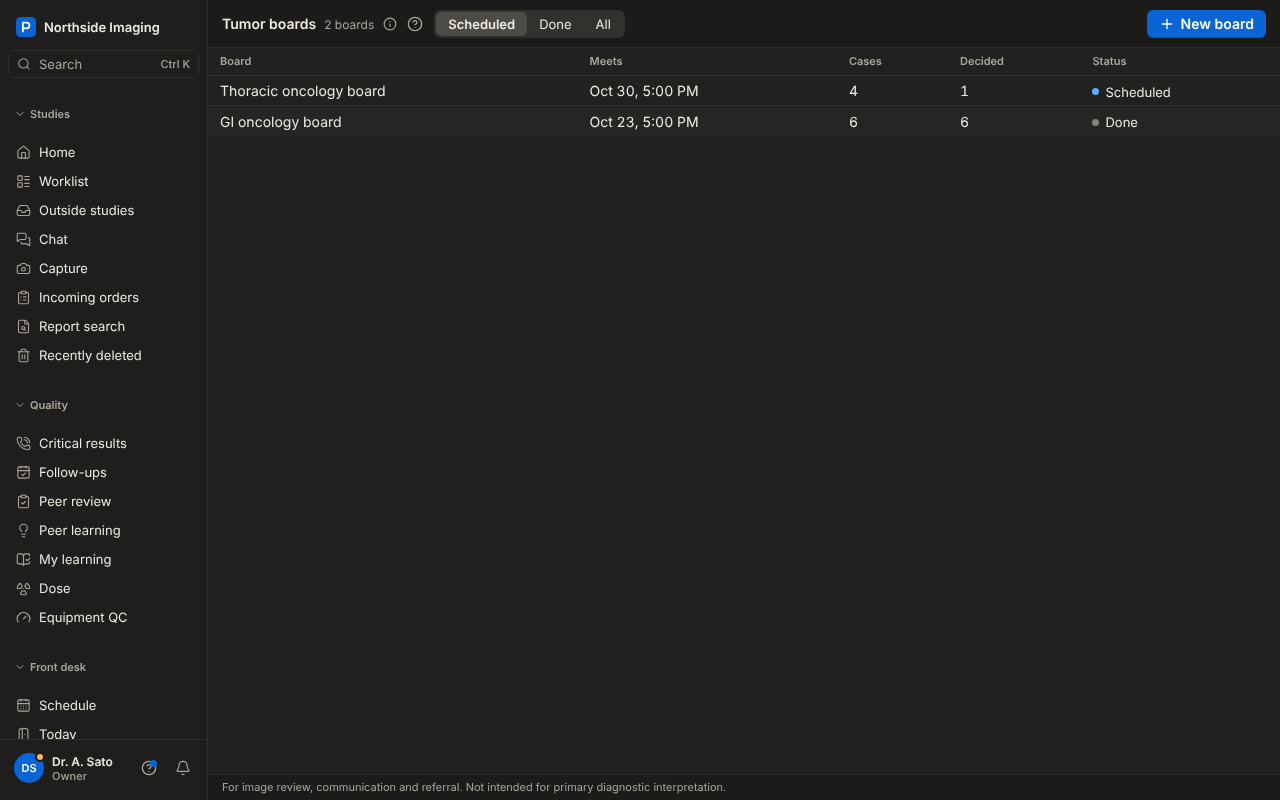
- Board: the name. Meets: date and time in your time zone.
- Cases: cases on the board whose studies you can see. Decided: of those, cases with a recommendation.
- Status: Scheduled, Done or Cancelled.
- On a case: the patient, study date, modality and description, the presenter and treating clinician, the question, and the recommendation with when it was recorded and whether it was Sent.
If something goes wrong
- "This study is already on the board": each study appears once per board.
- "The board is no longer scheduled": the board is done or cancelled. Press Reopen to add cases.
- "Pick members of this practice": the presenter and treating clinician must be active members who can view studies.
- "Someone else saved this first": reload the board and make the change again.
- The page is missing from the sidebar: the Oncology pack is off under Settings › Specialties.
Related
Updated October 24, 2026. Signed in? The same article is in the app's help panel: press
?.